Connect Any Folder to Foto Master Cloud
Until now, most Foto Master experiences depended on photos coming from a Foto Master booth workflow.
AI Hot Folder changes that.
Now, almost any camera workflow can power Foto Master Cloud.
Any folder on your computer can now feed your Cloud gallery, power Foto Master experiences, and automatically apply AI transformations - in real time.
📂 Introducing AI Hot Folder
AI Hot Folder is a new Windows & Mac app, free for Foto Master Cloud users.
It watches a folder on your computer, and when new photos are added to that folder, they can:
✅ Upload to Foto Master Cloud
✅ Appear instantly in your branded online Gallery
✅ Trigger connected Foto Master experiences
✅ Optionally apply AI effects automatically
If your setup saves image files into a folder, AI Hot Folder can work with it — whether that's tethering software, a DSLR workflow, a roaming photographer, or a shared folder. You can even point it at the output folder of another booth software and connect it directly into the Foto Master ecosystem.
☁️ One Cloud Gallery, Multiple Experiences
The biggest value here is not only AI. It's connection.
AI Hot Folder turns almost any photo workflow into a live source for Foto Master Cloud.
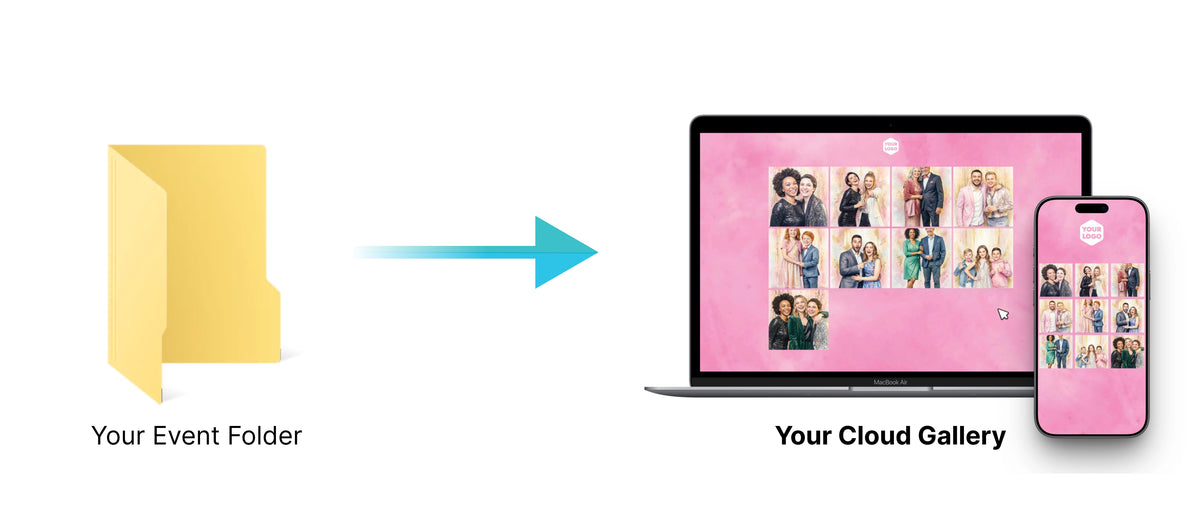
Once images reach the Cloud Gallery, they can power multiple experiences at the same time:
✅ A branded guest gallery with QR code access
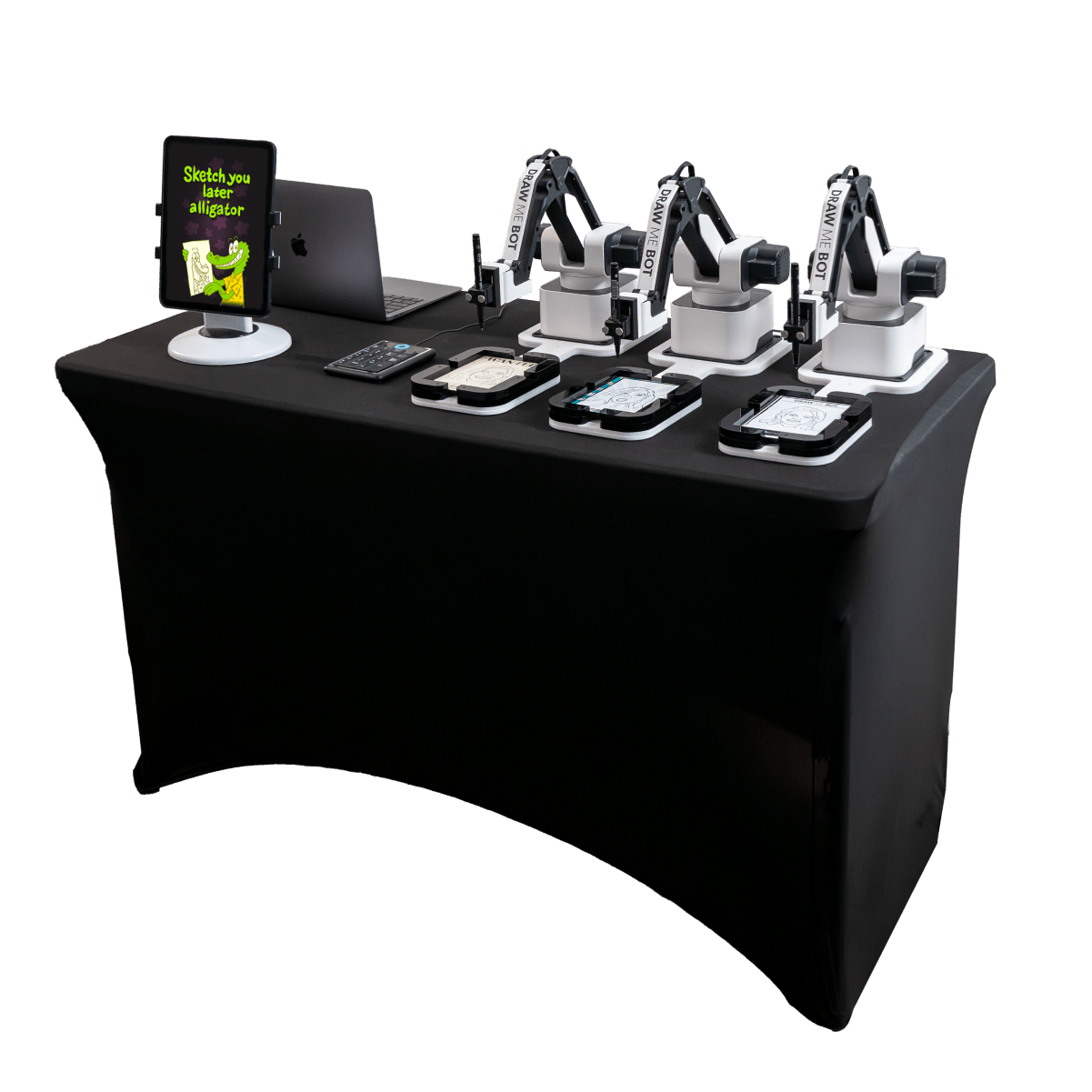
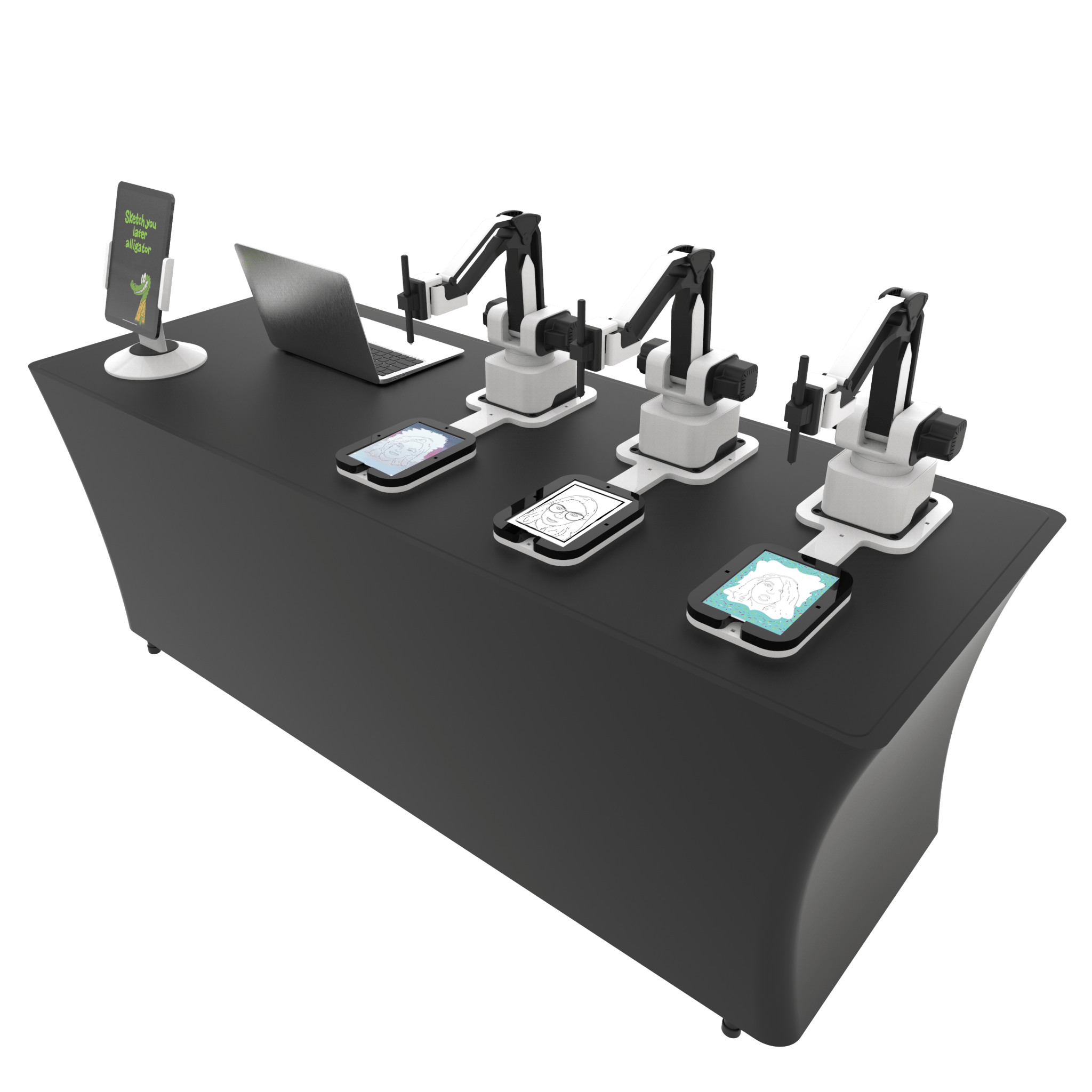
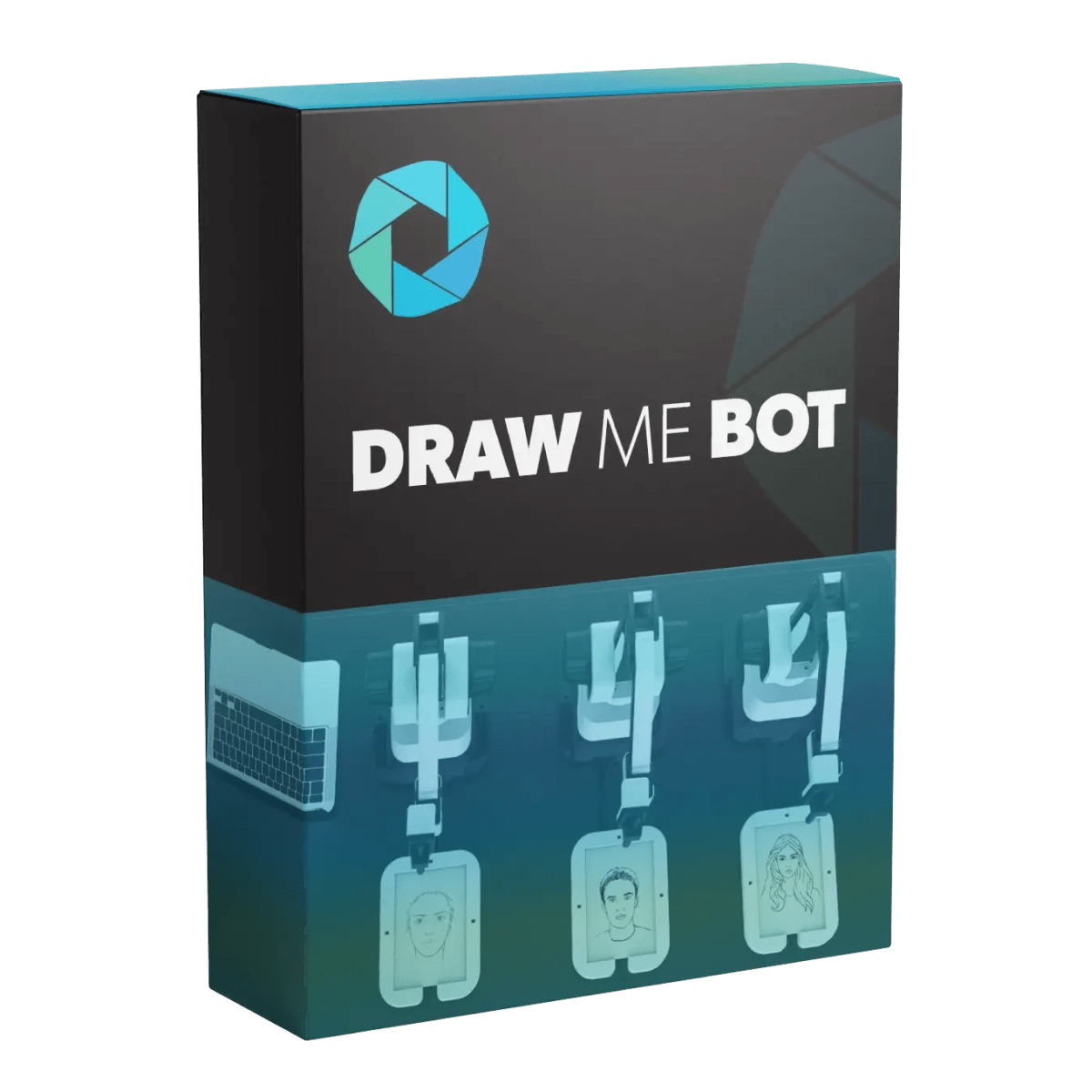
✅ Draw Me Bot
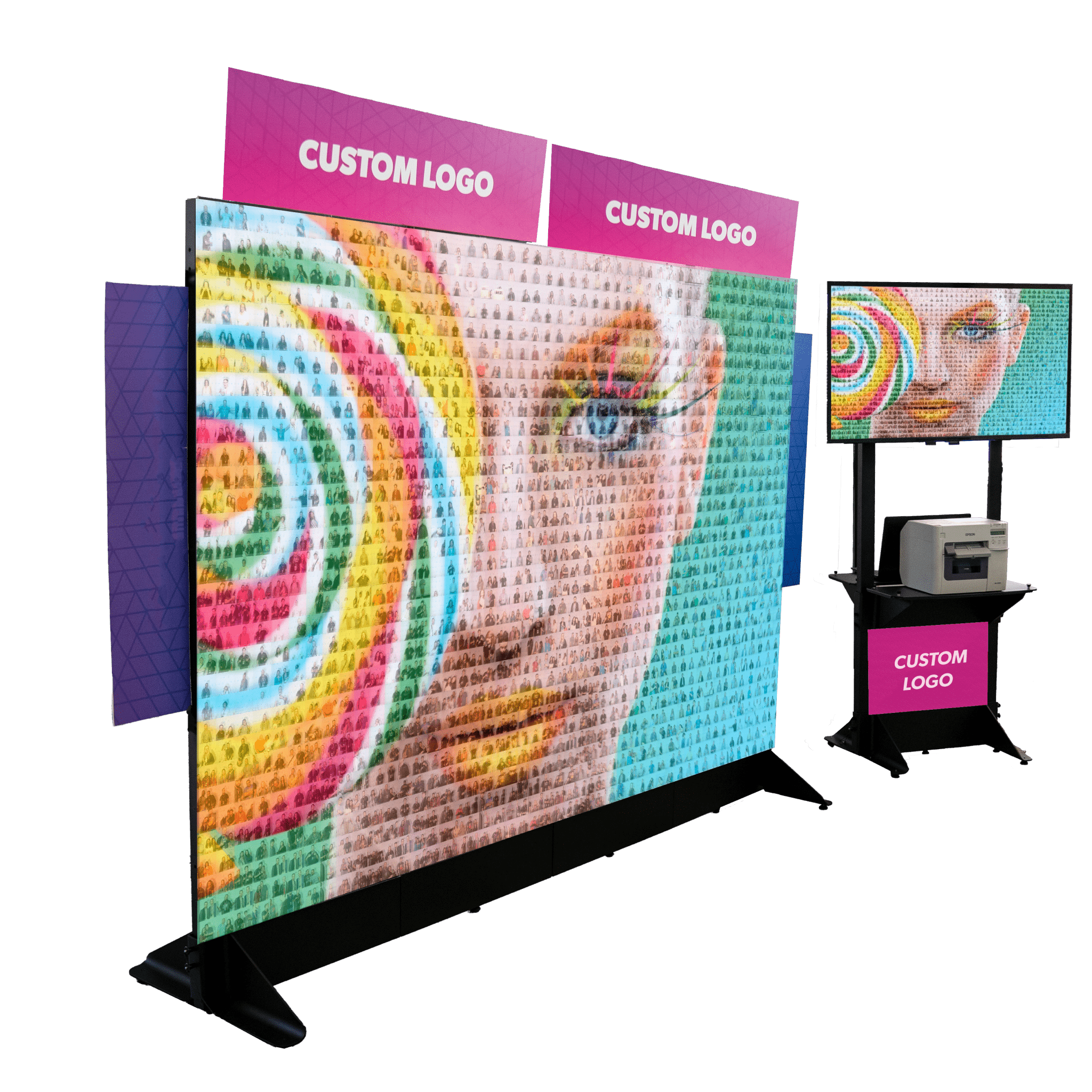
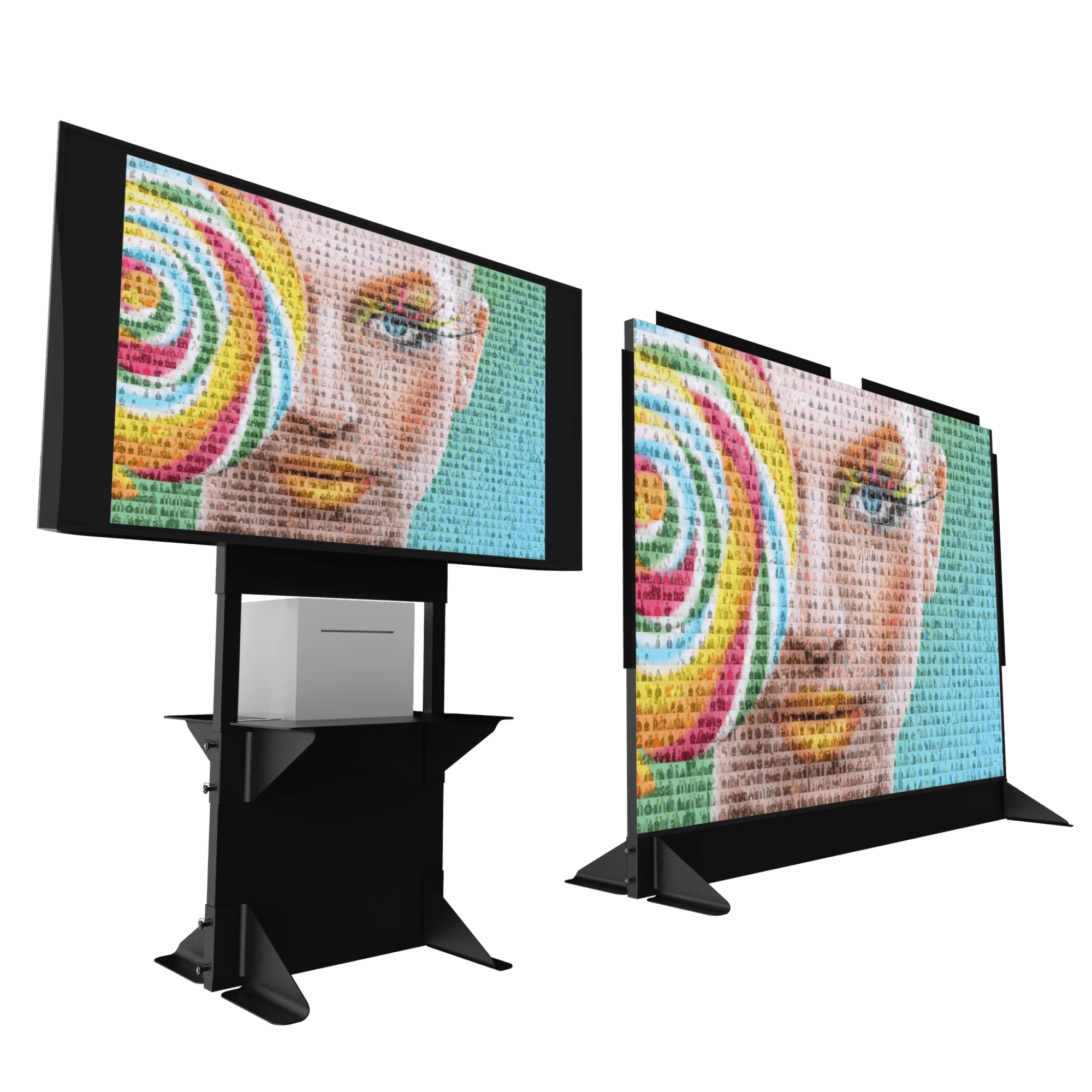
✅ Photo Mosaic Wall
✅ FMSlide live slideshows
✅ AI transformations (optional, on every photo)
And because everything runs through the Cloud, your systems do not need to be on the same computer.
Everything stays in sync through Foto Master Cloud.
📸 For Event Photographers
Photographers can now offer branded live galleries with QR access, with or without AI, without needing to run a traditional photo booth.
AI Hot Folder can watch any folder where photos are being added, automatically or manually. That could be a tethered camera workflow, photos copied from an SD card, or even a roaming photographer adding images throughout the event.
As photos are added, they upload into a branded Cloud Gallery where guests can instantly access, download, and share their photos through a QR code.
Keep the workflow simple with standard uploads, or automatically apply AI features before photos reach the gallery.
No complicated setup.
No extra workflow steps.
The workflow stays familiar while the guest experience becomes much more interactive.
🤖 For Draw Me Bot Owners
Draw Me Bot can now receive photos from external workflows through Foto Master Cloud.
Set up AI Hot Folder, choose the AI Draw Me feature, and every incoming photo can automatically flow into the Draw Me Bot experience.
That means simpler deployments, new types of activations, and more flexibility in how you run Draw Me Bot at events.

🧩 For Photo Mosaic Wall Users
Photo Mosaic Wall can now pull photos from almost any image source.
Roaming photographers, DSLR stations, third-party booth software, or external camera systems can all feed photos directly into the mosaic through Foto Master Cloud.

You can also apply AI effects before photos appear in the mosaic, or skip AI completely and build the mosaic using original event photos.
That flexibility matters at large events where setups are spread across multiple stations or locations.
🎞️ FMSlide: One Gallery, Live on the Big Screen
Every photo uploaded through AI Hot Folder can also appear automatically in FMSlide, a live slideshow app (included with your Cloud subscription).
FMSlide pulls directly from the Cloud gallery and updates in real time as new photos arrive.
No extra setup required.
✨ Add AI to Any Photo Workflow
AI Hot Folder makes it easy to turn almost any photo workflow into an AI-powered event experience.
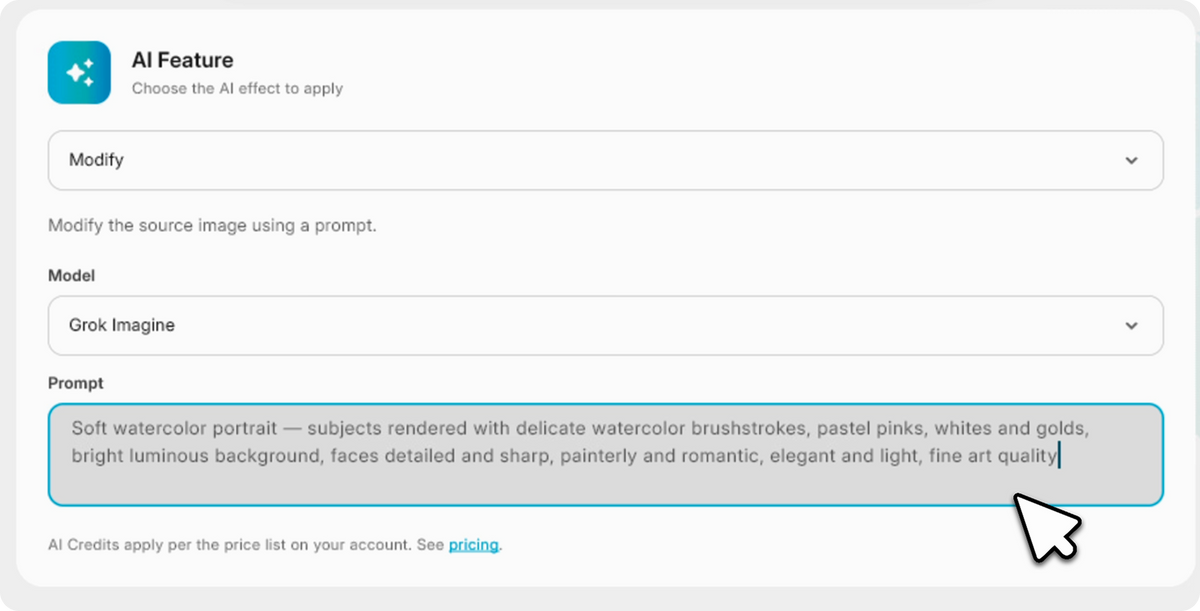
Enable any of Foto Master's 15+ AI features automatically (AI Modify, AI Combine, Image-to-Video, and more), and every photo gets transformed the moment it lands in the folder. The results go straight to your guests in real time.
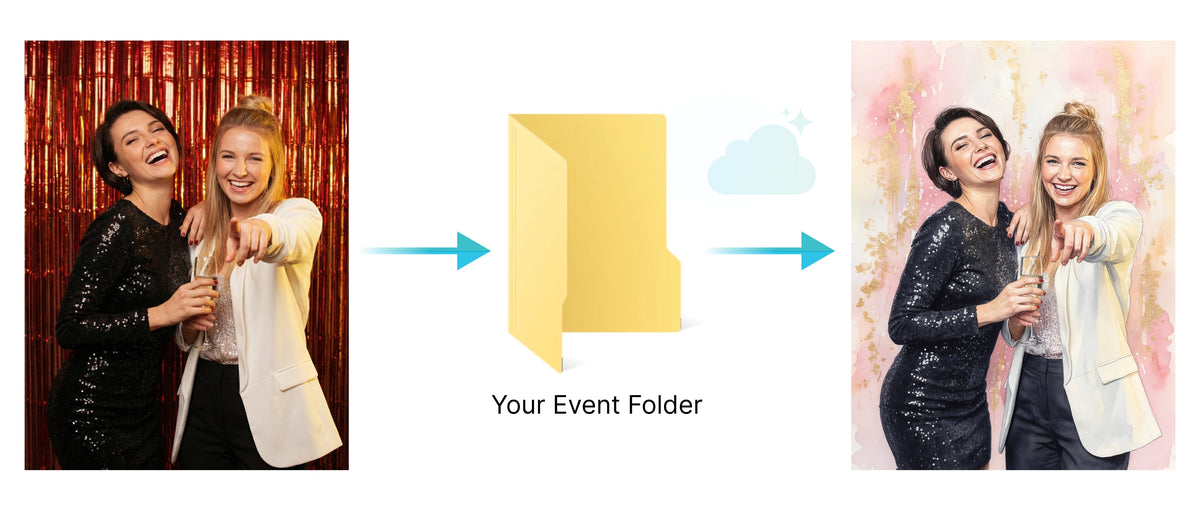
That means photographers, roaming activations, and even third-party booth systems can now offer the same AI-powered experiences available across the Foto Master ecosystem.
And when you want a simpler workflow, AI Hot Folder also works as a direct Cloud Gallery connection for instant sharing, QR galleries, slideshows, and more.
⚙️ Configure Once, Run All Night
Before the event starts, open the AI Config tab, choose your feature, set your prompt if needed. That's it.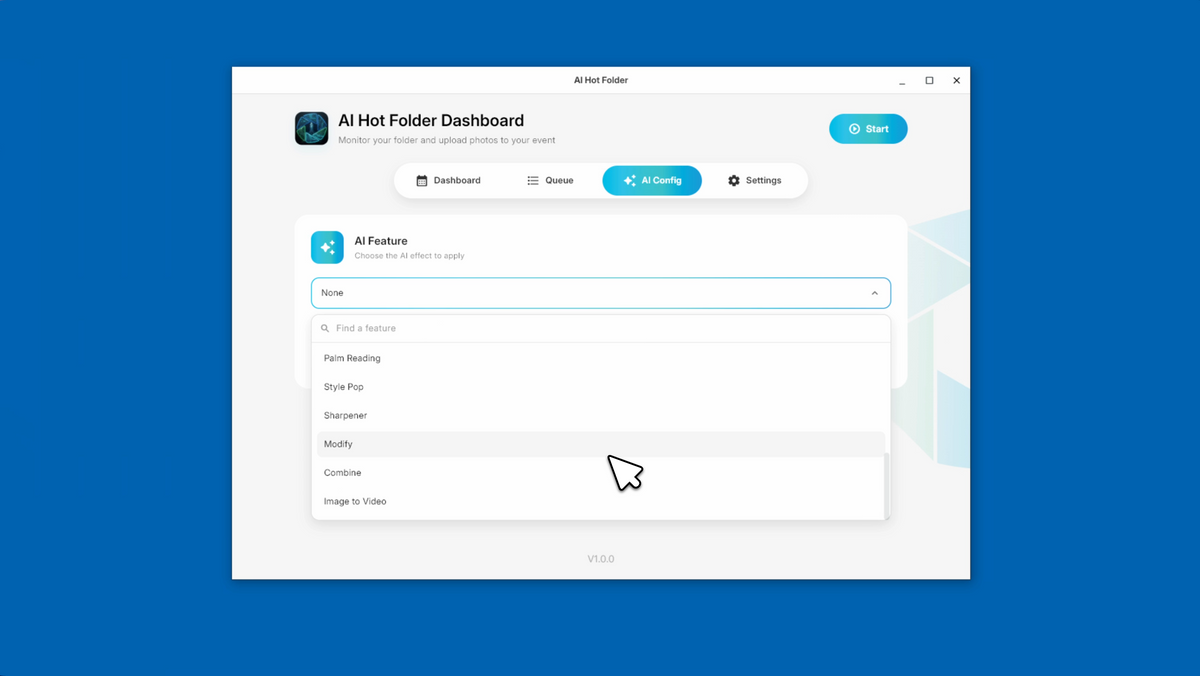
AI Hot Folder applies that configuration to every photo throughout the event while showing the live processing queue directly inside the app, including uploaded, waiting, processing, completed, and failed images.
That means you always know exactly what’s happening during the event.
☁️ What’s Included With Your Cloud Account
✅ AI Hot Folder
Automatic uploads from any watched folder on your PC
✅ Online Galleries
Share event media instantly through QR codes
✅ FMSlide
Display live slideshow during the event
✅ Access to 15+ AI Features
Use the same AI suite available across Foto Master experiences
*AI credits apply normally based on your Cloud plan. Basic or Pro Cloud subscription required.
🚀 How to Get Started
- Go to your Foto Master Cloud dashboard → Licenses
- Add the AI Hot Folder license for free
- Download and install the app on your computer
- Select your event, a folder, and the AI feature
- Drop photos in the folder, and watch it all run ✨
Available now for all Foto Master Cloud account holders.