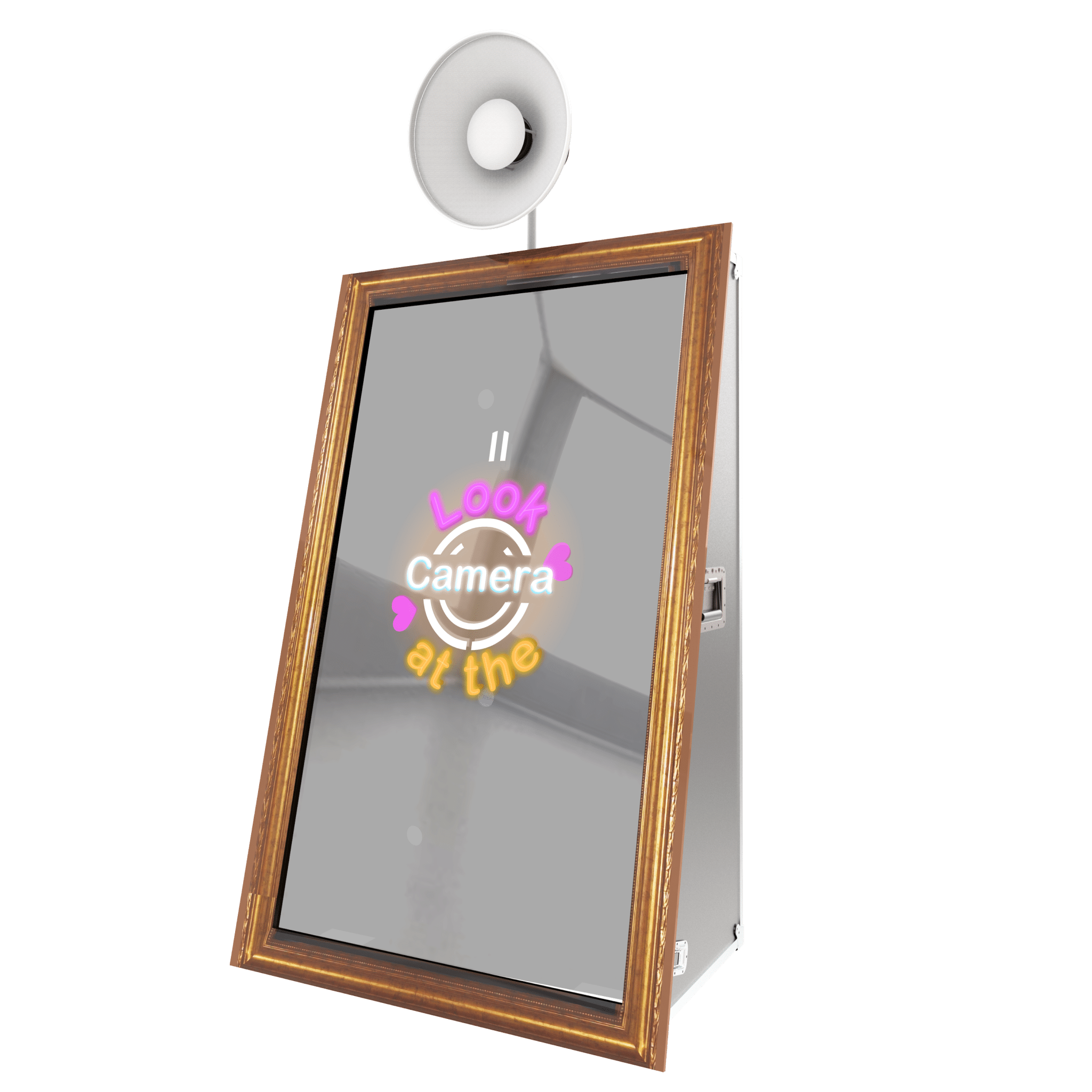
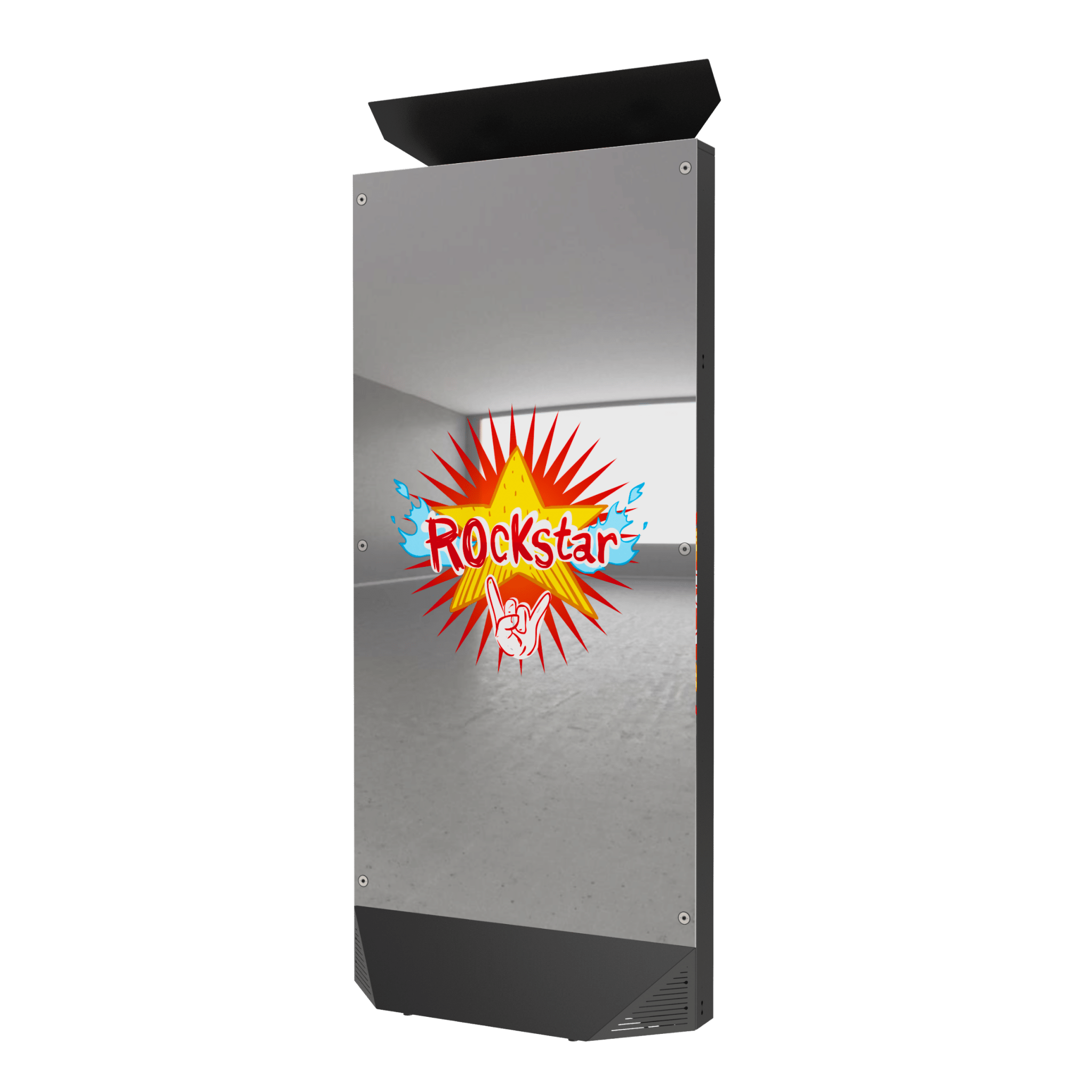
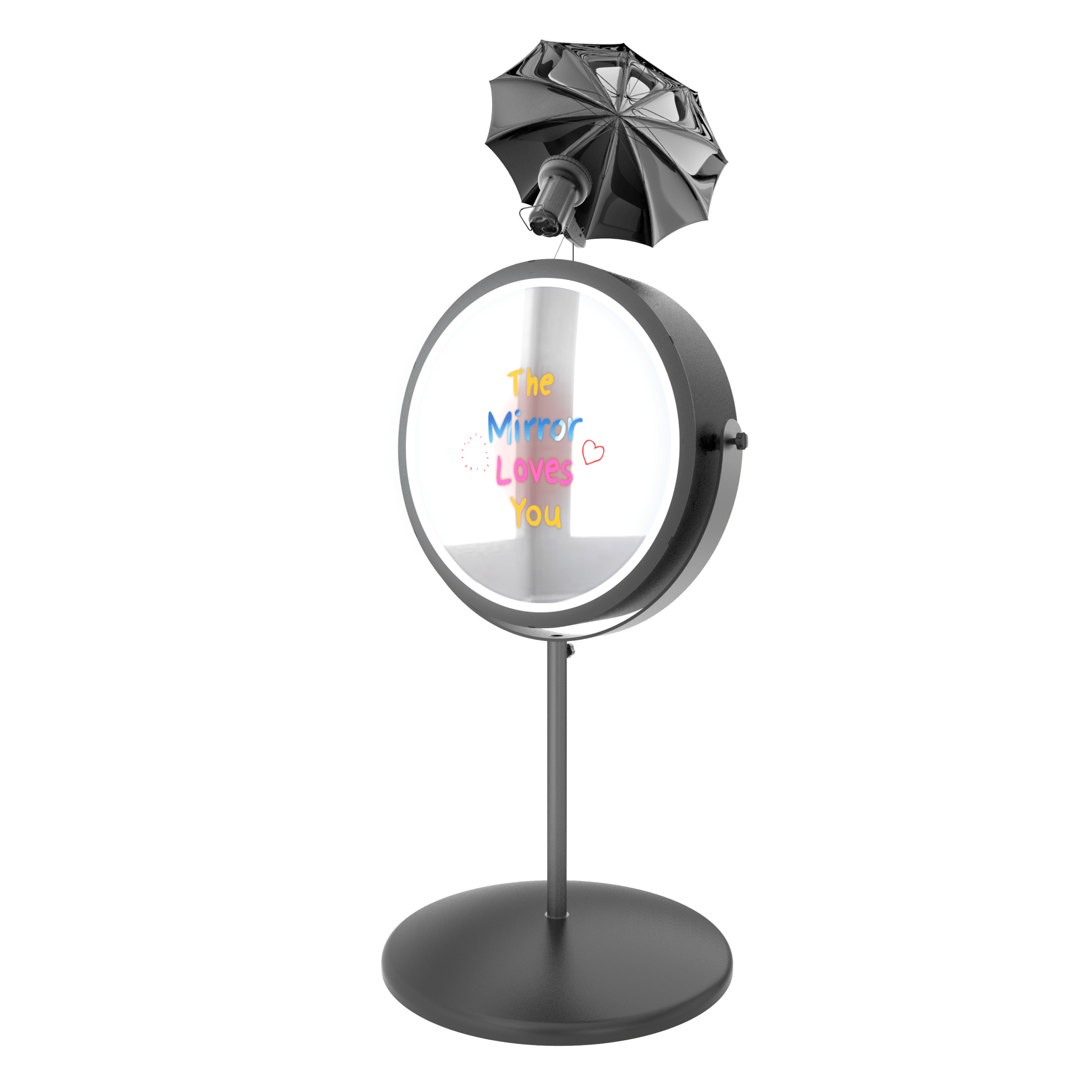
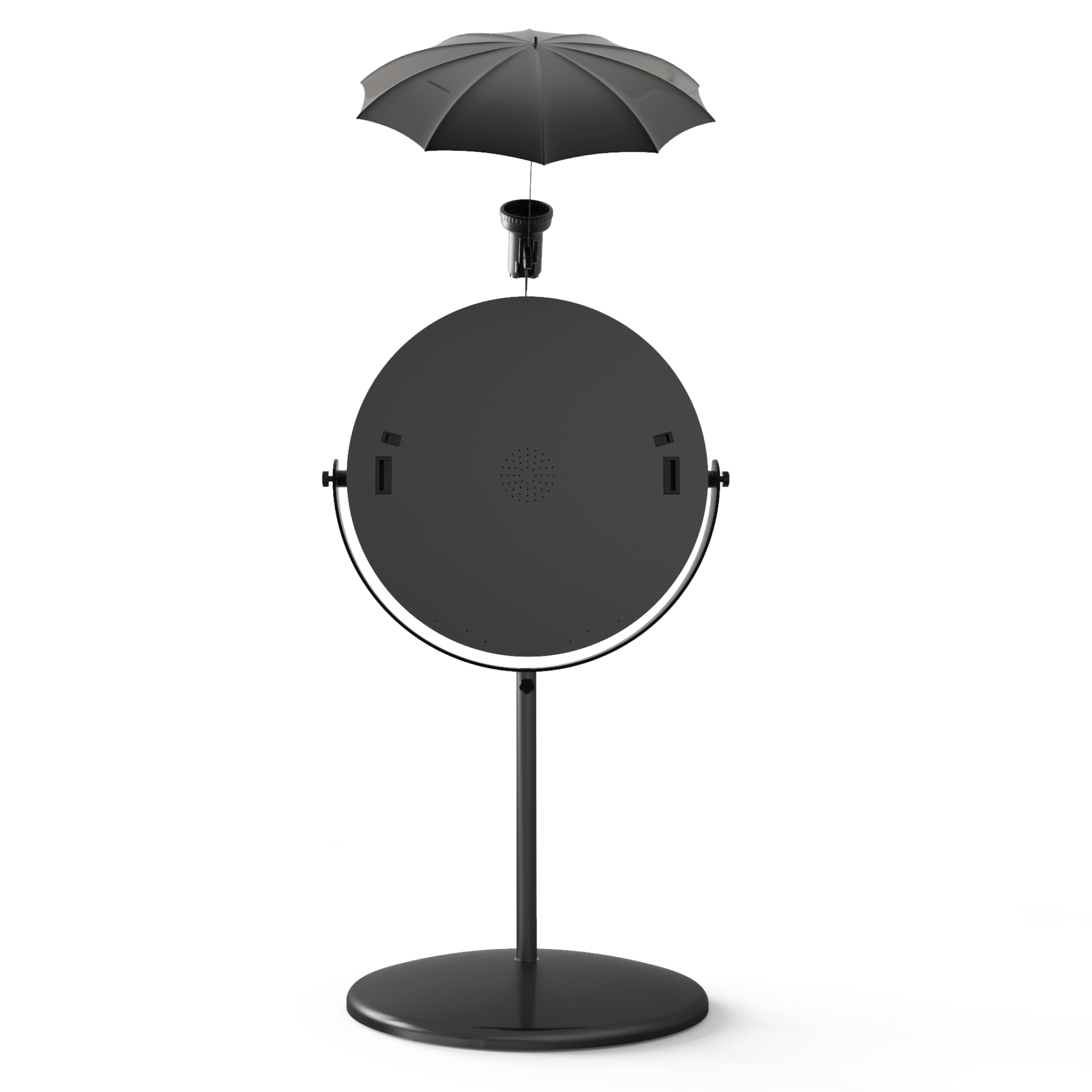
The world's most advanced photo booth software, exclusively developed by Foto Master. Stay ahead of the curve with cutting-edge features, the latest trends, premium content, and ready-to-use presets. Customize every detail of your photo booth experience and become an expert effortlessly.
The world's most advanced photo booth software, exclusively developed by Foto Master. Stay ahead of the curve with cutting-edge features, the latest trends, premium content, and ready-to-use presets. Customize every detail of your photo booth experience and become an expert effortlessly.
Premium, creative concepts that make it easy to upgrade any event package.
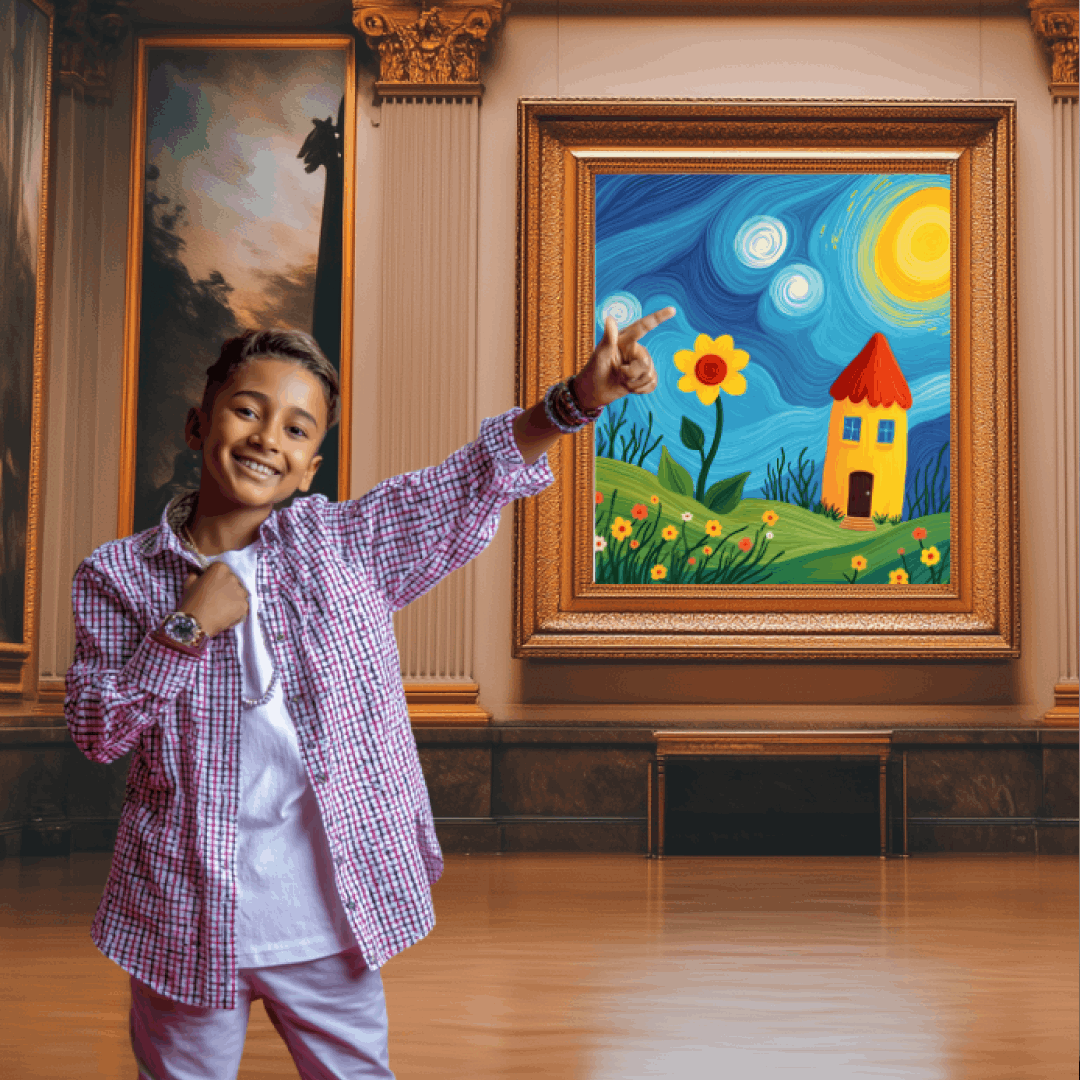
AI Transformations
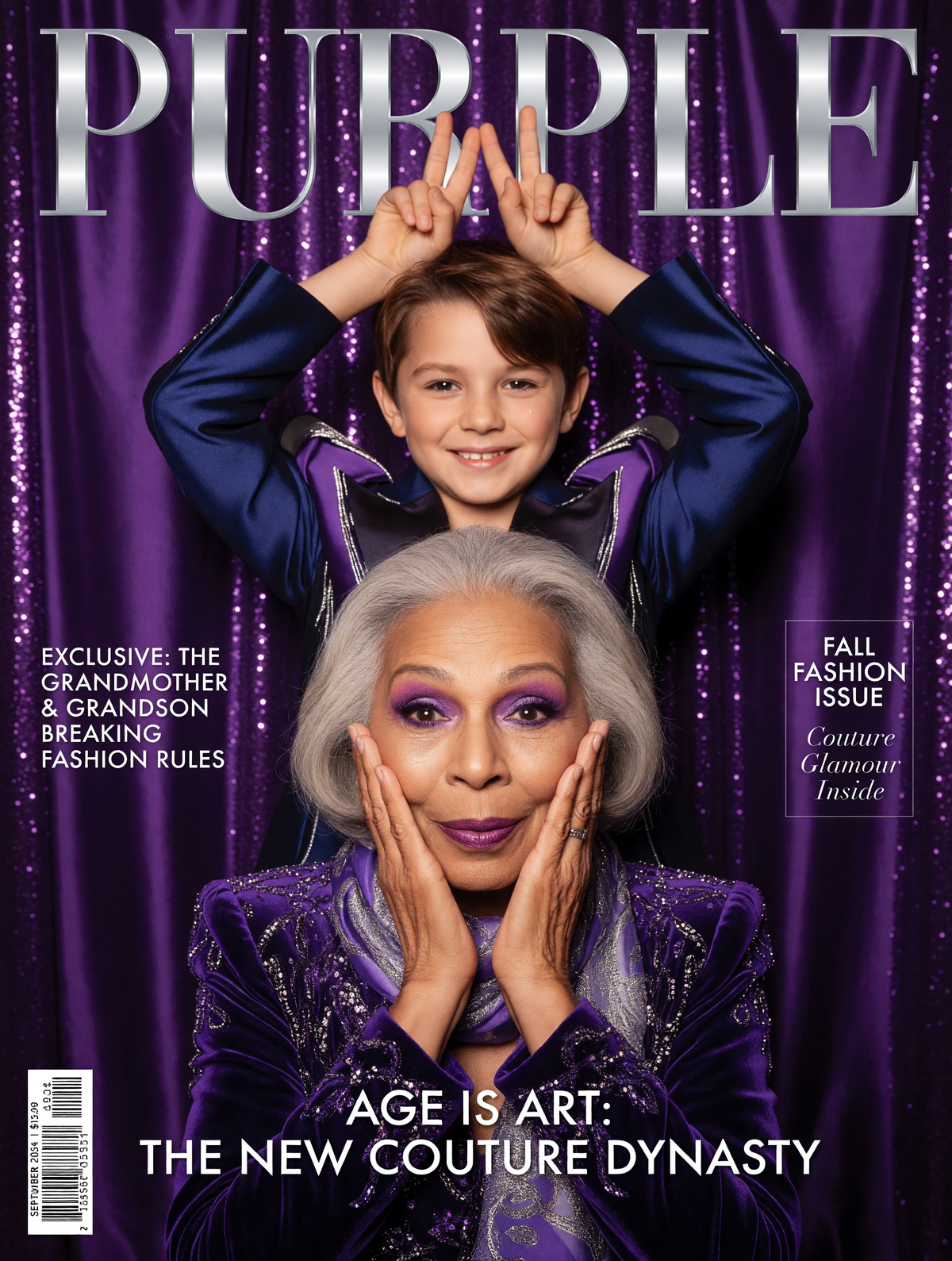
Magazine Covers
Miniature Me
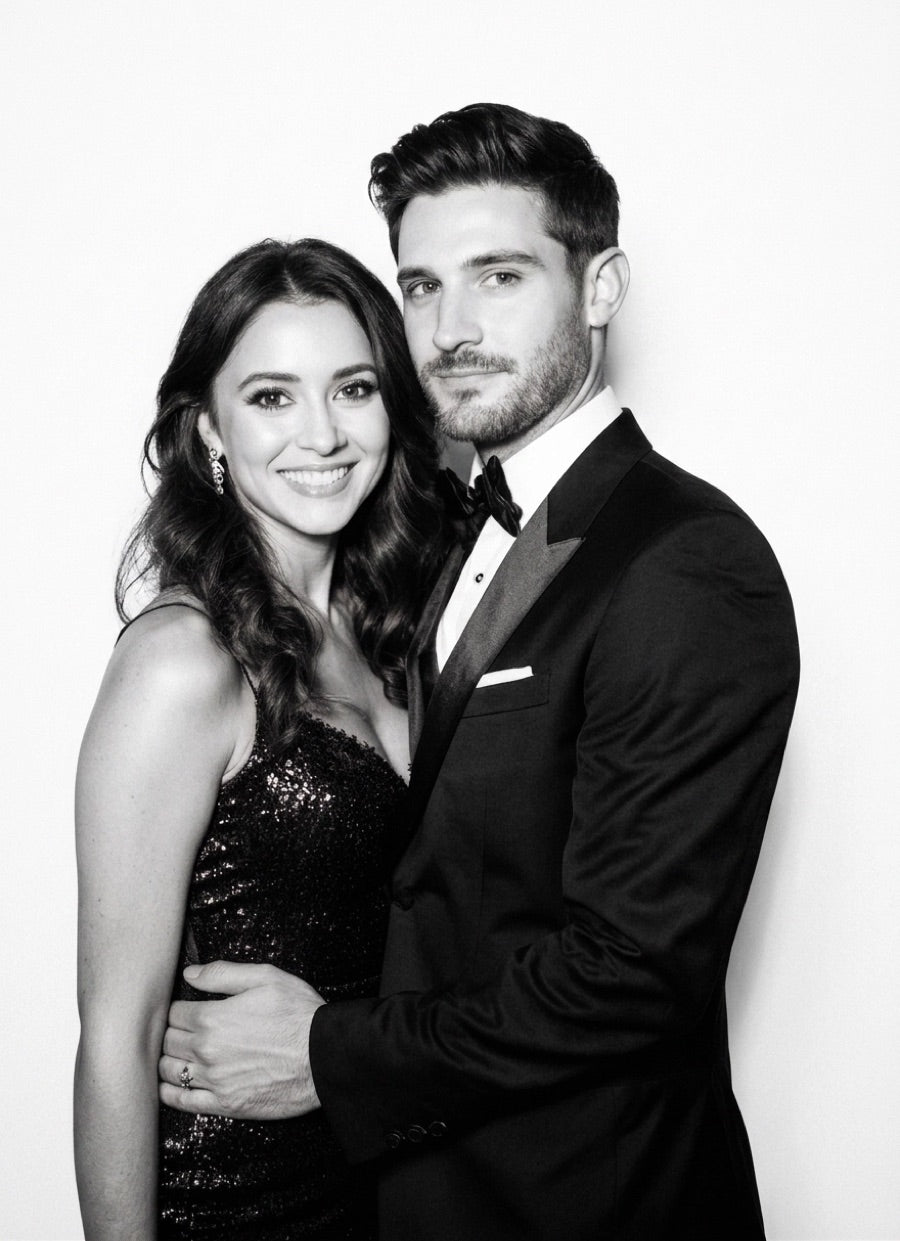
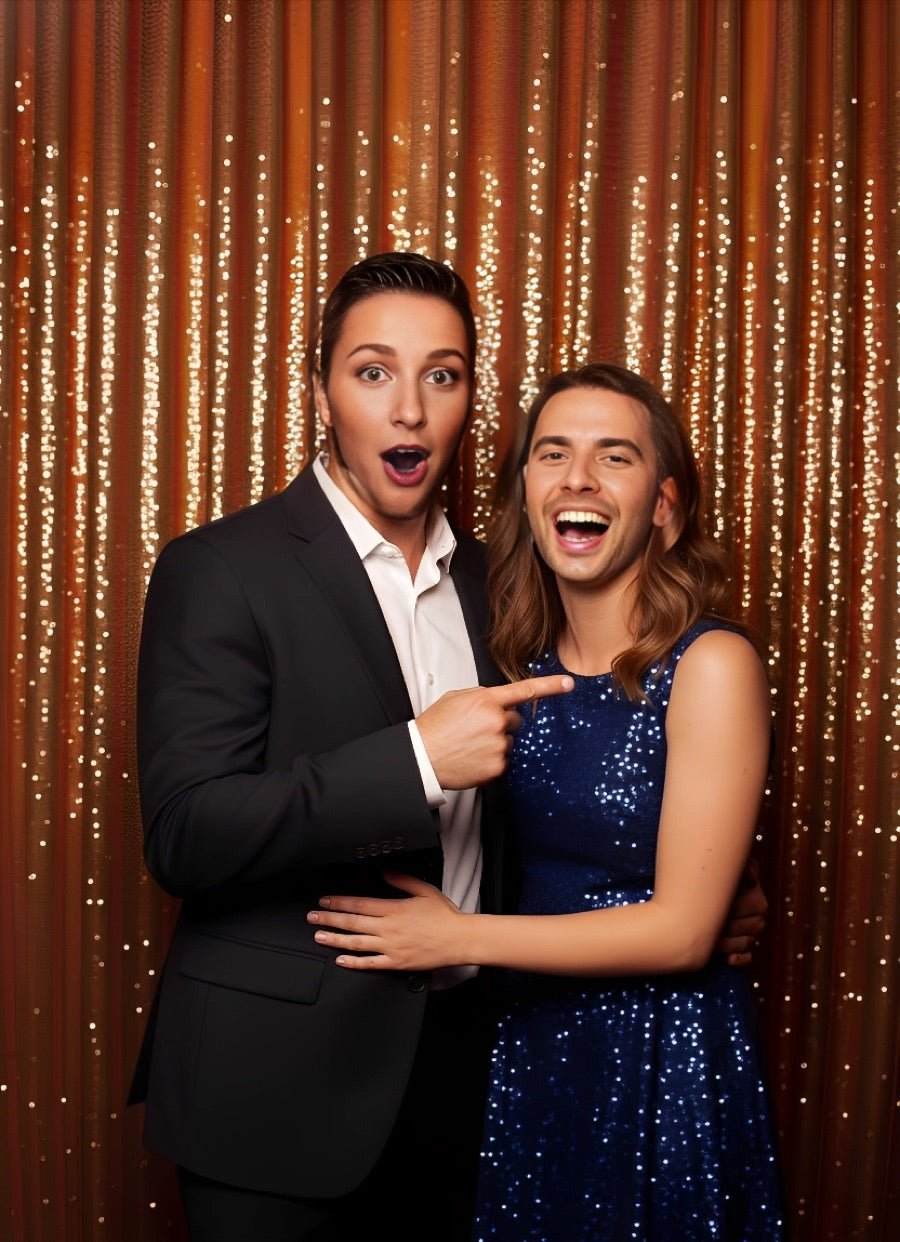
Glam Booth
Cartoons
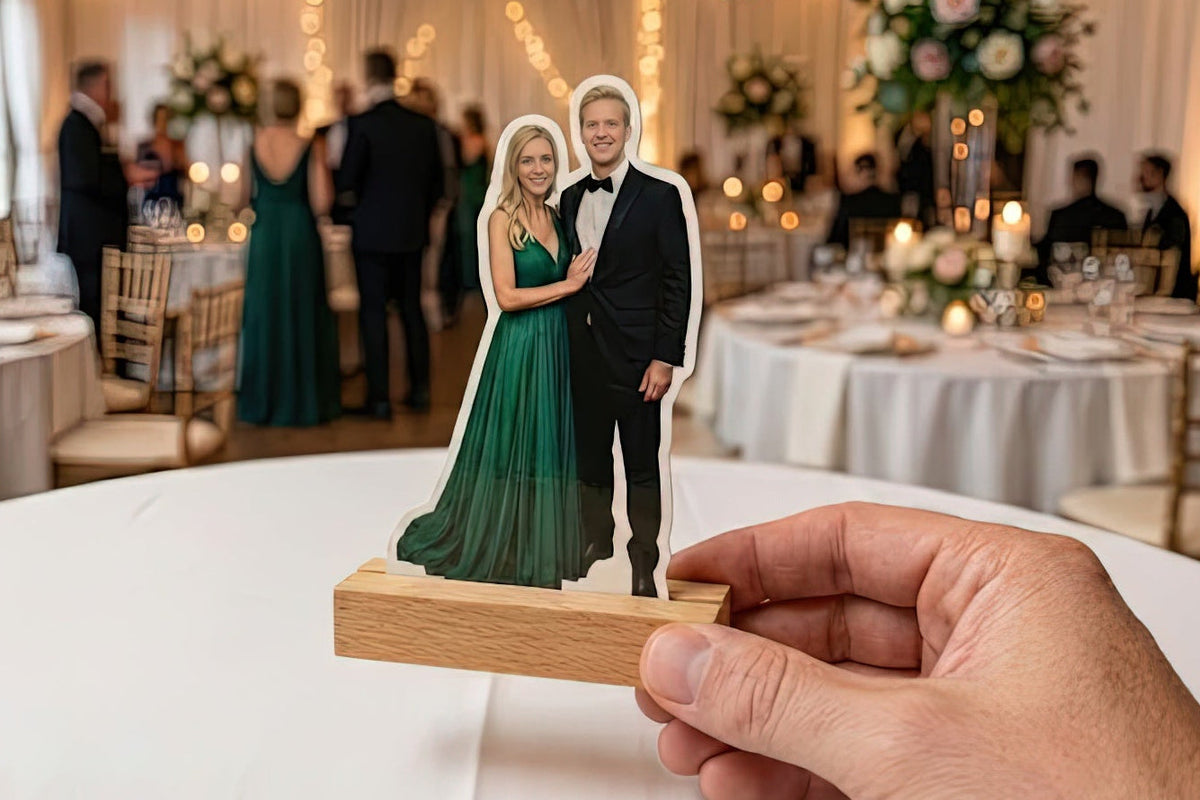
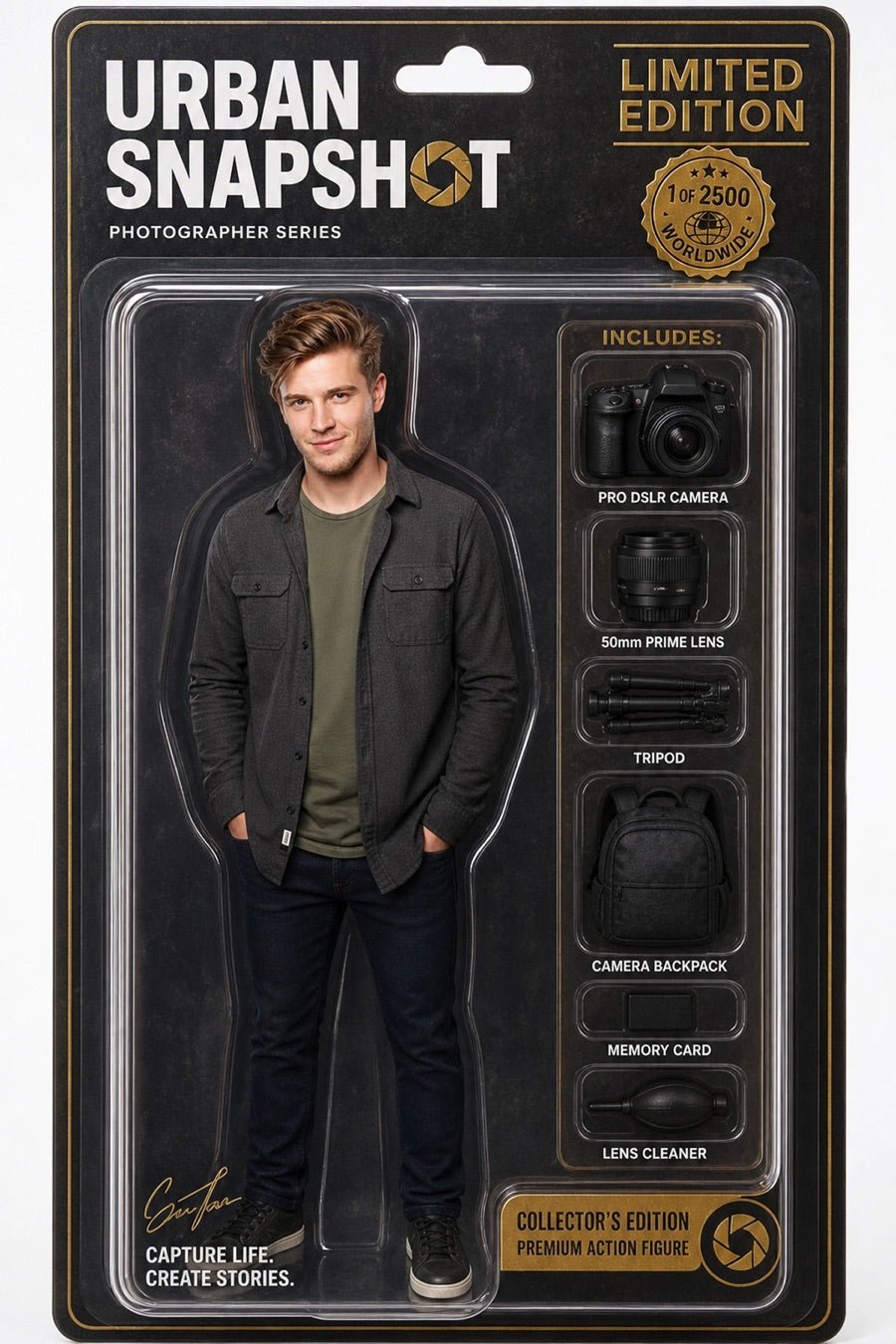
Collectible Figures
AI Videos
Movie Posters
Professional Headshots
Group AI
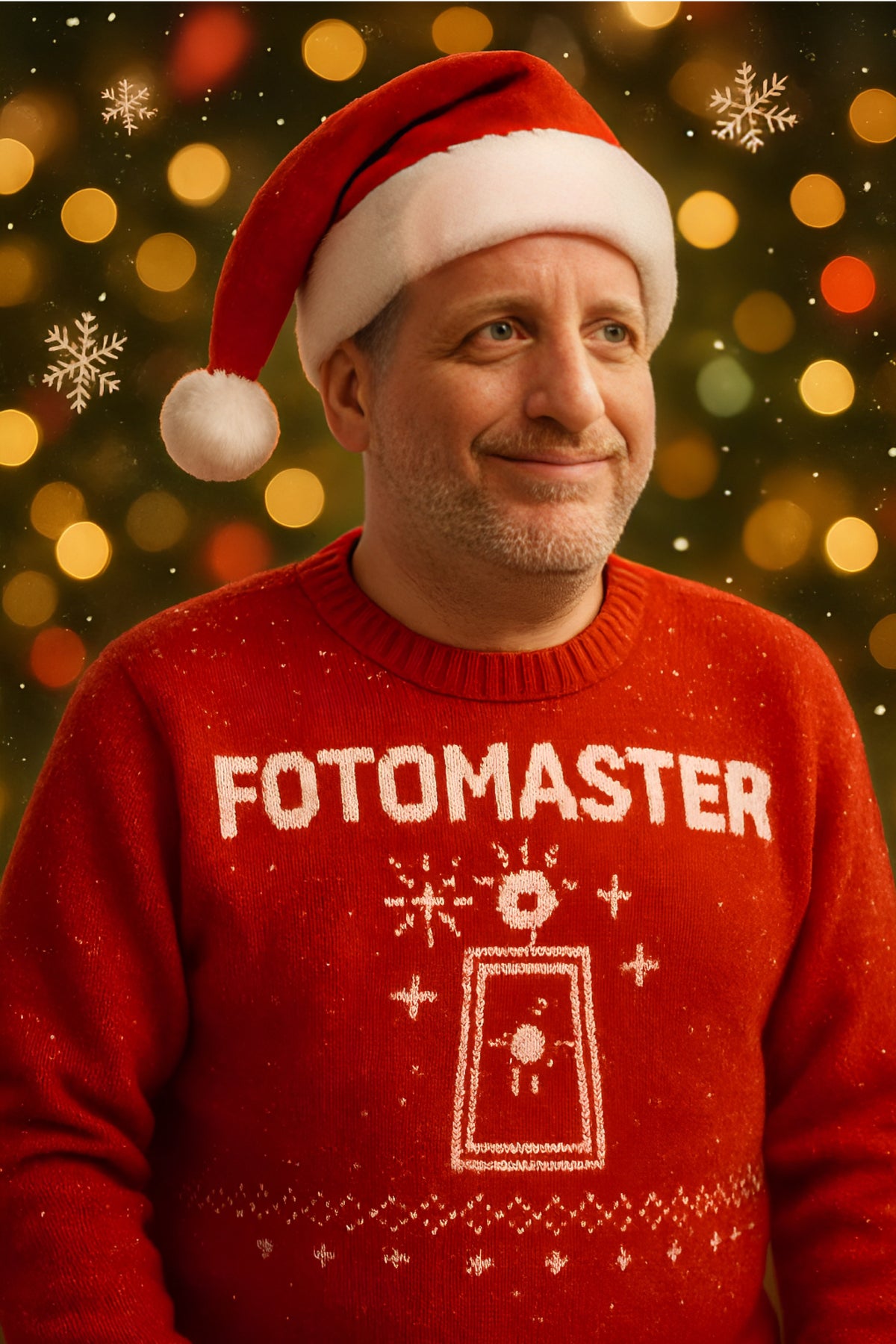
Holiday-themed
Lenticular
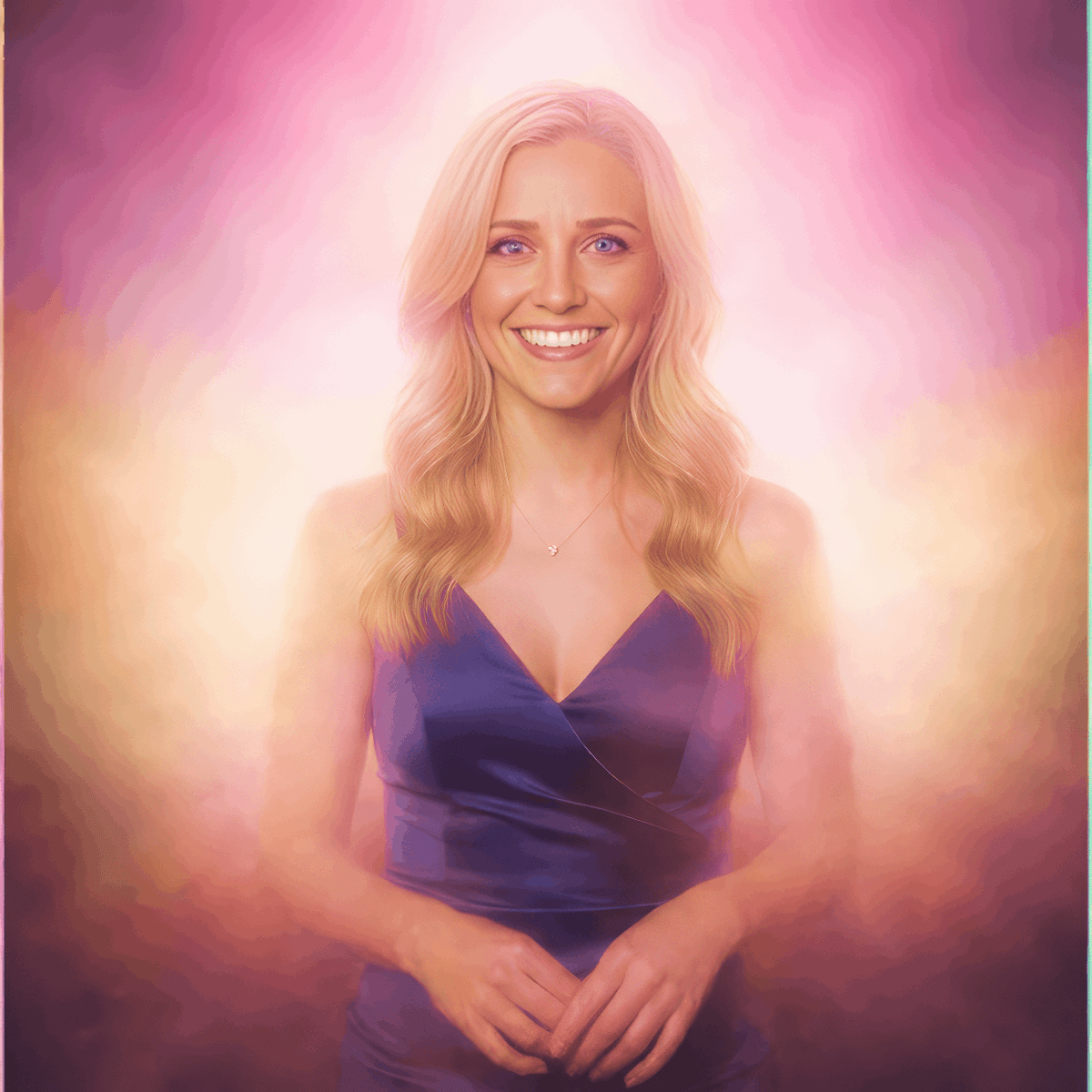
Aura Photos
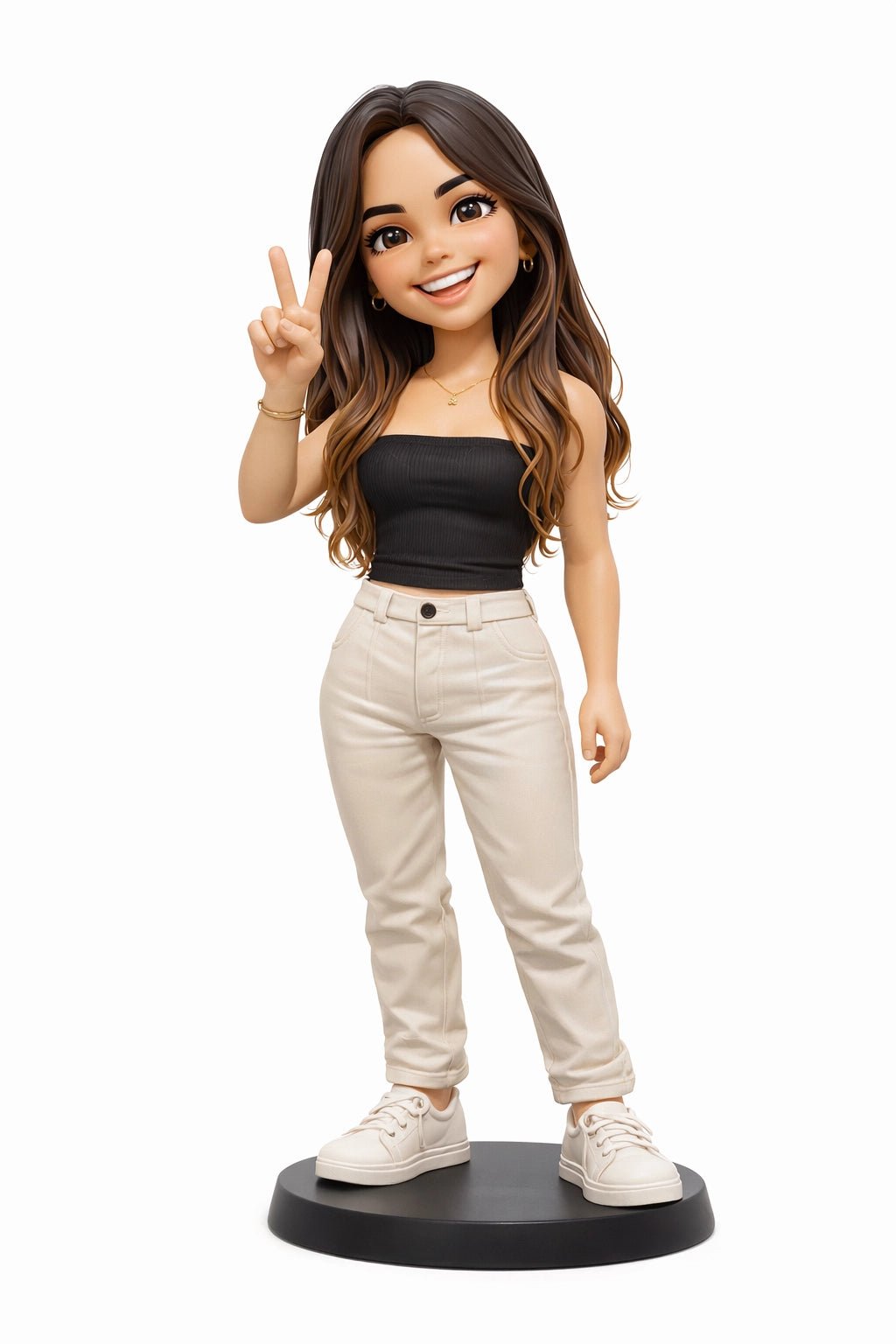
Personalized Toys
AI Line 2 Life
Festive Portraits
Trading Cards
AI Flipbooks
Branded AI
AI Draw Me
AI Face Switch
Iconic Figures
The Core Essentials
Everything you need for a standard booth activation. Fast and reliable.
Stills
GIF
Boomerang
Overlay Selection
Background Removal
Strips
Video Guestbook
Glam Filters
Animated Overlays
The FMX Workflow
Get up and running in minutes.
1
Select
Browse a ready-to-run preset or create your own in Foto Master Cloud.
2
Sync
Push updates and assets to your booth with a single click.
3
Play
Start the photo booth experience!
Get started in minutes
100% Remote Editing
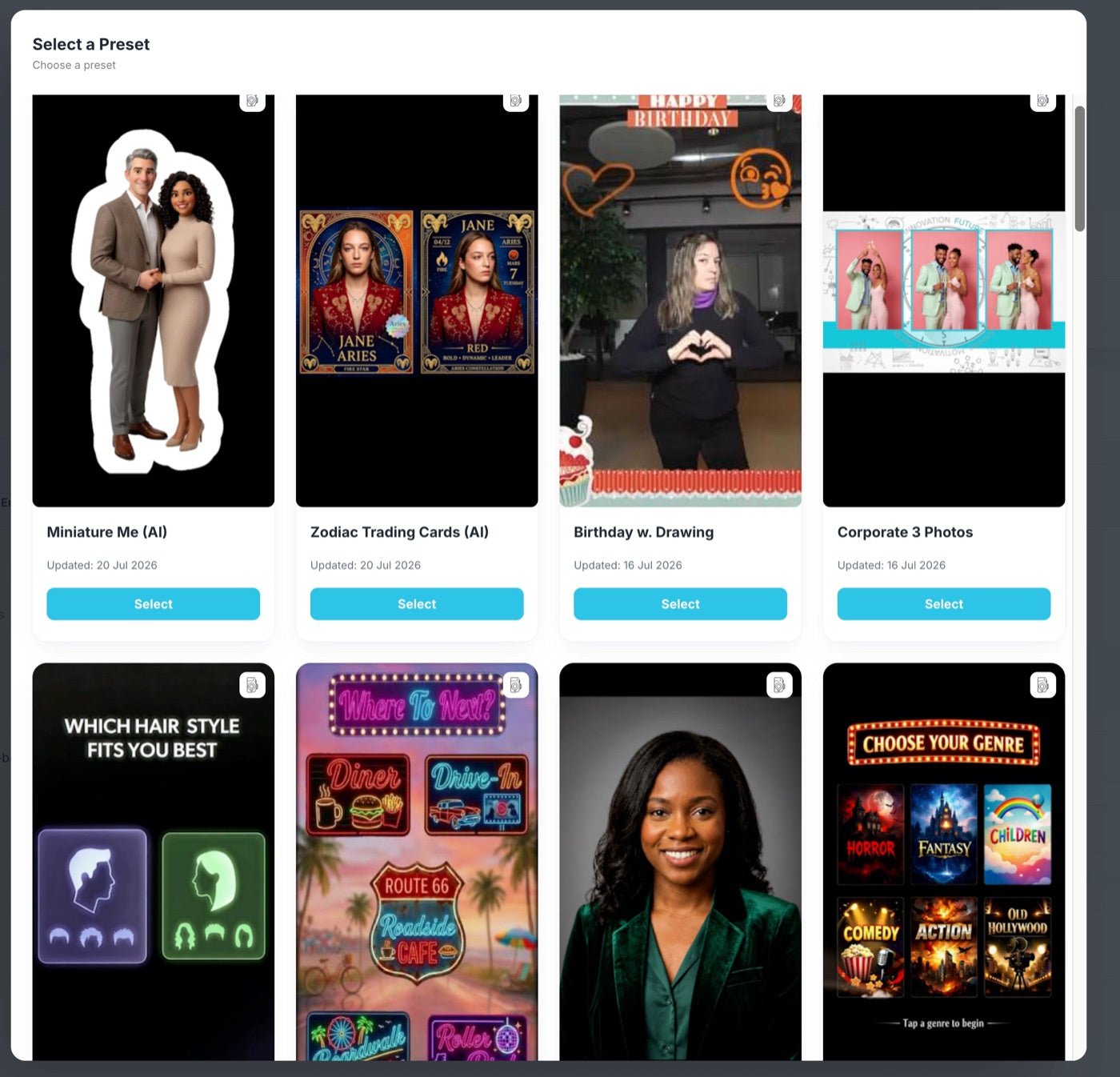
Growing Library of Presets
Intuitive & Beginner Friendly
Start From a Preset
We keep a growing library of complete, pre-tested experiences. Pick one and it is ready to run in a click.
One preset is the whole experience
Workflow, layout and video, already put together. Nothing else to set up.
New ones arrive all the time
We keep adding experiences, so there is always something new to sell.
Yours to change
Edit any preset to fit the event. You never start from a blank screen.
Simple when you want it. Powerful when you need it.
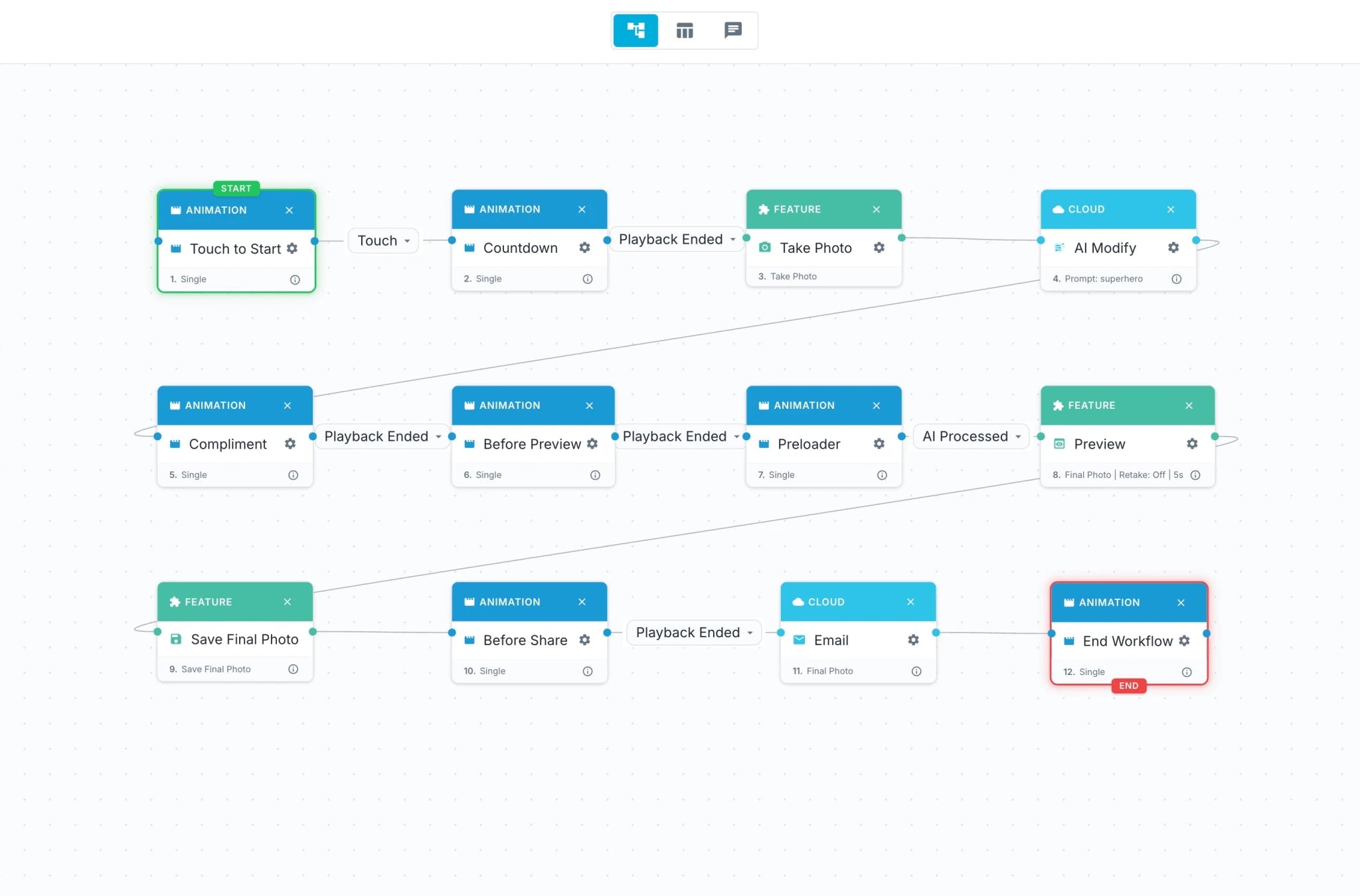
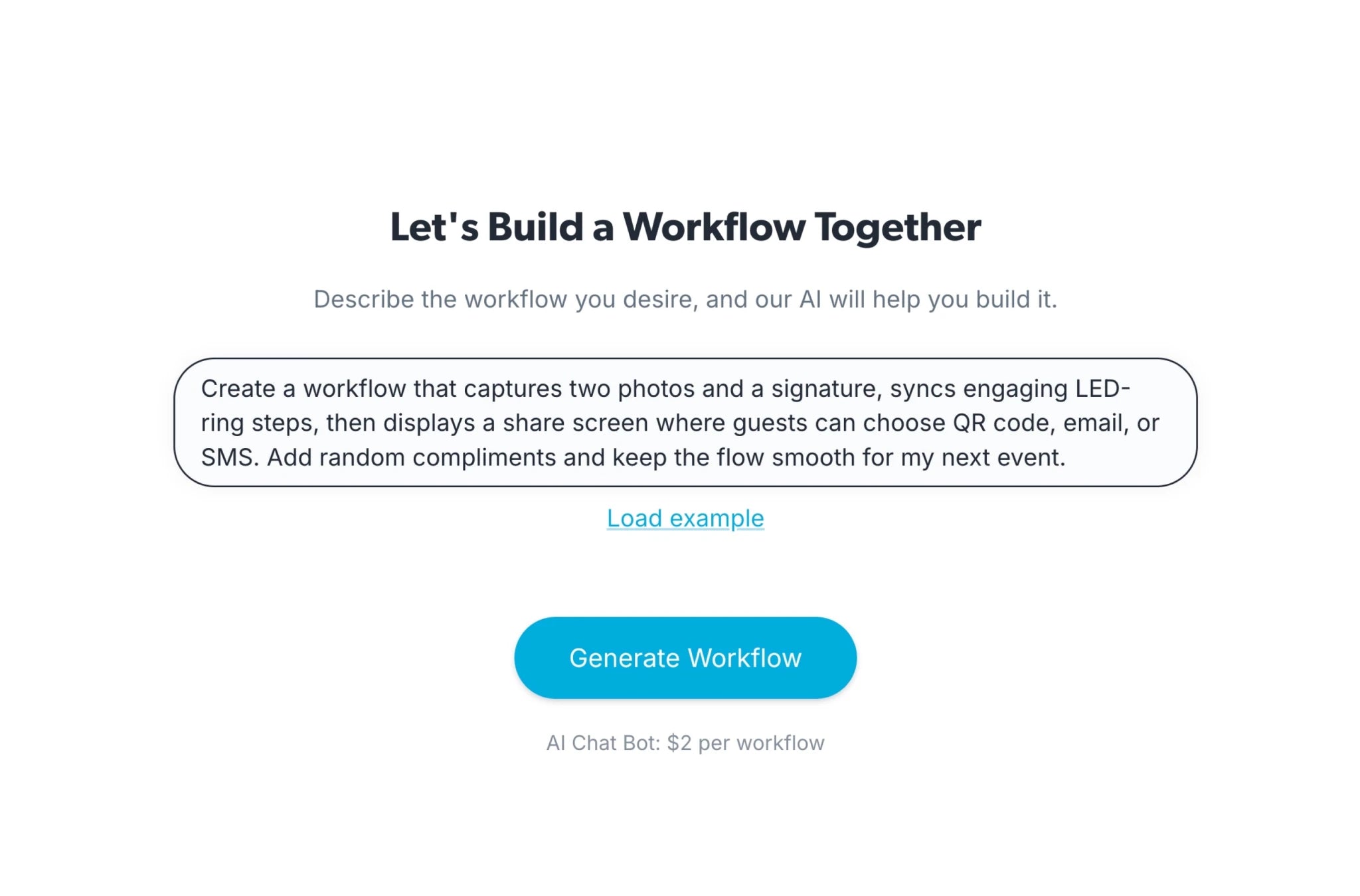
Workflow Builder
Build and edit workflows in minutes, with a clean visual editor and ready-to-use presets.
cloud.fotomaster.com / Workflow Builder
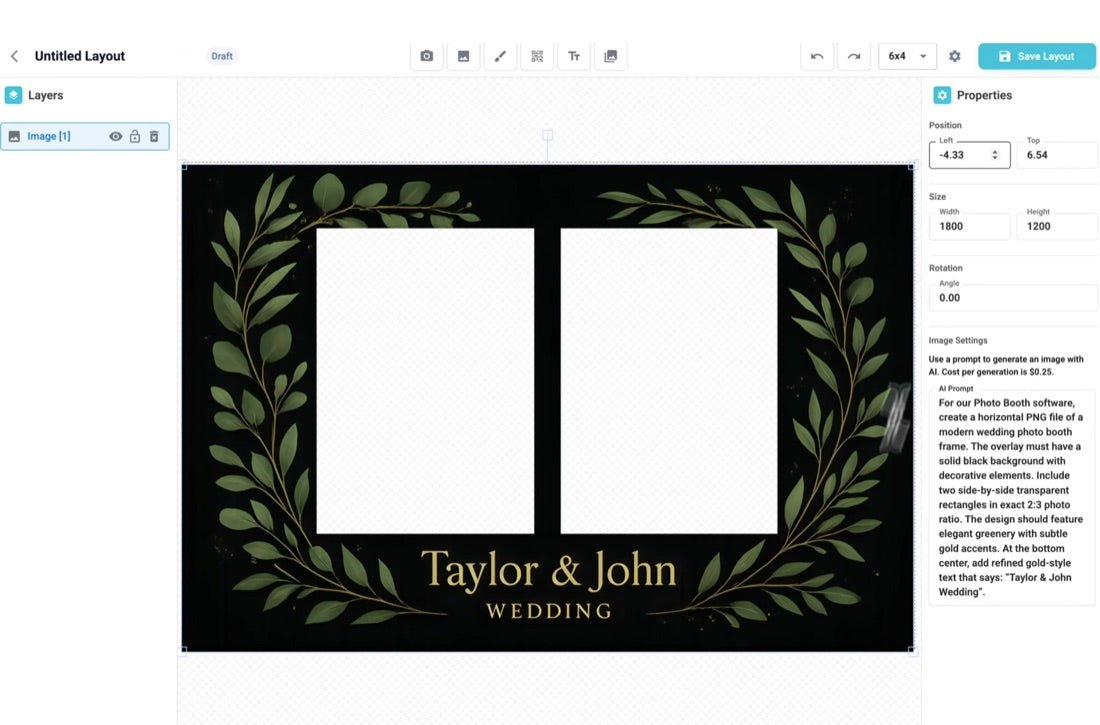
Layout Builder
Customize and design photo layouts with a simple, real-time WYSIWYG editor. Modify size, orientation, and elements.
cloud.fotomaster.com / Layout Builder
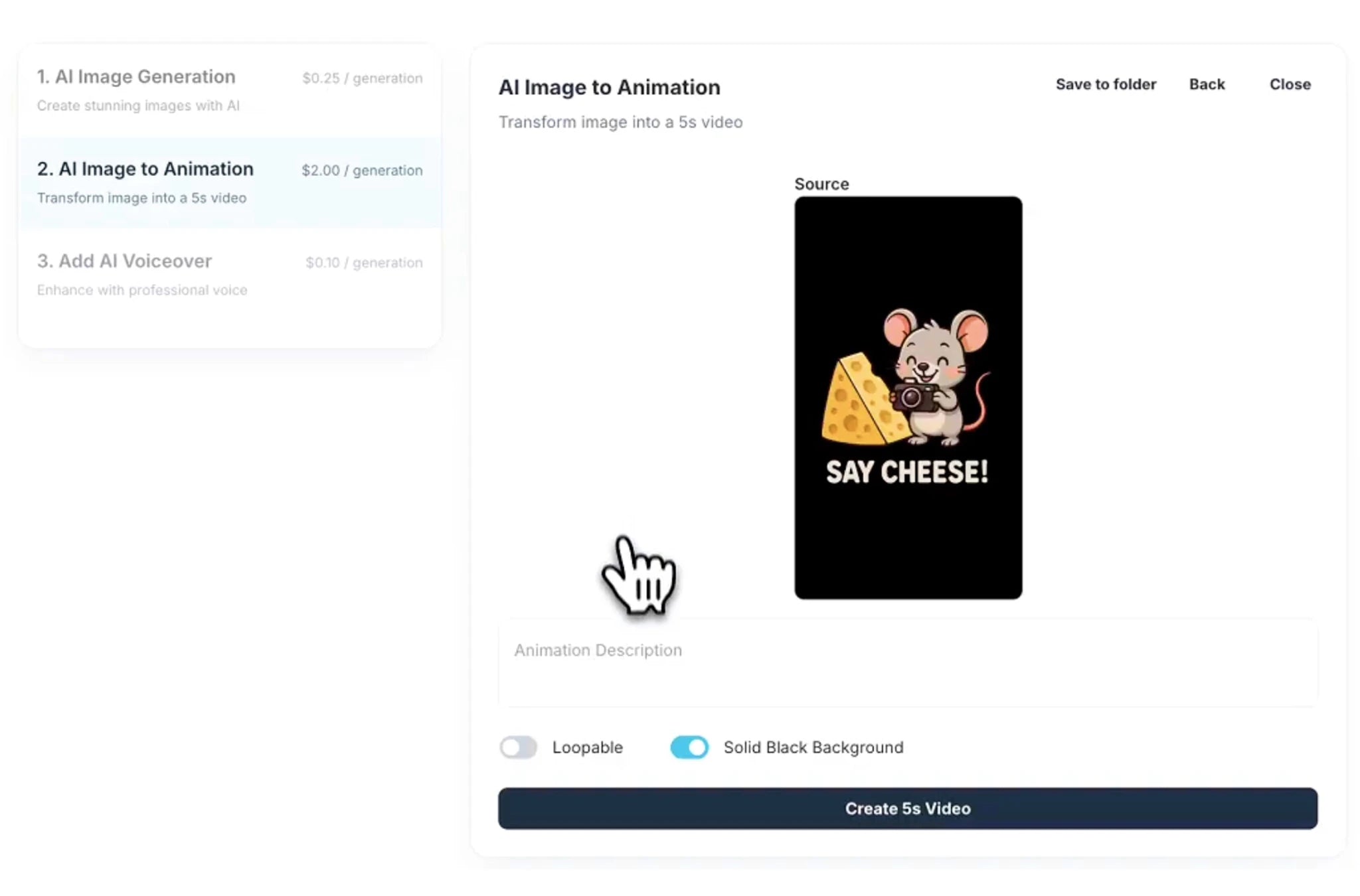
Video Builder
Create polished video outputs in minutes with effects, filters, overlays, intro/outro screens, and AI-powered edits.
cloud.fotomaster.com / Video Builder
cloud.fotomaster.com / Workflow Builder
cloud.fotomaster.com / Layout Builder
cloud.fotomaster.com / Video Builder
Built for Interaction
Turn your booth into an interactive entertainment hub. Keep guests engaged longer, reduce idle time, and transform participation into an immersive experience.
Smart Selection Screens
Games
Drag & Drop Layout
Surveys
Sign & Stamp
Augmented Reality
Sharing Made Simple
Let guests get their photos instantly, with fully branded delivery you control.
Print
Auto-configured printing with custom layouts
SMS
Instant delivery with fully white-labeled messages
Email
Branded, customizable email templates
Online Galleries
Fully branded mini-sites where guests scan a QR code and instantly access their photos, videos, and GIFs.
Scan QR Code
→
Fully branded & white-labeled
Complete customization with your brand logo, background, and title
Individual & event galleries
Personal photo pages plus full event gallery access for all guests
Instant access & sharing
Download, share to social media, and access photos anytime, anywhere
Display the Event on Every Screen
A live slideshow of every photo, GIF and video the event captures.
On the booth itself
A slideshow feature inside the workflow, running behind your animations and steps, using media from that booth.
On any screen, with FMSlide
The free Windows app turns a TV or monitor at the venue into a live slideshow of the whole event.
From a link, with Cloud slideshowCloud Pro
Share a URL and it plays in any browser, anywhere, with nothing to install.
Styled the way you want it
Transitions, effects, timing and branding are all yours to set.
Live
Tools For Professionals
The pieces you need once an event has rules attached to it.
Access Codes
Control when sessions start with unique access codes.
Disclaimers
Enter custom disclaimers and receive users consent and acknowledgement.
Surveys & Data Capture
Collect user information and data using Surveys.
Session endsPhoto, video, survey
POST
Your endpointCRM, sheet, automation
WebhooksCloud Pro
Push every session into your own systems as it happens, and let them push back.
Every FMX license runs on a Foto Master Cloud account, and these come with it. They share the same events as the booth, so whatever FMX captures is already there.
Free
FMSlide
Available for Windows, macOS
Cloud-powered live slideshows on any screen at the venue. Photos from FMX appear seconds after they are taken.
Free
FMPrint
Available for Windows
The industry's first cloud-based printing. Send prints from any FMX experience to any printer at the venue.
Free
AI Hot Folder
Available for Windows, macOS
Drop photos in a folder, get AI-processed results out, bring Foto Master AI to any workflow, even DSLR shoots.
Why Pros Switch to FMX
The differences that show up once you are running real events.
Ultra-Lightweight & Fast
A lean software architecture that runs efficiently on Windows. No bloatware, just raw performance.
The Market's Best AI
Cutting-edge Generative AI features that lead the industry. If you can dream it, FMX can build it.
Real-Time Cloud Sync
Design in the cloud, sync to the booth. Changes update instantly across your entire fleet.
Intuitive No-Code Builder
Create complex workflows with a simple drag-and-drop interface. Powerful features, zero learning curve.
Ever-Growing Library
A constantly growing collection of premium assets, animations, and ready-to-run presets included.
Cloud Vibe Editors
Customize animations, styles, and templates with powerful AI editors directly from your browser.
Customer Reviews
Overall rating: 4.9 / 5 from 192 reviews.
Overall I like the retro photo booth setup. I am very glad I picked a booth with a DSLR camera specifically. The software is awesome and so many opportunities to learn and be creative! The quality of the photos with the DSLR camera is great. The 24/7 support is invaluable and very very helpful.
Thank you so much. I had tested everything the day before and right before the event starts we noticed a few issues. Within just a few minutes you were able to fix everything and got us up and going before our start time. I can’t thank you enough!
Don’t worry about not understanding the software quickly because their Tech Support team has an answer to EVERY question I’ve ever had. For those reasons I don’t mind buying their software and that’s because of their support team
Great Job !!!!!
Love 24/7 support. They always pick up, and if they so happen to miss your call or you hang up they will call you right back immediately. Great job Foto Master
⭐️⭐️⭐️⭐️⭐️
I honestly can’t thank Terrance enough for all his help. He was absolutely amazing to deal with and, without a doubt, the best experience I’ve ever had when it came to troubleshooting.
I had been dealing with an ongoing issue that was becoming extremely frustrating, but Terrance was incredibly patient, understanding and helpful from start to finish. He took the time to listen, work through everything with me and explain things clearly without ever making me feel rushed.
His patience and dedication really stood out. You can tell when someone genuinely cares about helping you, and Terrance certainly does.
A massive thank you, Terrance, for sticking with me and for all your help. It’s very much appreciated, and I really couldn’t have asked for better support.
Absolutely first-class service — 5 stars all the way! ⭐️⭐️⭐️⭐️⭐️👏
I want to thank Terence and Aljohn for all the effort they put into my printer issues. Aljohn dedication to a solution has saved my upcoming event. I was using the old Mitsubishi's and our backup broke, and switching to DNP made my life easier. Thank you again for your time and effort, and please make sure Aljohn & Terence get some good breakfast, lunch, and dinner.
Thank you !!!!
We’ve had a great experience with Foto Master. Their customer service and support have been excellent, and we especially want to thank Adrian for all of his help. He has been very responsive, helpful, and quick to answer our questions whenever we’ve needed support.
We also really like the photo booth itself and have been very happy with the product. It has been a great addition for us, and it’s reassuring to know there is a helpful team behind it when we need assistance.
Thank you again to Adrian and the Photo Master team for the great service and support!
The foto master customer service is great. Adrian was very patient and helpful with me, of every question I had and also gave detailed answers. Thanks Adrian for your helping me prepare for my event.
The very first time I used it in a public setting people absolutely loved it. I was told that they have never seen a photo booth like this before, that the features are so cool, and the booth itself is very cool. Everyone who used it had such a fun time and kept coming back for 2nds and 3rds. Some guests used it over 10 times! The AI features were the star of the booth!
Had an emergency at an event where my printer stopped working. I had no time to try to figure it out as it was an award ceremony. I called support and they fixed my issue with the patients needed at the time with having guest taking pics in between to keep the line going. I had to call them a few times this week and the quality was awesome each time. Thank you.. The annual membership is worth it
Store owner replied:
Thank you for your kind review! We’re glad Adrian was able to assist and resolve everything quickly. We truly appreciate your continued trust in our support team. 🙌
Store owner replied:
Thanks for the review, Bobby! Our team is always happy to help. 🙌
We had a great opportunity of dealing with your staff on this weekend for helping us with our Maire Booth. Your team was phenomenal. I could not ask for better assistance. Keep up the great work and looking forward of having many other years dealing with the Fotomaster.
Store owner replied:
Thank you so much for the kind words, Ron! We’re thrilled to hear our team was able to help get your Mirror Me Booth ready for the weekend. We truly appreciate your continued trust in Foto Master, and look forward to many more years together!
I own 3 of these ring lights and they are essential to making your Photo Booth stand out from the competition. There’s no more customer questions as to where to look when taking their photo.
We are thrilled to be part of the Foto Master family. We have multiple activations from their company and our clients love all of them. The customer service and tech support are exceptional. From their Draw Me Bots to the Mirror X booth to their Air Graffiti Wall and FMX software we are leading the way with our clients satisfaction.
We’ve worked with a wide range of photo booth software and activation platforms over the years, and FotoMaster consistently stands out.
The product itself is incredibly powerful, especially for companies like ours that prioritize high-end, customized client experiences. It’s important to note that this is not a simple “click-and-go” platform if you’re looking to fully customize your activations. There is a learning curve—but once you understand the system, the workflow becomes very intuitive and repeatable.
For those who need something quicker, FotoMaster does offer plug-and-play options. However, in our experience, these out-of-the-box solutions don’t always meet the level of customization our clients expect. Our team typically starts with a base setup and then dives into modifying the “workflow” to create a fully tailored, branded experience—and that’s where the platform really shines.
What truly sets FotoMaster apart is their support team. Out of all the companies and products we’ve tested and used, their technical support is exceptional. Responsive, knowledgeable, and genuinely helpful—they make a complex product feel manageable and supported every step of the way.
Overall, FotoMaster is a top-tier solution for anyone serious about delivering elevated, customized photo experiences. If you’re willing to invest a little time in learning the system, the payoff in capability and client impact is absolutely worth it.
i had experience , my first event i had problem with bots and i send them message 5 minutes before the event start and they fast solve the problem. Is the support i can trust! Thank for the amazing support !
FMX was exclusively designed and developed for Foto Master Photo Booths, but it is also compatible with any other photo booths running on Windows-based systems and equipped with Canon DSLR cameras or webcams.
Is the software hard to learn?
Start from a preset and you can have a booth running without building anything first. When you want to change something, the workflow and layout builders are visual, so there is no code involved.
Buy 24/7 support with your license and a one-hour training session is included.
Can I customize the software to fit my events?
Absolutely! Everything from animations to templates, workflows, and more can be customized.
What output options are available?
FMX captures photos, GIFs, boomerangs, and videos.
Can I share the outputs online?
FMX enables you to share your outputs (photos, videos, and GIFs) in multiple ways: via email, SMS, and online galleries - Guests can scan a QR code to access an online gallery where they can view, download, or share their results on social media platforms.
Does FMX require an internet connection?
Not at the event. Once you have synced the event, the booth runs the whole experience locally, so a venue with weak or no signal is not a problem.
You need a connection when you sync, and for anything hosted while you use it: online sharing, galleries and AI features.
Do I need a Foto Master Cloud account to use FMX software?
Yes. An active Foto Master Cloud Basic or Pro plan is required to use current FMX. One Cloud plan covers the company or brand account, while each device still requires its applicable FMX software license. Cloud unlocks online galleries, SMS, email templates, AI features, and other connected services. If you don’t have an account yet, creating one is simple and quick. Start Here → Review current and legacy FMX licensing →
Can I use FMX software without a photo booth?
Yes, FMX software is available as a standalone product for existing setups based on WindowsOS.
Once I place my order, what's next?
You'll receive access to Foto Master Cloud, where you can download and activate your software.