

Don’t worry about not understanding the software quickly because their Tech Support team has an answer to EVERY question I’ve ever had. For those reasons I don’t mind buying their software and that’s because of their support team Great Job !!!!!
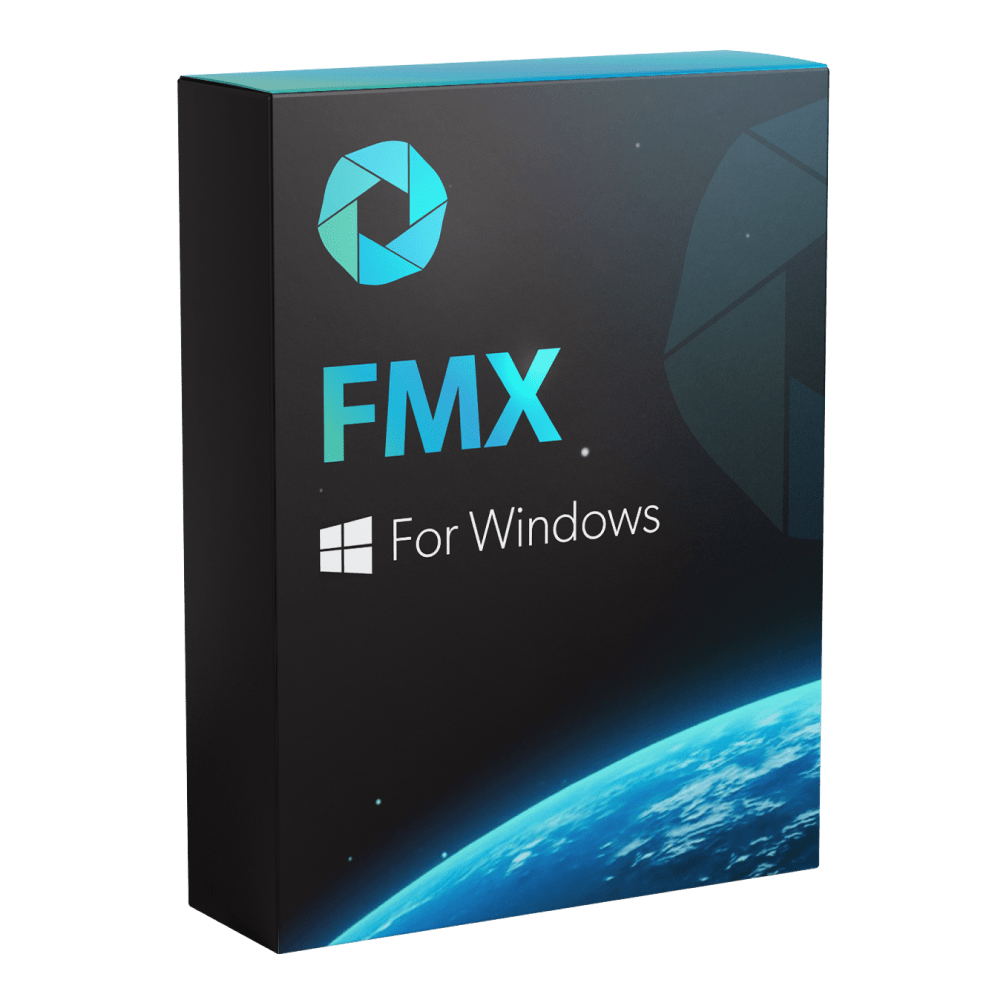
FMX For Windows


FMX For Windows
The world's most advanced photo booth software, exclusively developed by Foto Master. Stay ahead of the curve with cutting-edge features, the latest trends, premium content, and ready-to-use presets. Customize every detail of your photo booth experience and become an expert effortlessly.

Foto Master Cloud

Premium Content

24/7 Support


The world's most advanced photo booth software, exclusively developed by Foto Master. Stay ahead of the curve with cutting-edge features, the latest trends, premium content, and ready-to-use presets. Customize every detail of your photo booth experience and become an expert effortlessly.
What Booths are compatible with FMX?
FMX was exclusively designed and developed for Foto Master's Photo Booths, but it can also be compatible with other photo booths running on Windows-based systems and equipped with DSLR cameras or webcams.
Can I purchase FMX software without a photo booth?
Yes, FMX software is available as a standalone product for existing setups.
Do I need a Foto Master Cloud account to use the FMX software?
Yes, a Foto Master Cloud account is required to use the FMX software. Your software license is managed through Foto Master Cloud, and you only need one account per company for all your Foto Master products and licenses. (Basic/Pro plan is required)This platform unlocks access to advanced AI features and cloud services, such as online galleries, SMS, email templates, and more.
Can I customize the software to fit my events?
Absolutely! Everything from animations to templates, workflows, and more can be customized.
Is the software hard to learn?
FMX is intuitive and user-friendly, but like anything new, there can be a learning curve. Our industry-leading technical support team is here to help you get started. If you purchase 24/7 support with your license, you'll receive a complimentary 1-hour training session to guide you through the software and ensure a smooth setup.
Does FMX require an internet connection?
No! The software works offline, though online sharing and access to AI features powered by Foto Master Cloud require internet access.
Once I place my order, what's next?
You'll receive access to Foto Master Cloud, where you can download and activate your software. Then, you'll be able to schedule a training session with our 24/7 support team.
Choose options
FMX For Windows
Starting atSale price
$33 / Month / Device
Billed Annually
We’ve got the perfect Package for you

24/7 Support
Includes 60 min of Online One-on-One Training

Foto Master Cloud
Do You Have a Foto Master Cloud Account?
Just One Subscription Per Company is Needed
Basic
$39
Month / Company
 $100
$100
Pro
$79
Month / Company
$250
FMX Software Package
Experiences
- Stills
- Strips
- Green Screen
- Video
- GIF
- Boomerang
- Glam Filters
- Advanced Filters & Fx
- Games
- Interactive Animations
- Interactive Drawing & Signature
- Experience Selection
- Random Experiences
- Access Codes
Customization
- Workflow Builder
- Layout Builder
- Video Builder
- Custom Animations
- Custom Disclaimers
- Custom UI
Sharing
- Printing
- Offline Gallery
- Email *via Foto Master Cloud
- SMS *via Foto Master Cloud
- QR Code *via Foto Master Cloud
- FTP
Out of The Box Content
- 400+ Pro Animations
- 200+ Photo Templates
- 100+ Presets
Supported Companion Devices
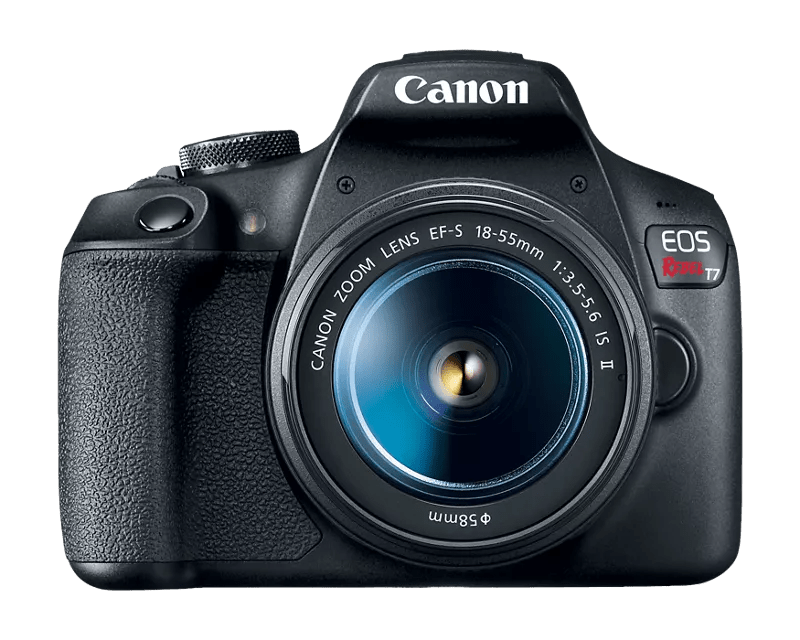
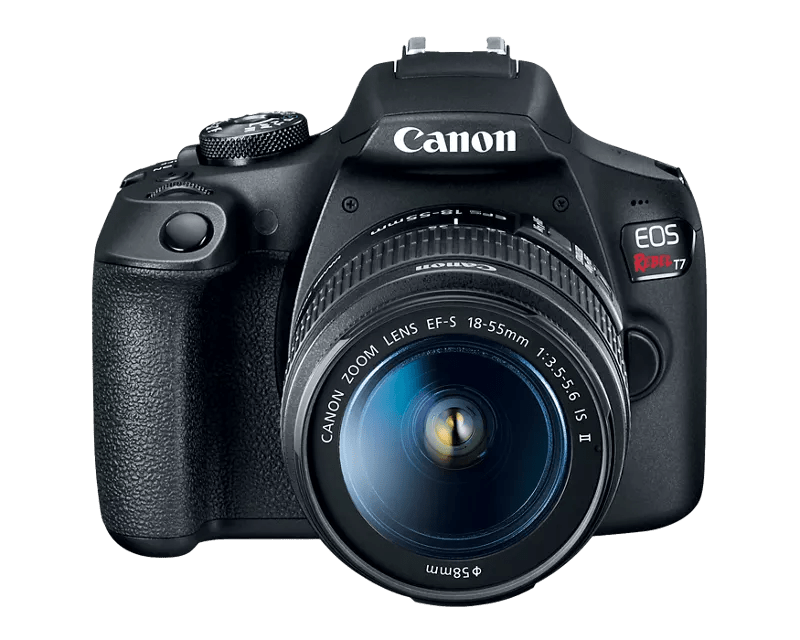
- Camera Canon DSLR Camera, Webcam, Kinect
- Printer All Windows Based Printers
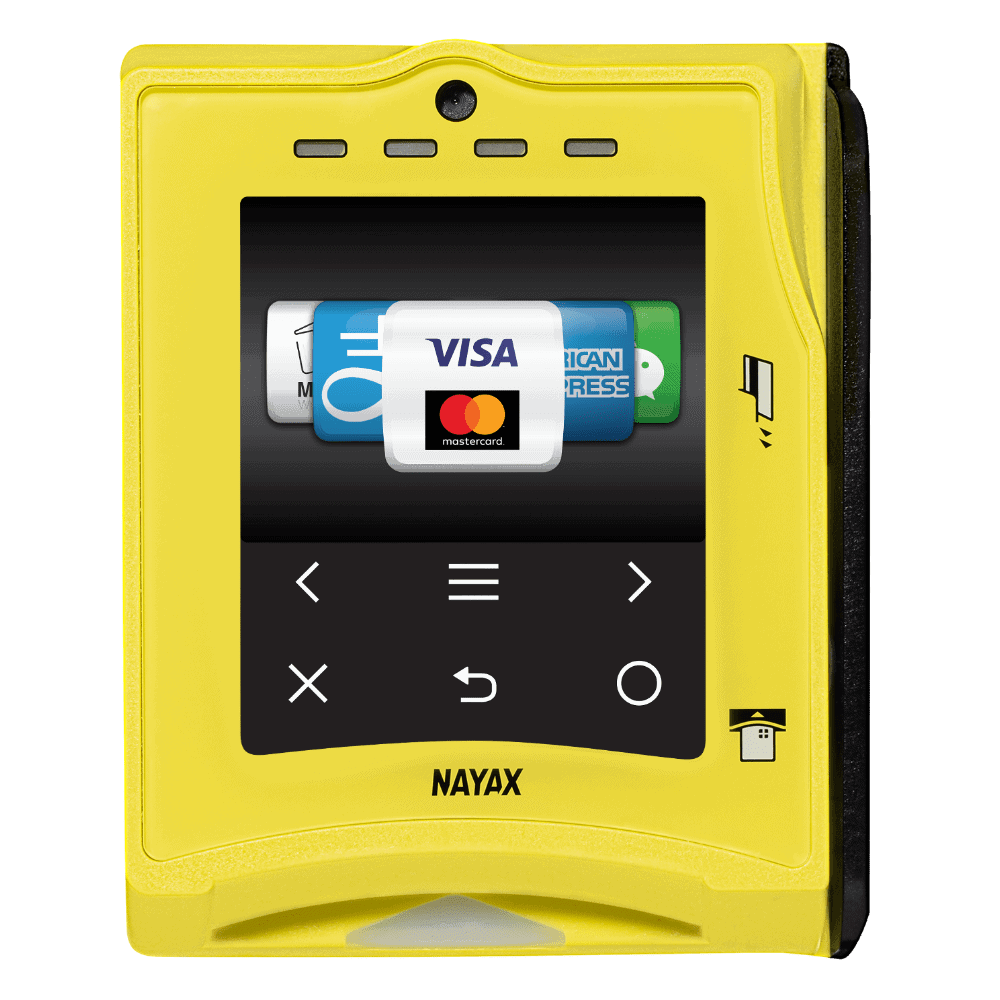
- Pay Per Play Nayax, Intercard, Embed
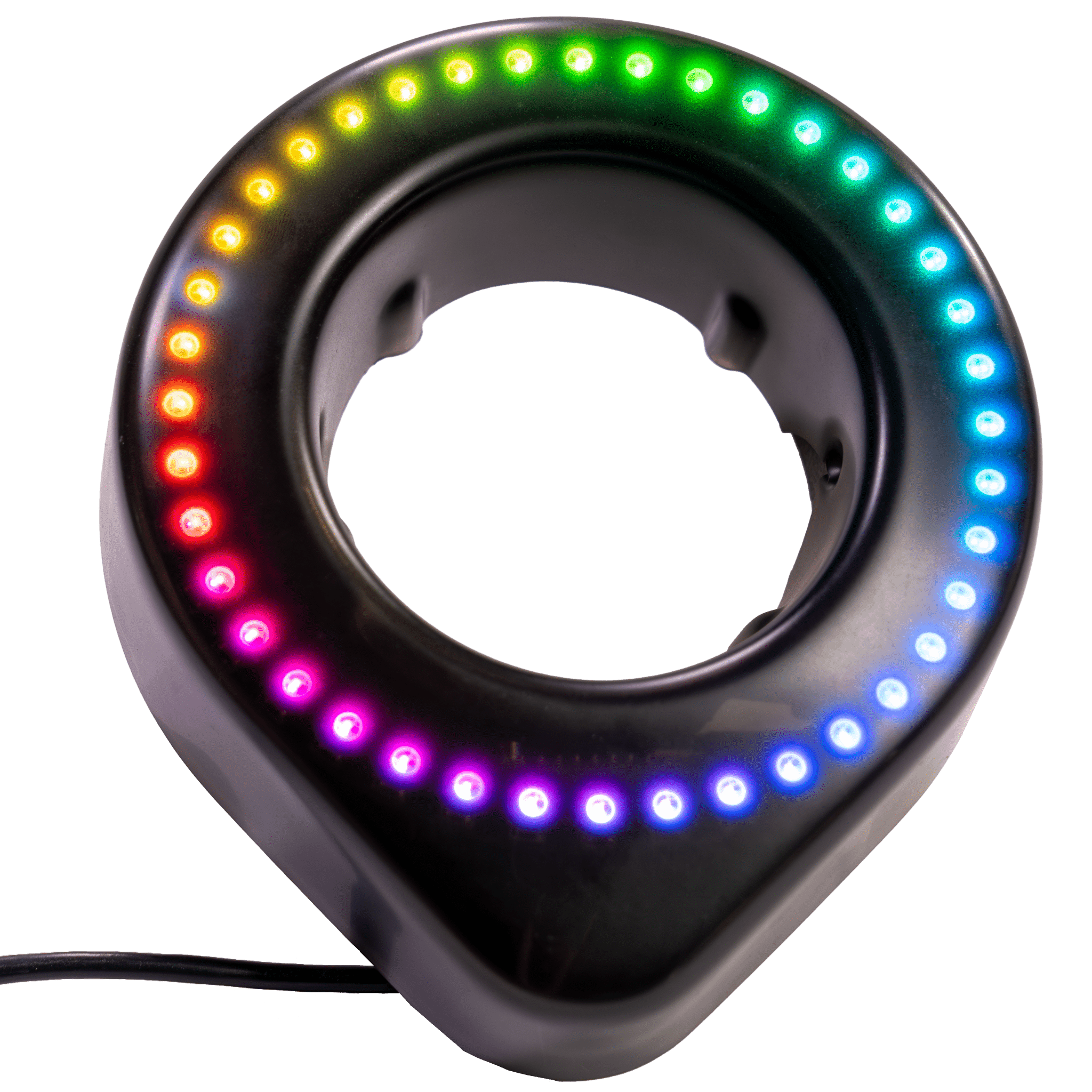
- LED Ring
- KeyFob
- Phigit
You haven't chosen yet?
Foto Master Cloud
Do You Have a Foto Master Cloud Account?
FMX For Windows
Total:
$99
/ Month
Billed Annually
FMX For Windows
Total:
$99
Month / Company
Compatible Companion Devices
Common Electronics
In stock
Accessory
In stock
Accessory
In stock
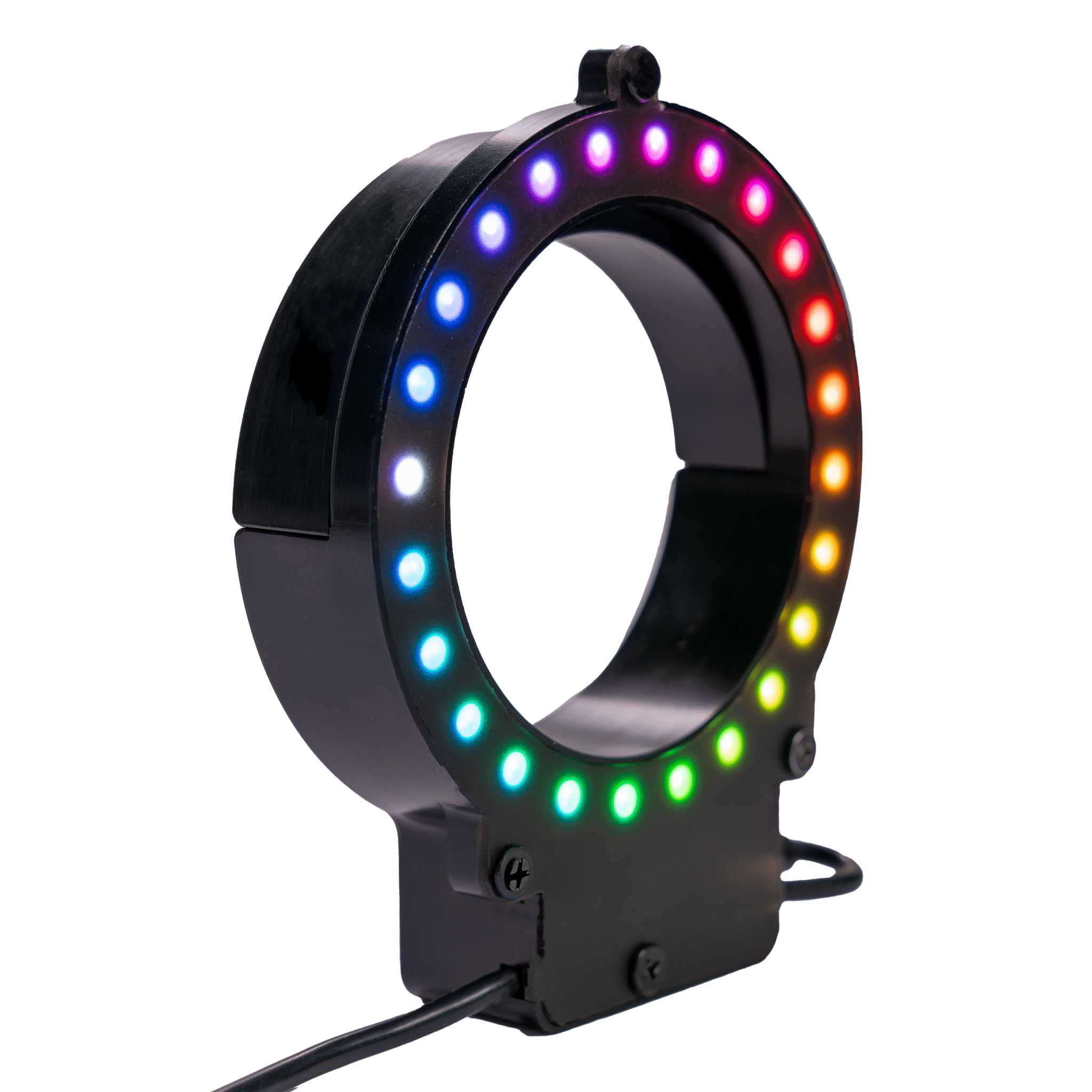
Accessory
In stock
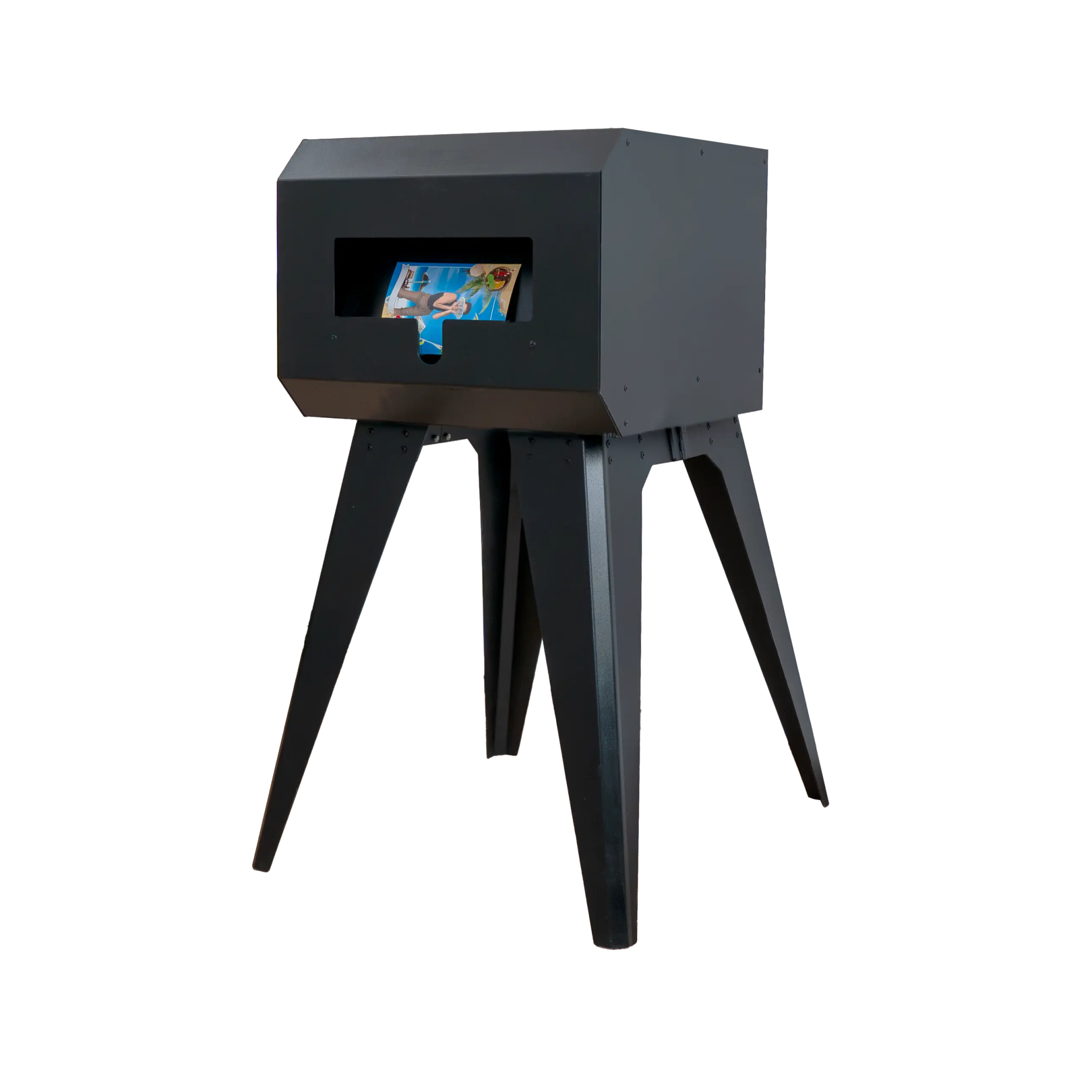
Accessory
In stock
Customer Reviews
Overall rating: 4.9 / 5 from 11 reviews.

Ai features are a game changer!
ממש אהבתי עובד מצוין לקחל י זמן להבין איך לעבוד עם זה
Love how this service continues to improve.

We’ve worked with a wide range of photo booth software and activation platforms over the years, and FotoMaster consistently stands out. The product itself is incredibly powerful, especially for companies like ours that prioritize high-end, customized client experiences. It’s important to note that this is not a simple “click-and-go” platform if you’re looking to fully customize your activations. There is a learning curve—but once you understand the system, the workflow becomes very intuitive and repeatable. For those who need something quicker, FotoMaster does offer plug-and-play options. However, in our experience, these out-of-the-box solutions don’t always meet the level of customization our clients expect. Our team typically starts with a base setup and then dives into modifying the “workflow” to create a fully tailored, branded experience—and that’s where the platform really shines. What truly sets FotoMaster apart is their support team. Out of all the companies and products we’ve tested and used, their technical support is exceptional. Responsive, knowledgeable, and genuinely helpful—they make a complex product feel manageable and supported every step of the way. Overall, FotoMaster is a top-tier solution for anyone serious about delivering elevated, customized photo experiences. If you’re willing to invest a little time in learning the system, the payoff in capability and client impact is absolutely worth it.

I love the new FMX! It's the best photo booth software. All the features are amazing. You can even choose from the best AI models.
good!
Its worth it
Best technology and customer service
I wish there more up to date tutorials online for the new FMBooth. Apart from that the software is very reliable and user-friendly once you get a hang of it.

You have a solid product, I love it. You may have suggestions on how to put together a prompt, with negative and all to seek the best results. More visibility of the tutorials