FMX Now Integrates With Stripe
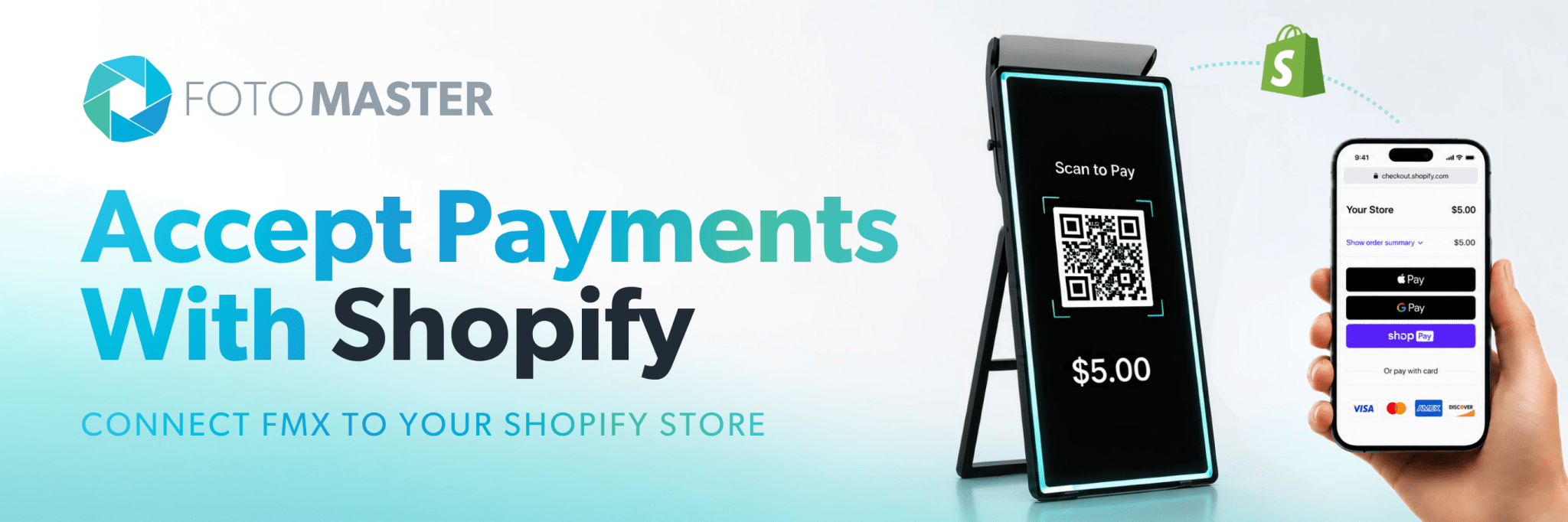
Just a few days ago, we introduced Shopify integration for FMX.
Today, we’re expanding your options even further.
FMX now integrates directly with Stripe, giving operators another powerful way to accept cashless payments through their photo booth workflows.
Whether you already use Stripe or you’re looking for a simple way to start accepting online payments, getting paid at your booth has never been easier.
No payment terminal. No card reader. No additional hardware.
Guests simply scan a QR code, pay on their own phone, and the experience begins automatically.

🔓 Charge for Any Experience in Your Workflow
Add a payment step anywhere in your workflow. Set the amount, and FMX generates a unique Stripe Checkout session displayed as a QR code on the booth screen.
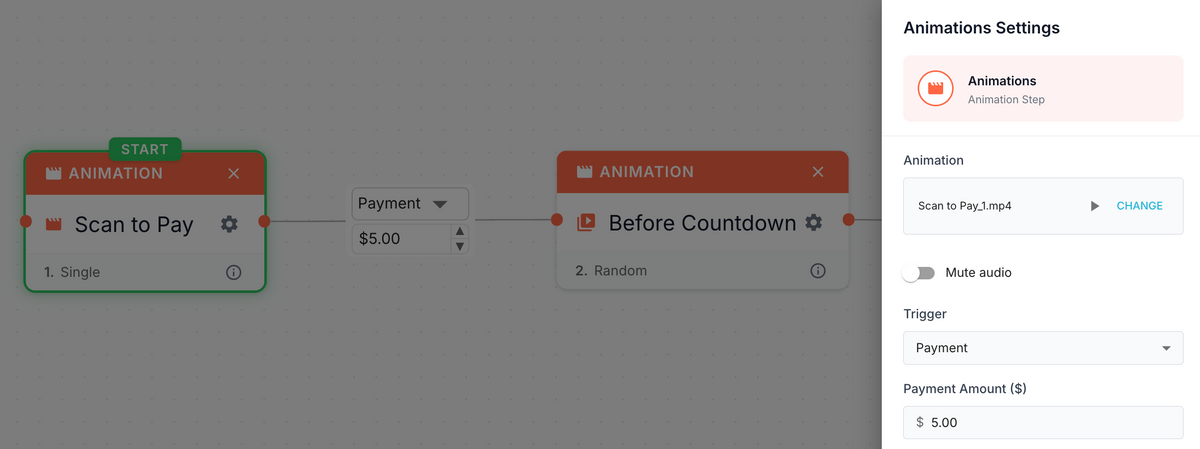
Once the guest pays, the QR code disappears and the booth moves to the next step automatically. Capture, print, share, AI content — whatever you have set up next.
You do not need to create products in Stripe. FMX sends the payment amount directly, so each workflow or event can charge a different price with no extra configuration.
🚀 Built for Self-Service Experiences
The payment flow couldn’t be simpler.
- The booth reaches a Payment step
- A QR code appears on screen
- The guest scans it — Stripe Checkout opens on their phone
- The guest pays in seconds
- The booth automatically continues to the next step.
Payment is confirmed within seconds. If the guest does not finish in time, the booth generates a fresh QR code so they can try again.
🏦 Stripe: The Payment Infrastructure Behind Millions of Businesses
Stripe is one of the most trusted payment platforms in the world.
Connecting FMX to your Stripe account takes about 5 to 10 minutes through Stripe's standard onboarding flow, and once connected, all transactions appear in your Stripe Dashboard under Payments: amount, method, date, and status all in one place.
No separate reporting system. No manual reconciliation.
If you already have a Stripe account, you can connect it directly.
📱 A Game Changer for FMX for iPad
For FMX For iPad operators, this opens up a new way to run paid experiences without any additional hardware.
An iPad, a Stripe account, and a QR code is all it takes to run a fully paid, unattended activation.
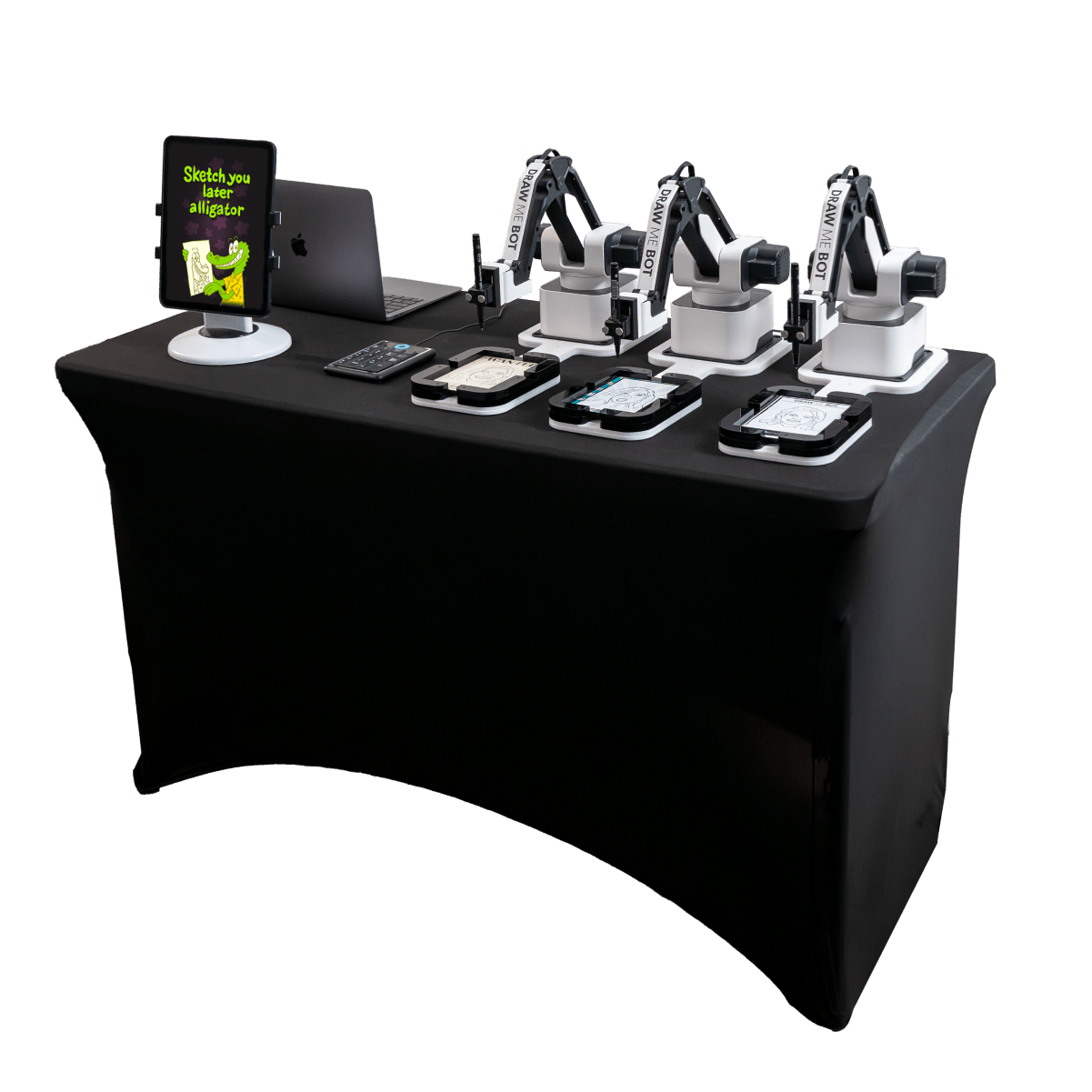
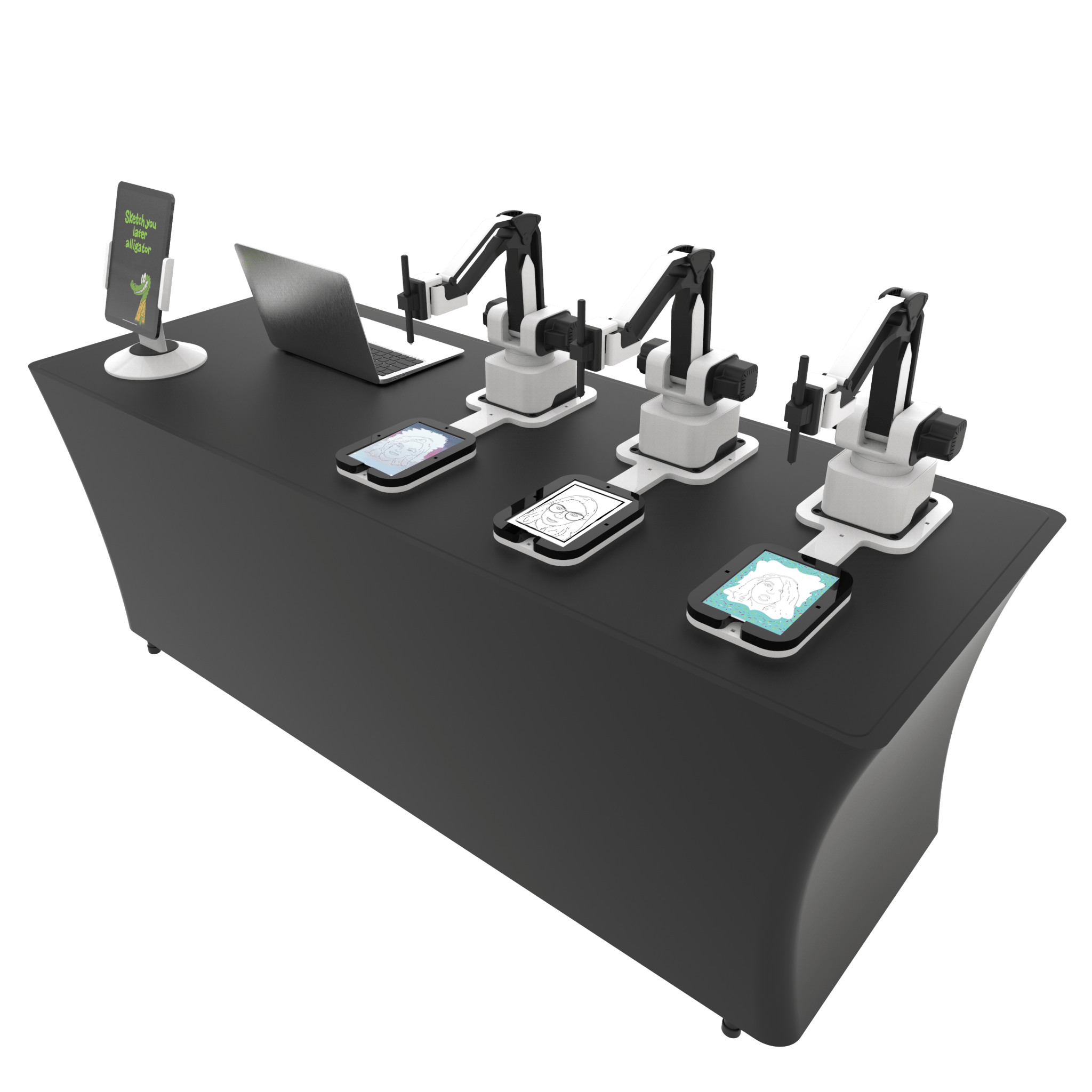
🎨 A Perfect Match for Draw Me Bot
One of our favorite use cases is Draw Me Bot.
A guest walks up, scans the payment QR code, pays in seconds, takes a photo, and watches their portrait being transformed into an AI-generated drawing.
Everything happens automatically, and the entire experience can be self-service from start to finish.

🎬 Monetize Premium AI Experiences
The same workflow can be used for AI Image-to-Video, premium photo experiences, paid prints, branded activations, or any other FMX workflow.
🎨 AI Drawings
🎬 AI Image-to-Video
🦸 AI Character Transformations
📸 Premium Photo Experiences
🖨️ Pay-to-Print Workflows
🎁 Branded Activations
You decide what the guest pays for. Simply decide where payment happens, set the amount, and let FMX do the rest.
🔧 Flexible by Design
You can charge different amounts for different events or different steps within the same workflow, without touching your Stripe settings.
The payment amount is controlled directly from the FMX workflow builder.
This means:
✔ Charge different amounts for different events
✔ Charge different amounts within the same workflow
✔ Create premium upgrades
✔ Create paid add-ons
✔ Create completely different business models using Stripe
Multiple booths can also share the same Stripe account. Each session is tracked independently, so booths never interfere with each other.
🎯 Getting Started
The Stripe integration is available today for Foto Master Cloud Pro Plan users.
Connect your Stripe account, add a Payment trigger to your workflow, and start accepting payments in minutes.