Selfie Wi-Fi V3 Is Here: Build the Whole Guest Journey
Selfie Wi-Fi V3 is here. 🎉
Guests still scan a QR code and use their own phone. Now you decide everything that happens between the scan and the final result: build the full guest journey, collect leads and survey answers, take payments, and offer more AI experiences.
Guest flow builder
🧩 Build the guest journey, screen by screen.
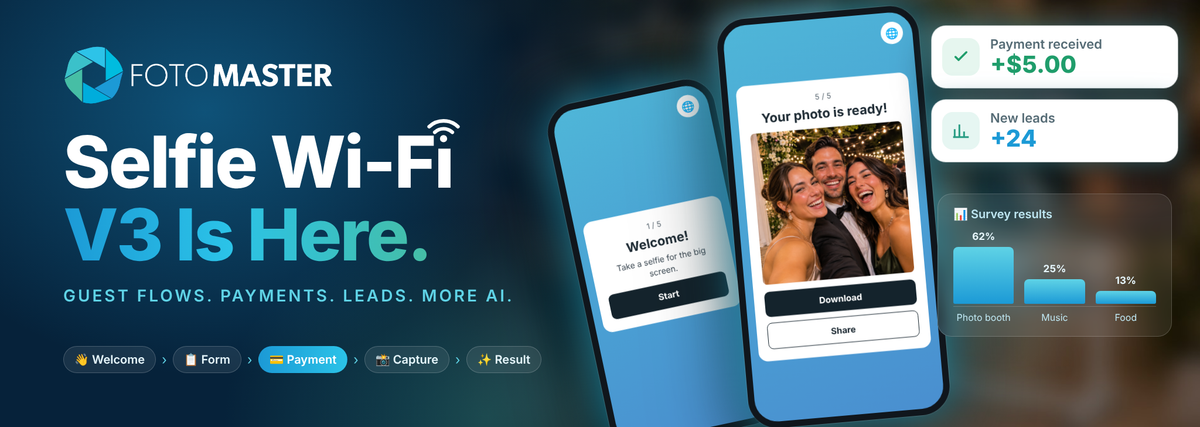
Every Selfie Wi-Fi template now has a Guest flow: the screens guests see in order, from the moment they scan to the moment they get their photo. New templates start with the basics, Capture and Result. Add the screens your event needs, then edit each one with a live phone preview beside it.

Start from a ready-made flow
Pick a featured flow and adjust it, or save your own and reuse it at every event. An event can also run a different flow from its template.
- Free photoCapture › Result
- Lead captureCollection form › Capture › Result
- Paid photoPayment › Capture › Result
- Leads + paid photoCollection form › Payment › Capture › Result
- Paid photo + surveyPayment › Capture › Collection form › Result
Payments and vouchers ⭐ Cloud Pro
💳 Let guests pay on their own phone.
Add a Payment screen and guests pay through Stripe or Shopify before they take their photo. Set the price, currency, product name and how many photos each payment covers. Payments go directly to your connected account, with no card reader at the booth. Payments are available on the Cloud Pro plan.
Every payment shows up in the event's guest payments list, and you can filter for paid guests who haven't received their result yet.

Need free access for VIPs, sponsors or a promo? Create voucher codes right from the event. 🎟️ Generate a code or set your own, add a label like a sponsor name, choose how many guests can use it and when it expires. Track uses, export your codes to CSV, or disable a code at any time.
Guest details and surveys
📋 Collect leads and feedback from every guest.
Add a Collection form to ask for contact details, custom questions, ratings and consents. Every answer is saved with the event, so you can review it in reporting or export it for your client.

AI experiences
✨ 8 more AI experiences, now in Selfie Wi-Fi.
Selfie Wi-Fi now supports AI Background Removal, Cartoon, Face Cutout, Face Swap, Oldify, Palm Reading, Sharpener and AI Modify, alongside AI Headshot, Line 2 Life, Style Pop, Draw Me, Combine, Image to Video and Face Switch.
Add a Choose experience screen and guests pick the one they want. Guests can also type their own prompt in the experiences that support it.

Preview
👀 See exactly what guests will see.
Preview the flow in the editor as you build it, or save the template and scan a QR code to open the preview on your own phone. Payments and AI processing are simulated in the preview, and nothing is saved.

Event controls and reporting
🎛️ Stay in control of every event.
Protect the guest link, set opening and closing times, cap the number of photos, and set a daily AI budget, all per event.

📈 A new Guest flow report shows how many guests reached each step, from opening the page to viewing their result, so you can see where guests drop off. Revenue by provider sits right below it.

Privacy and delivery
🔒 Privacy, handled.

Guests choose whether their photo can appear in the online gallery or on the big screen. You can export guest data when you need it and delete it when the event is done. Guests can also ask to receive their result by email.
Who it's for
🎯 A self-serve booth for every kind of event.
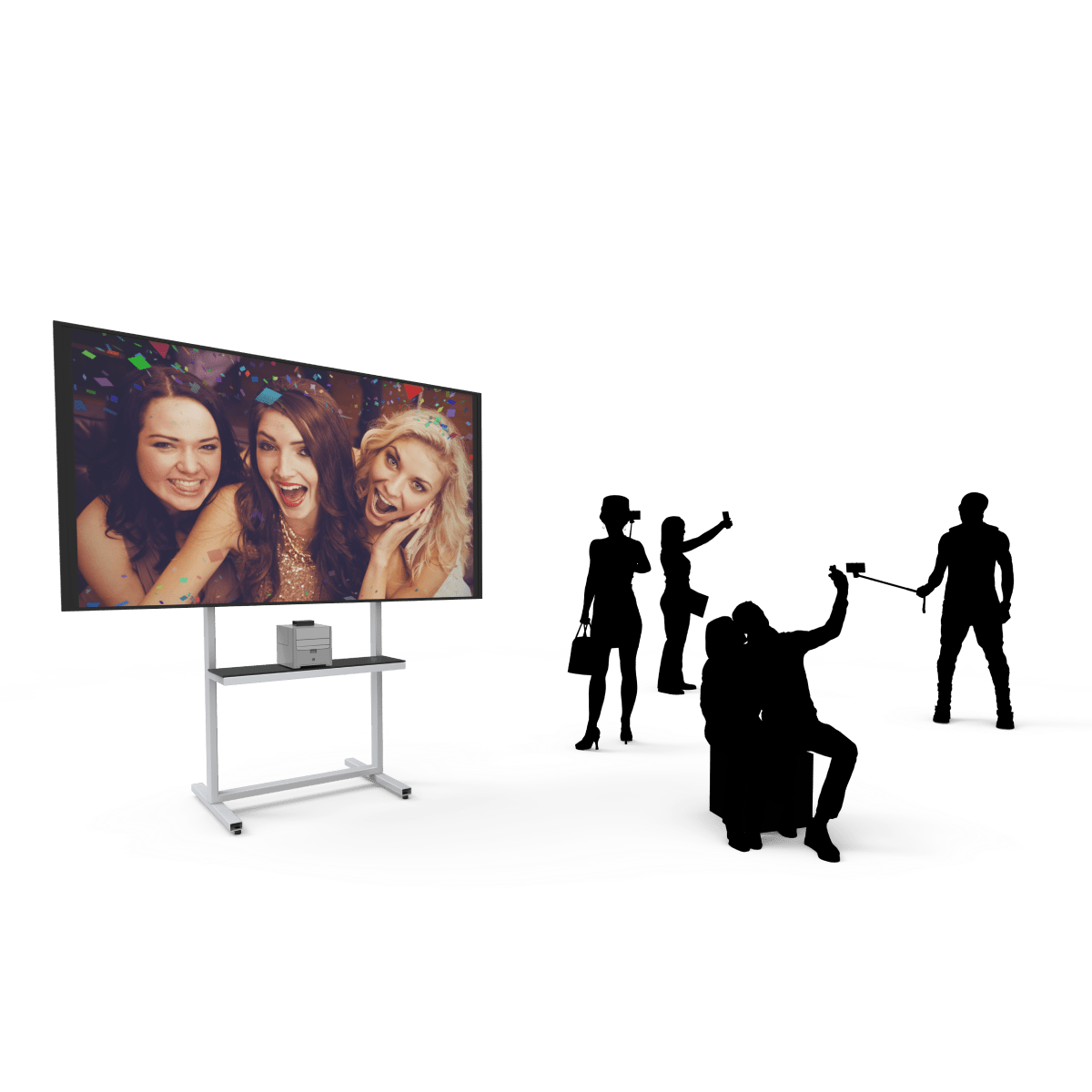
Selfie Wi-Fi V3 is a light, low-cost way to offer an interactive photo experience where a full booth is too much, or as an extra next to the booth you already bring.

More ways to use it
💡 Not just for one-night events.
Because guests run everything from their own phone, Selfie Wi-Fi V3 works anywhere you can put up a QR code.
Two ways to get it
📦 Software only, or the complete setup.
V3 runs on the Selfie Wi-Fi software. Add it to equipment you already own, or choose a Selfie Wi-Fi package that includes the hardware too.

Selfie Wi-Fi Software
The Windows software with Foto Master Cloud. Use your own computer, screen and printer.
Selfie Wi-Fi Packages
- Bring Your Own: a mini PC with one year of the software, Foto Master Cloud and 24/7 support. Add your own screen and printer.
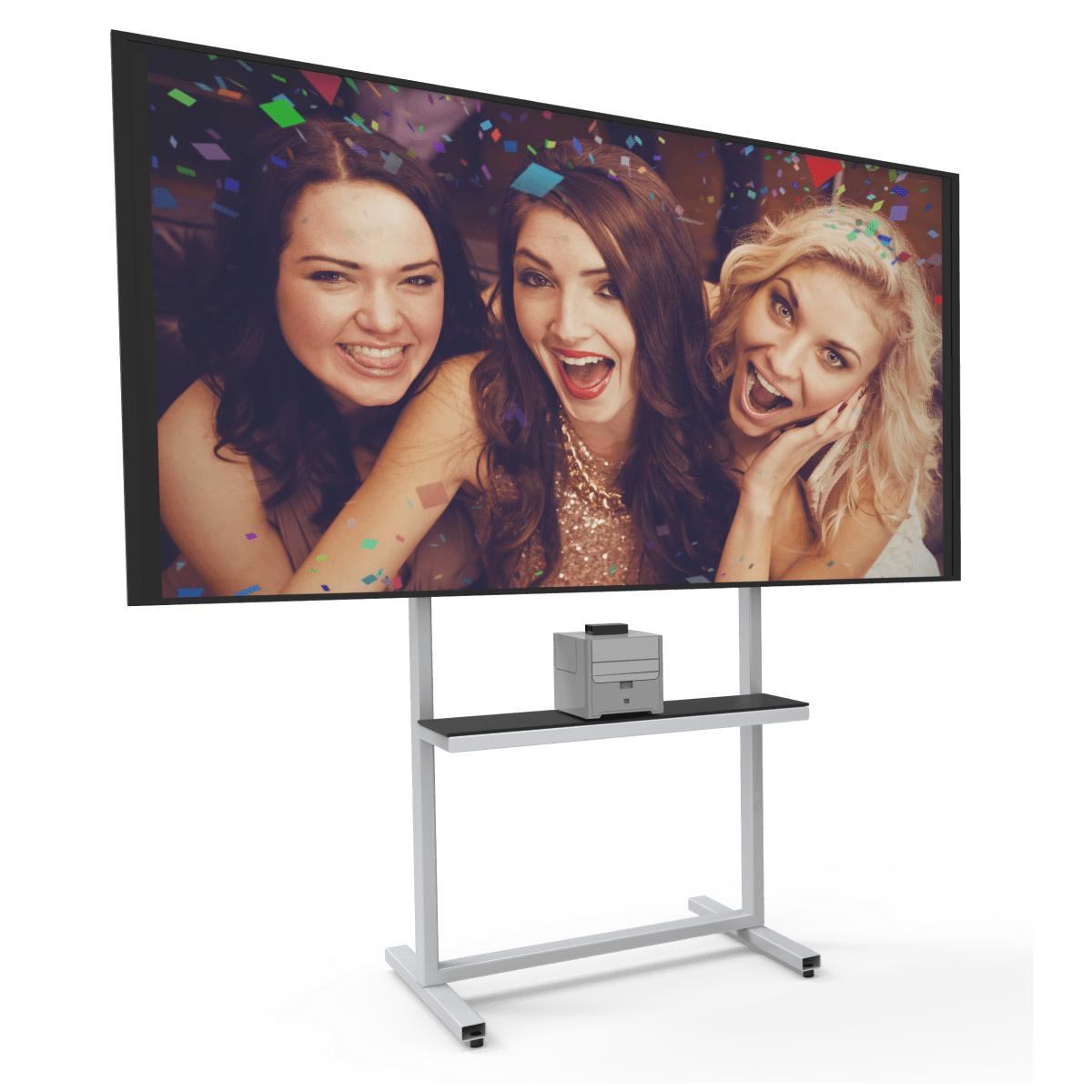
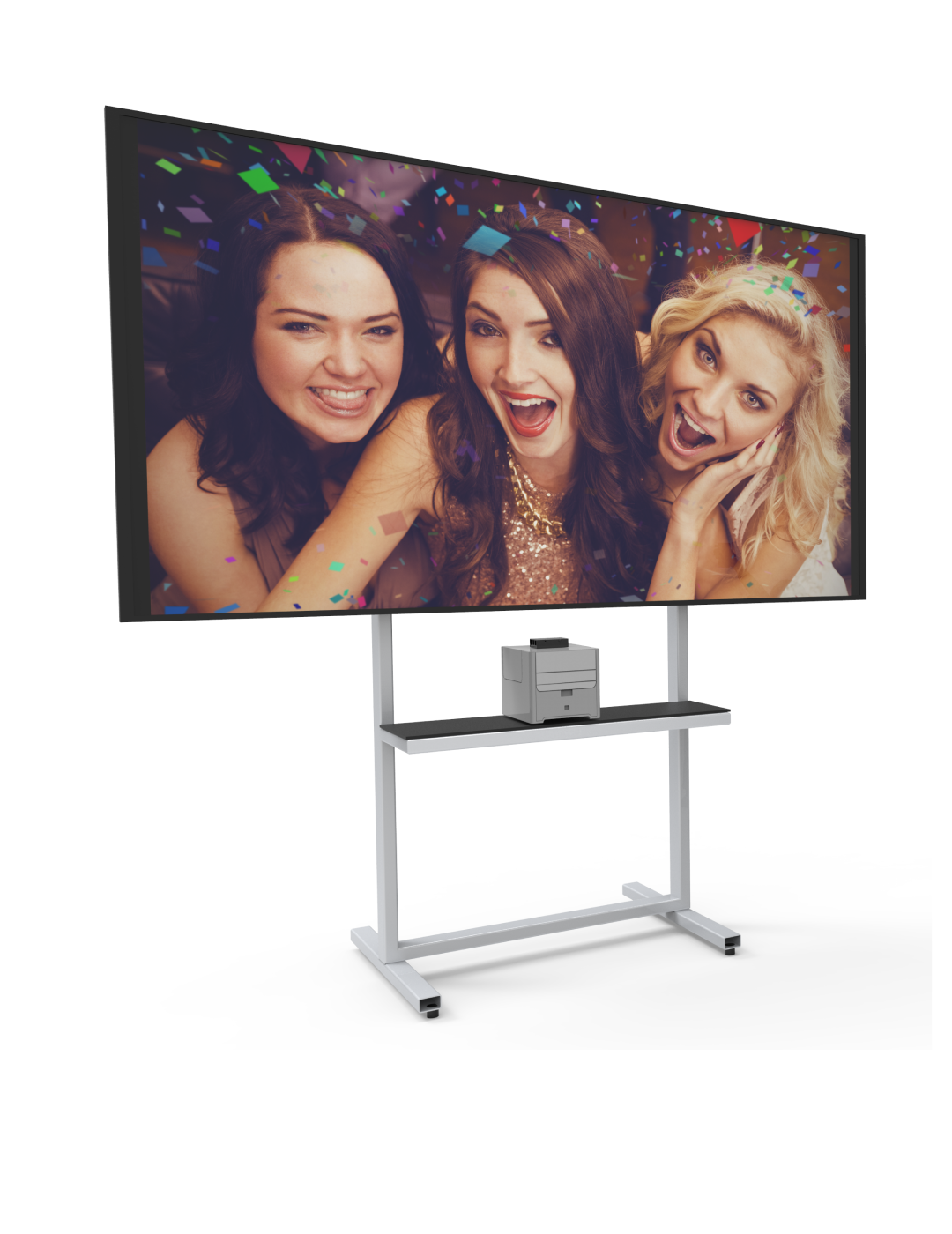
- Turn Key: everything for your first event, including a 65" TV, TV and printer stand, printer and media.