FMX Now Works With Your Shopify Store
One of the most requested monetization features has arrived.
You can now connect your Shopify store directly to FMX and charge guests through the booth workflow.
Works with all Foto Master photo booths. No payment terminal. No card reader. No additional hardware.
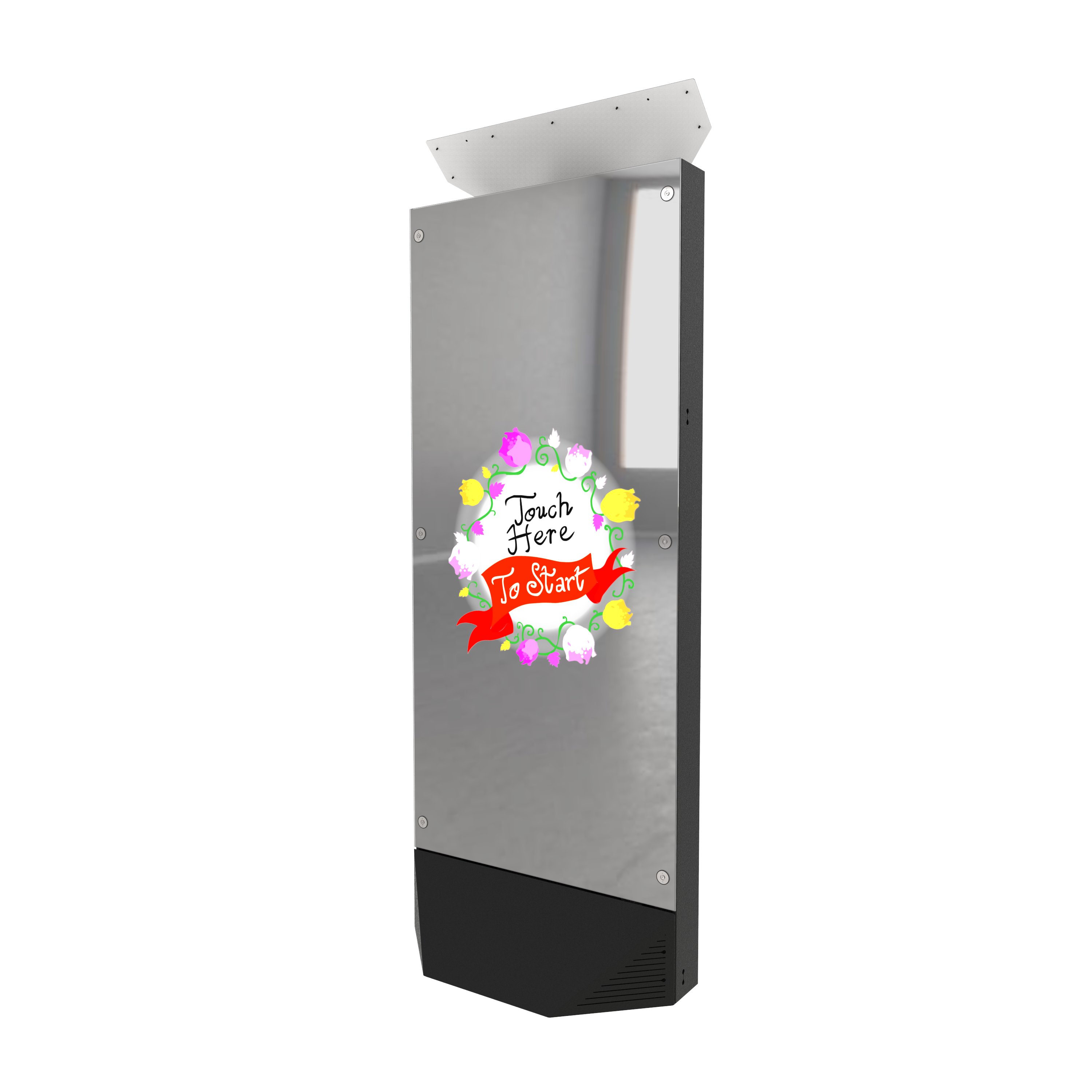
Guests scan a QR code, pay on their phone, and the experience begins automatically.
Available now for both FMX for Windows and FMX for iPad.

🛒 What This Actually Means
This isn't a new payment processor. It's a direct integration with your Shopify store.
When a guest reaches a payment step, FMX creates a checkout through your Shopify store and displays a QR code. The guest scans it, and your Shopify checkout opens on their phone - with all your store's payment methods ready to go.
💳 Turn Any Step Into a Paid Experience
You can place a payment step anywhere in your workflow.
Select Payment as the trigger, set the amount, and FMX automatically displays a unique payment QR code.
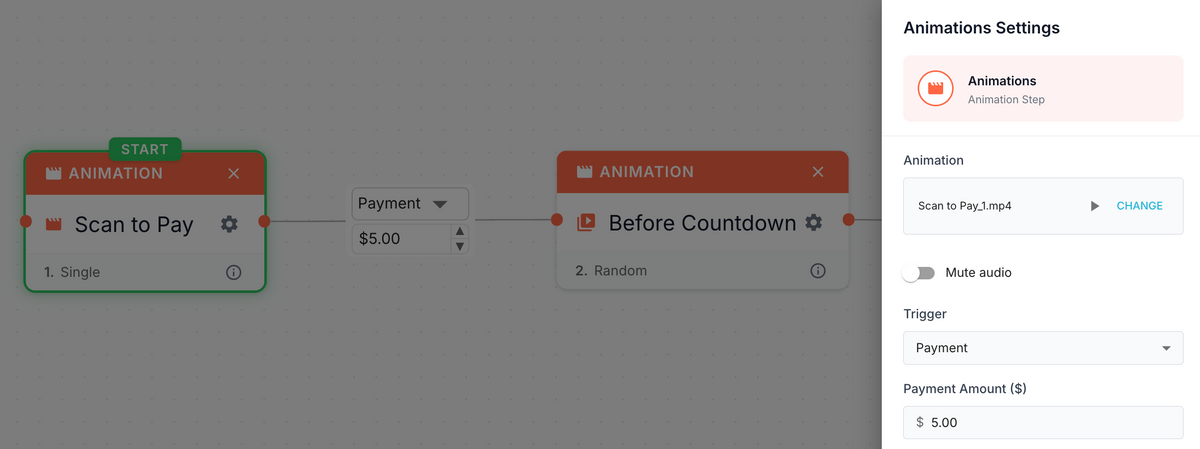
Once the guest completes payment on their phone, the booth automatically advances to the next step.
- Capture
- Print
- Share
- AI Features
- Or anything else in your workflow
You decide what the guest pays for. FMX handles the rest.
⚙️ How It Works
The experience is simple:
- The booth reaches a Payment step
- A QR code appears on screen
- The guest scans the QR code → Shopify Checkout opens on their phone
- The guest completes payment instantly
- FMX automatically detects the payment and continues the workflow
⏰ In most cases, the booth advances within 2-4 seconds after payment is completed.
Guests can pay using any payment method enabled in your Shopify store, including:
✔️ Credit and debit cards
✔️ Apple Pay
✔️ Google Pay
✔️ Shop Pay
And other Shopify-supported payment methods.
Behind the scenes, the booth talks to Foto Master Cloud, and Foto Master Cloud talks to Shopify on your behalf.
You don't need to create any products in Shopify, the checkout is created with the exact amount from your workflow, dynamically, every time.
🏬 Perfect for Businesses Already Using Shopify
If your business already runs on Shopify (a retail store, a brand, an attraction, a franchise) you can connect FMX to your existing store in minutes.
Your photo booth becomes a native part of your Shopify commerce setup. Payments show up in Shopify Admin → Orders as completed orders labeled "Photo Booth Payment (FMX)" — same dashboard, same reporting, same reconciliation as everything else.
And if you're running multiple booths, they can all share a single Shopify account safely — each checkout has a unique session ID, so no booth ever claims another booth's payment.
No Shopify Store Yet? That's Fine Too
You don't need an existing Shopify store to use this.
Any business can open a Shopify account and start charging through their booth without investing in payment hardware. Shopify's Basic plan is enough to get started, and you'll have a full commerce platform behind your booth from day one.
It's one of the fastest ways to go from zero to paid experience.
📱 A Huge Opportunity for FMX for iPad
This integration is especially exciting for FMX for iPad operators.
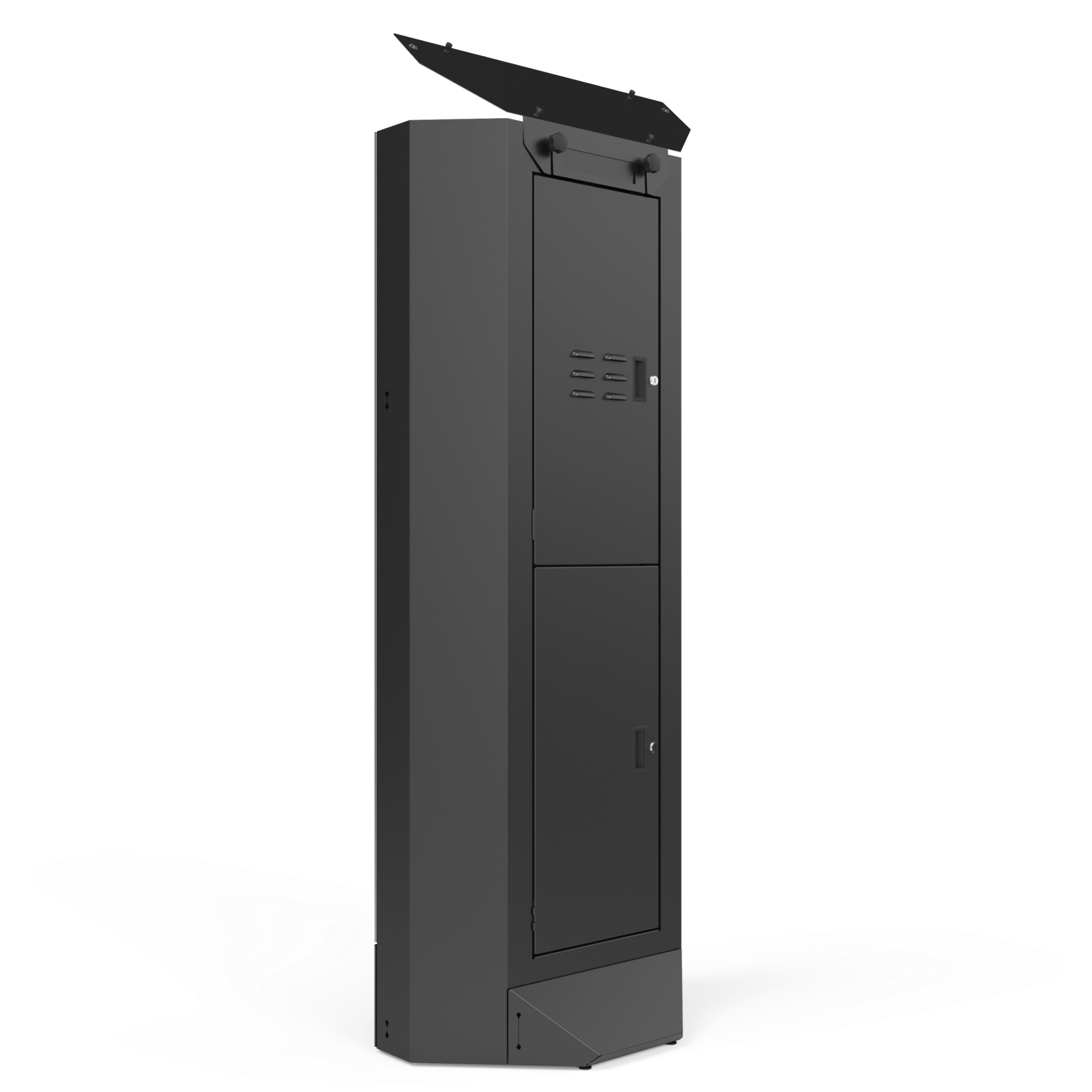
For the first time, you can build a fully self-service paid experience using nothing more than an iPad, Foto Master Cloud, and Shopify.
No Windows PC. No payment terminal. No cashier.
Just a QR code.
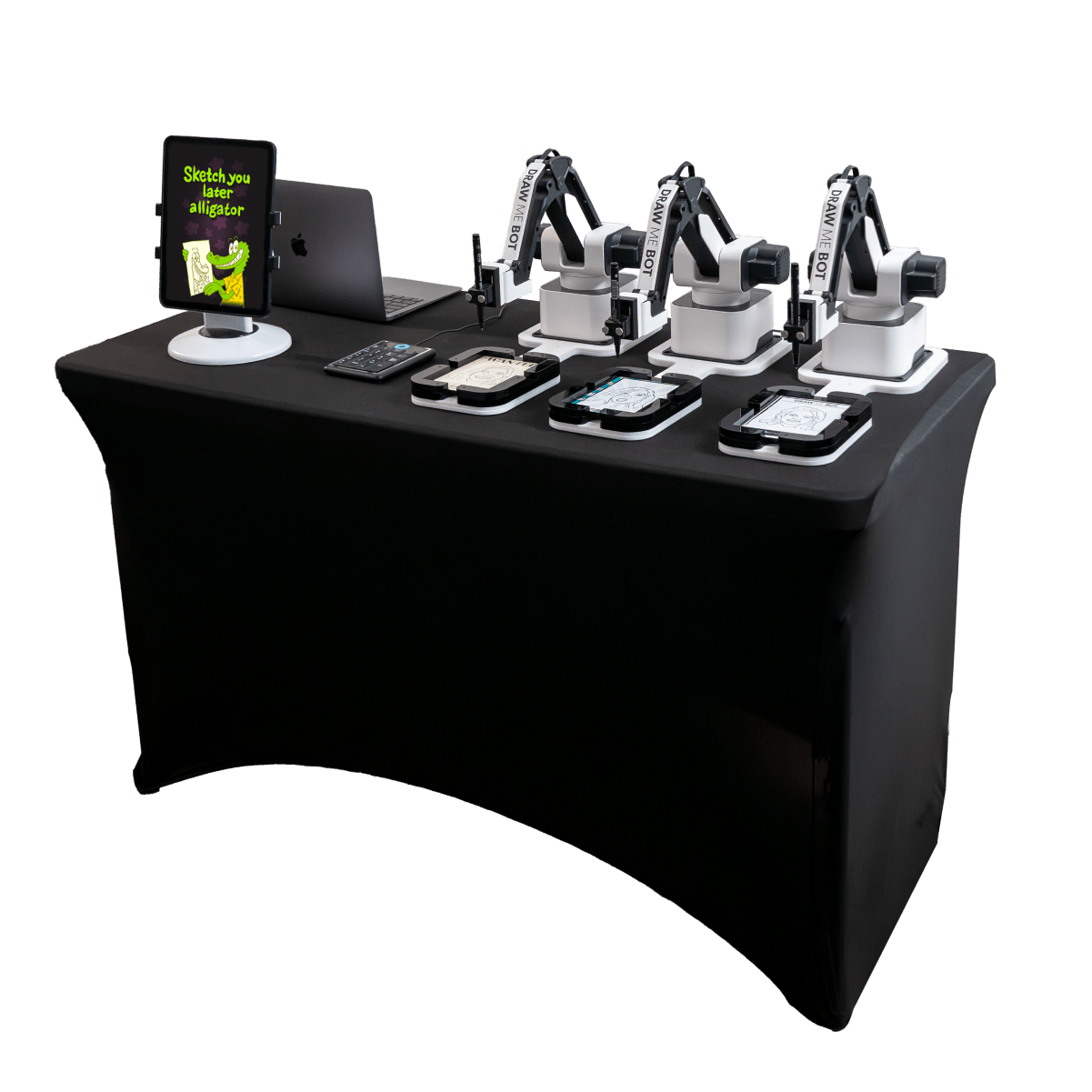
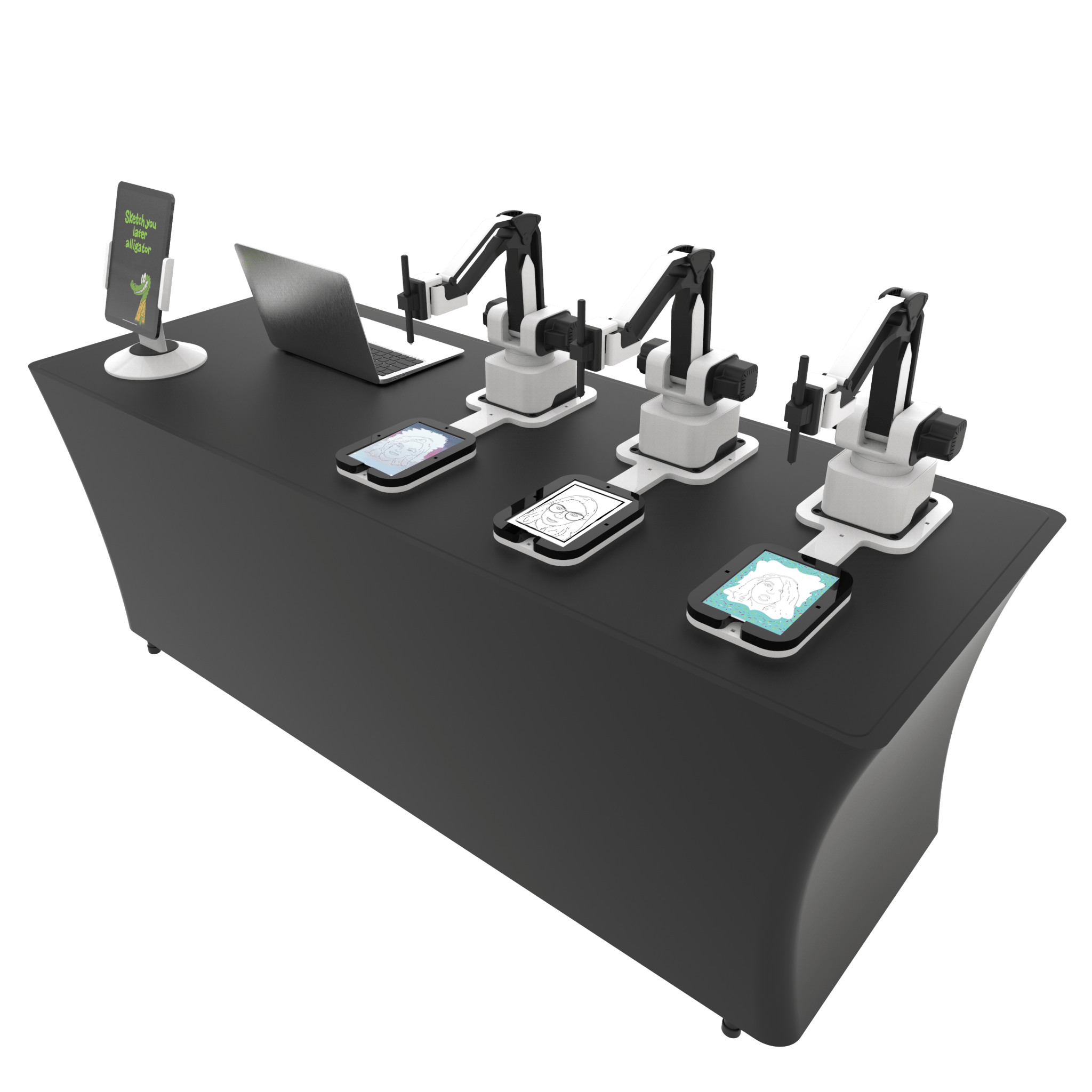
🎨 A Perfect Match for Draw Me Bot
Take Draw Me Bot as a perfect example.
Place a Draw Me Bot activation in a shopping mall, arcade, museum, or retail store. A guest approaches, scans the QR code, pays in seconds with their digital wallet, takes a photo, and watches their illustration come to life.
The entire experience is self-service from start to finish. 
🎬 Monetize Premium AI Experiences
The same workflow applies to any experience in FMX:
🎨 AI Drawings
🎬 AI Image-to-Video
🦸 AI Character Transformations
📸 Premium Photo Experiences
🖨️ Pay-to-Print Workflows
🎁 Branded Activations
You decide what the guest pays for.
🔧 Flexible by Design
One of the biggest advantages is flexibility.
You don’t need to create products in Shopify.
The payment amount is controlled directly from the FMX workflow builder.
This means:
✔ Charge different amounts for different events
✔ Charge different amounts within the same workflow
✔ Create premium upgrades
✔ Create paid add-ons
✔ Create completely different business models using the same Shopify account
You can even connect multiple booths to the same Shopify store.
Each payment session is tracked independently, allowing multiple booths to operate simultaneously without interfering with one another.
💡 Why This Matters
Until now, adding payments to a photo booth usually meant purchasing additional hardware, managing another device, and introducing more setup complexity.
The Shopify integration removes all of that. The guest’s phone becomes the payment device.
Shopify handles the transaction, and FMX handles the experience.
The result is a cleaner setup, lower deployment costs, and a simple way to monetize photo booth experiences without adding hardware to your installation.
Whether you’re running a retail activation, a permanent attraction, a self-service AI experience, or a premium event activation, accepting payments has never been easier.
☁️ Available Now
The Shopify integration is available today for Foto Master Cloud Pro Plan users.
As we transition to our new Cloud plans, this feature will be included in the Scale plan.
🎯 Getting Started
- Create a Shopify Custom App
- Connect your Shopify store inside Foto Master Cloud
- Test the connection
- Add a Payment trigger to your workflow
- Set your amount
- Sync and go live
That’s it.
Your FMX workflow is now ready to accept payments and generate revenue!