FMX Now Supports Nikon & Sony Cameras!
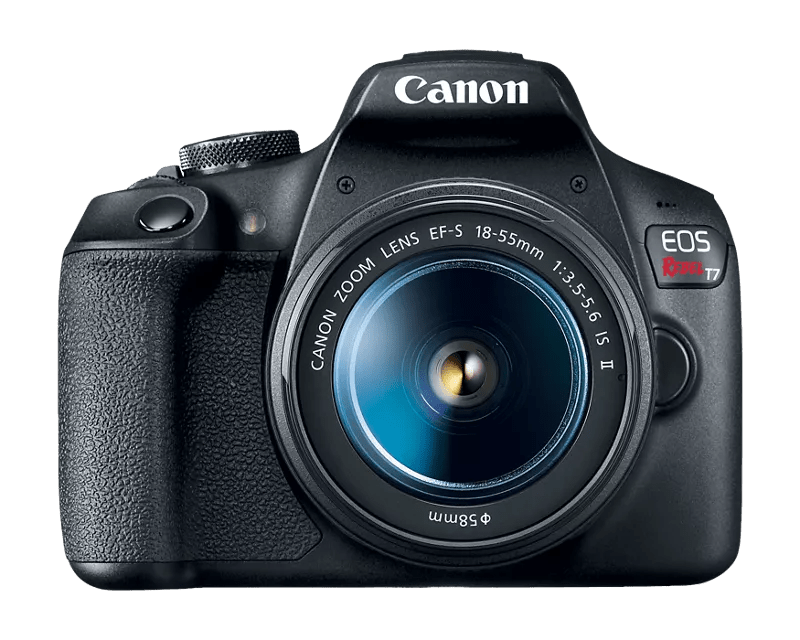
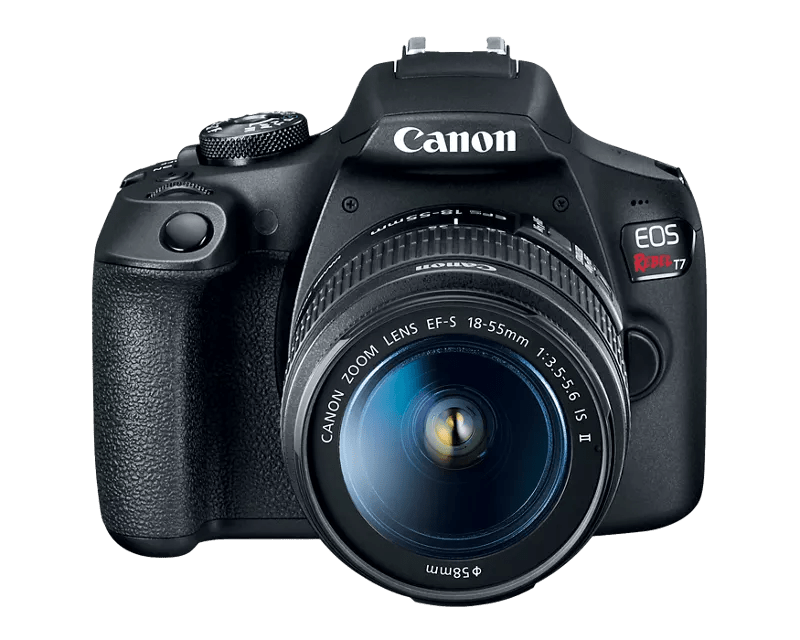
For years, running a Foto Master setup meant you could use one camera type: Canon.
It delivered reliability, full control, and a system you could trust during live events.
But it also came with a limitation: if you owned Nikon or Sony cameras, they simply couldn’t be part of your setup.
Until now.
📸 What’s New
FMX (For Windows) now officially supports Nikon DSLR cameras and Sony Alpha series, alongside Canon and webcams.
This means you can run FMX using more of the gear you already own and trust, without changing your entire setup.
Why This Matters
You’ve probably run into at least one of these:
❌ You already own a Nikon or Sony camera, but couldn’t use it with FMX
❌ Expanding your business meant buying more Canon gear
❌ A backup camera stayed unused instead of generating revenue
❌ Switching systems felt expensive or unnecessary
With this update, those limits are gone.
✨ More Flexibility for Your Setup
FMX now gives you real choice when it comes to cameras.
✅ Use the gear you already have
Got a Sony A7 or a Nikon D750 sitting in your kit?
Now it can be part of your workflow.
No need to replace cameras just to run FMX.
✅ Expand your setup without extra cost
Adding another booth usually means buying more equipment.
Now, your existing cameras can become a new station.
That’s faster growth, with less investment.
Instead of adjusting your business to the software, the software now adapts to you.
💡 What to expect:
It’s important to understand how each system works:
Canon (Recommended)
Canon still offers the most complete integration with FMX, including full remote control of camera settings like ISO, shutter speed, and aperture directly from the software.
This is why all Foto Master turn-key solutions are built around Canon cameras, ensuring maximum performance and reliability out of the box.
Nikon & Sony
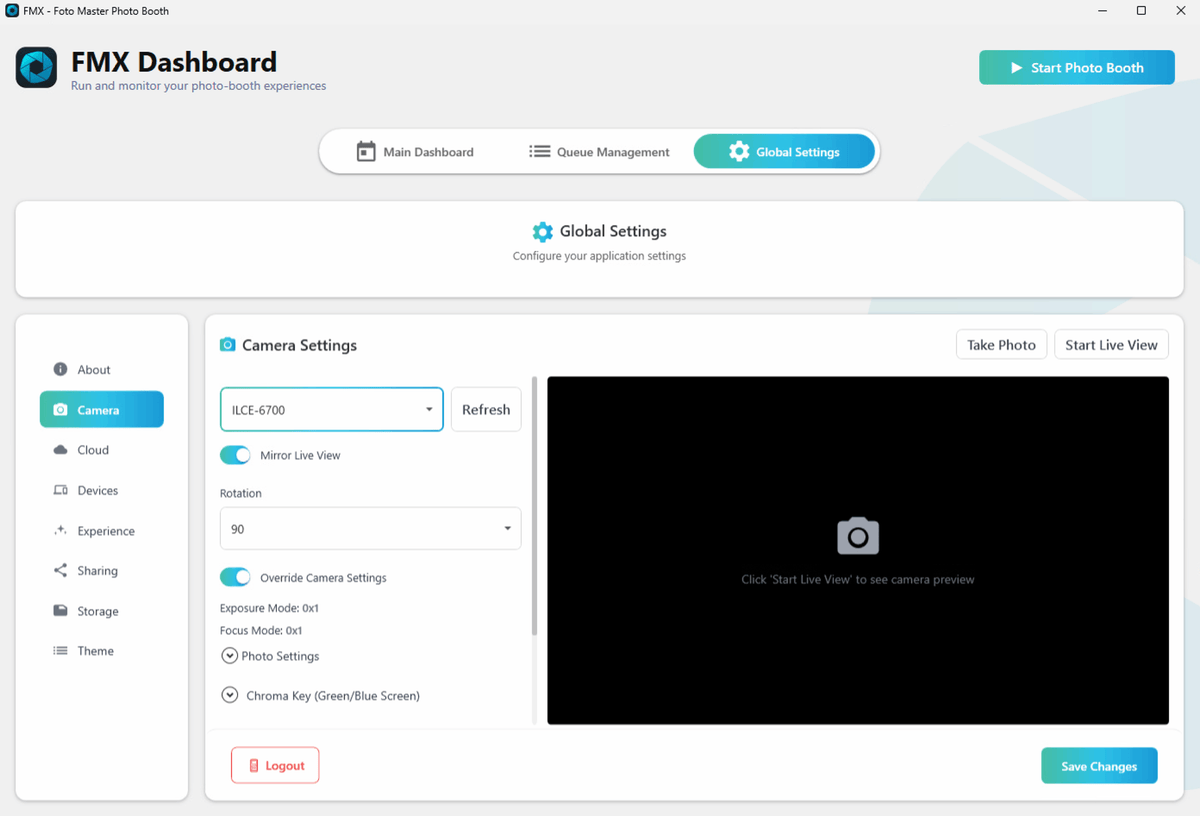
Use basic tethered capture. You configure settings directly on the camera, while FMX handles live view, triggering, and file transfer automatically.
⚙️ How it Works
We kept the workflow simple and fast, exactly as you know it:
1. Connect your camera via USB
2. FMX detects it automatically
3. Start your event!
📸 Your Gear. Your Choice.
This update is a core pillar of our mission to make FMX the most flexible and inclusive photo booth software in the industry.
We are removing the technical blockers so you can focus on what matters: running better events.
Ready to see if your model is on the list?