The Industry's First Cloud-Based Printing Solution
Printing has always been one of the most limiting parts of a photo booth setup, especially for iPad-based booths.
FMPrint was built to solve this problem.
Now multiple booths can print to one shared printer, without cables, without Print Pal devices, and without complicated network setups.
🖨️ What Is FMPrint?
FMPrint is a Cloud-based printing solution for FMX for Windows and FMX for iPad.
Instead of connecting booths directly to printers through cables or local Wi-Fi networks, FMPrint uses Foto Master Cloud to manage the printing workflow.
Booths simply upload photos to the Online Event Gallery, and a laptop connected to the printer automatically pulls and prints the jobs.
With a normal internet connection, the process is extremely fast, and in most cases prints start almost instantly after the guest selects Print.
The best part? You can connect as many booths as you want to a single printer.

How the Workflow Works:
- Capture: A guest completes a session on a booth.
-
Upload: The final photo is instantly uploaded to your Online Event Gallery.
-
Queue: When a guest chooses to print, the image is queued in the Cloud.
-
Print: The print station automatically pulls the job and prints it.
Because the process runs through the Cloud, booths no longer need a direct connection to the printer.
A New Standard for iPad Booths
FMPrint makes printing much easier for iPad users.
Previously, printing from iPad booths required Print Pal, Raspberry Pi devices, USB-to-Ethernet adapters, and special Wi-Fi configurations.
It added extra hardware and complicated networking steps.
At busy events this could also create Wi-Fi overload, especially when booths were trying to print, send SMS, and send emails at the same time.
FMPrint removes this complexity completely.
Now iPad booths send print jobs through the Cloud, using the same workflow as Windows booths.
This means:
✅ No Raspberry Pi or Print Pal devices
✅ No network conflicts between printing, SMS, and email
✅ A simpler setup with fewer points of failure
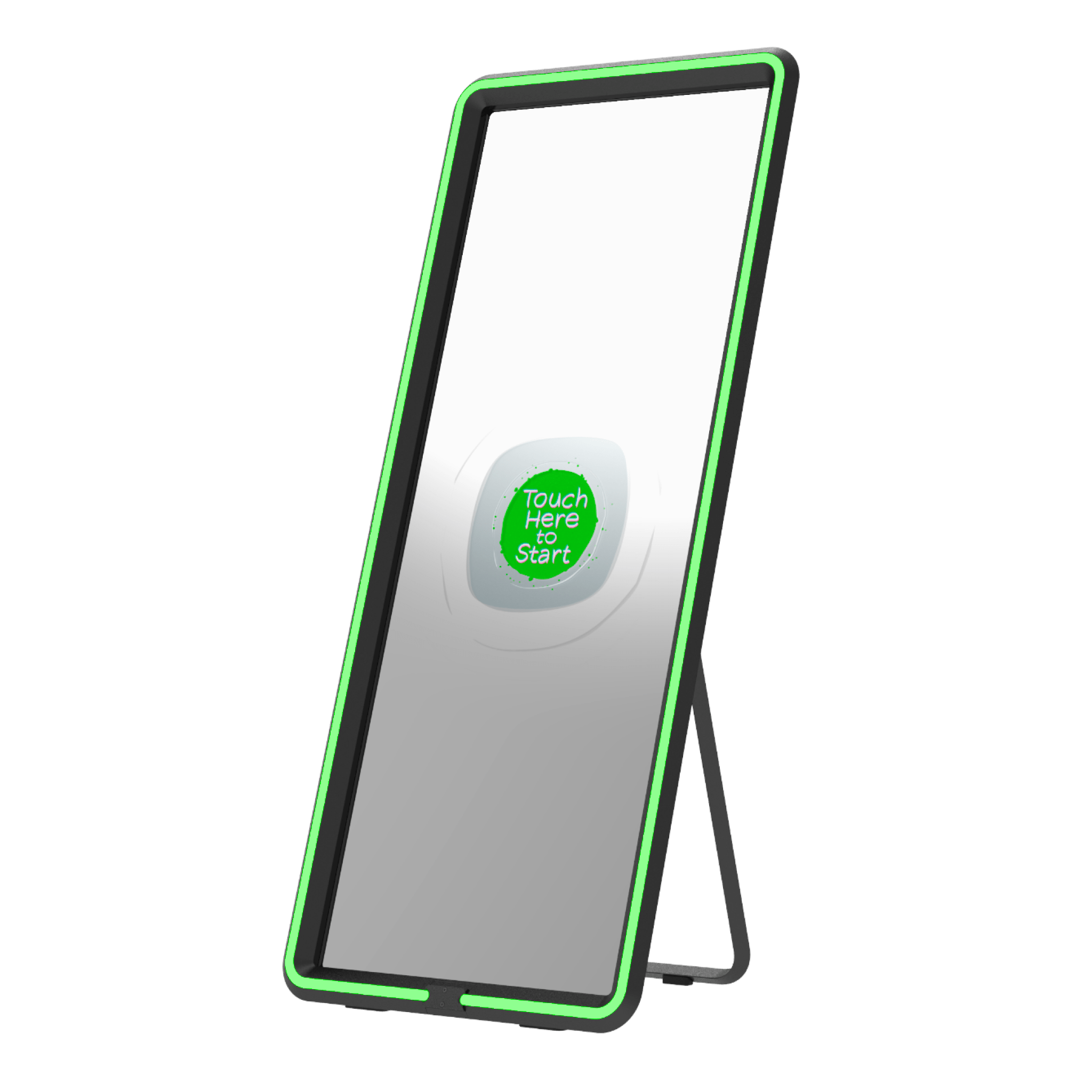
FMPrint is officially replacing Print Pal as our primary iPad printing solution. Going forward, Foto Master iPad packages (like Razor and Pylon) will include a dedicated laptop pre-installed with FMPrint, ready to run.
One Printer. Multiple Booths.
FMPrint introduces a major new level of flexibility.
Multiple booths can now print to one shared printer at the same time.
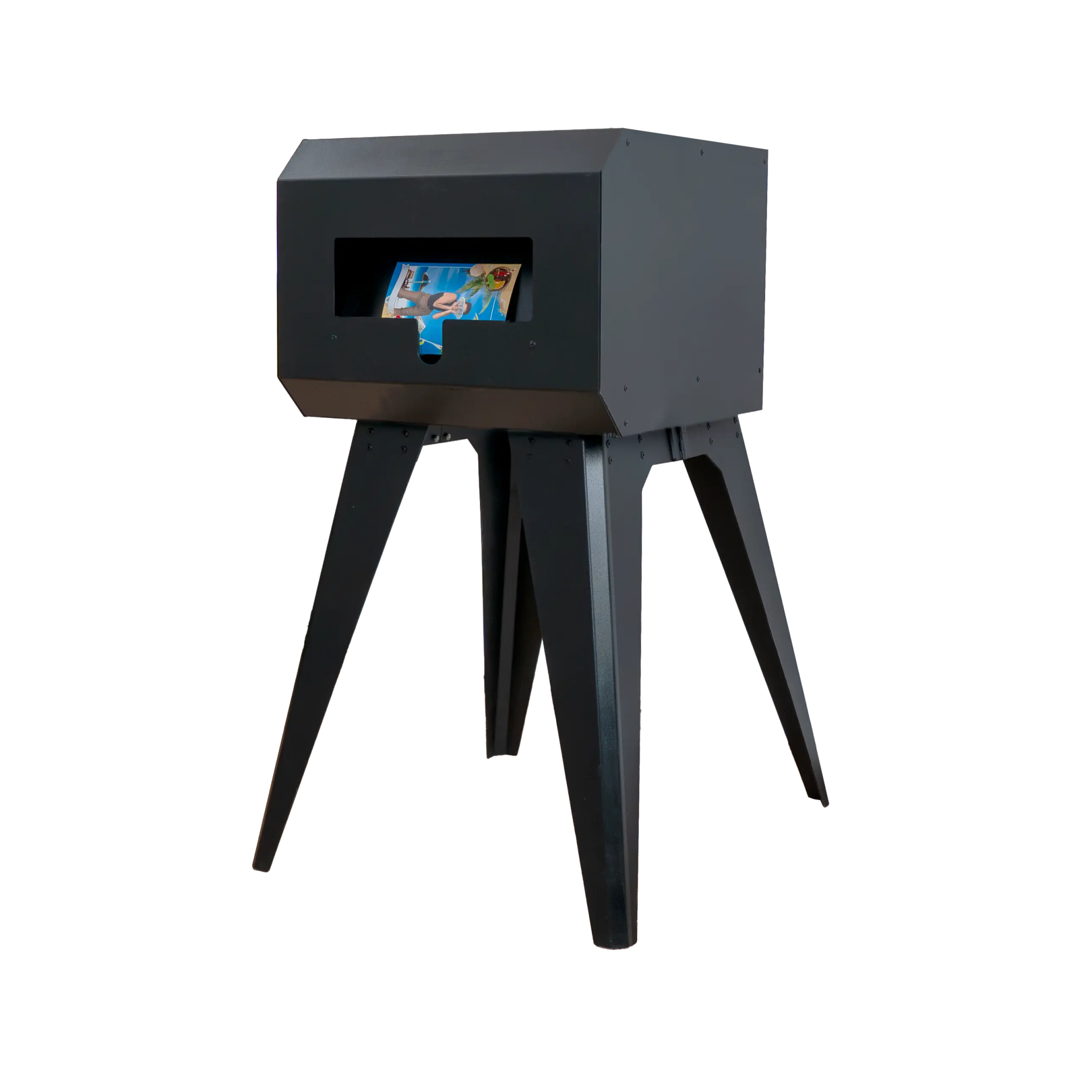
Instead of bringing multiple printers, you can simply set up one dedicated printing station.
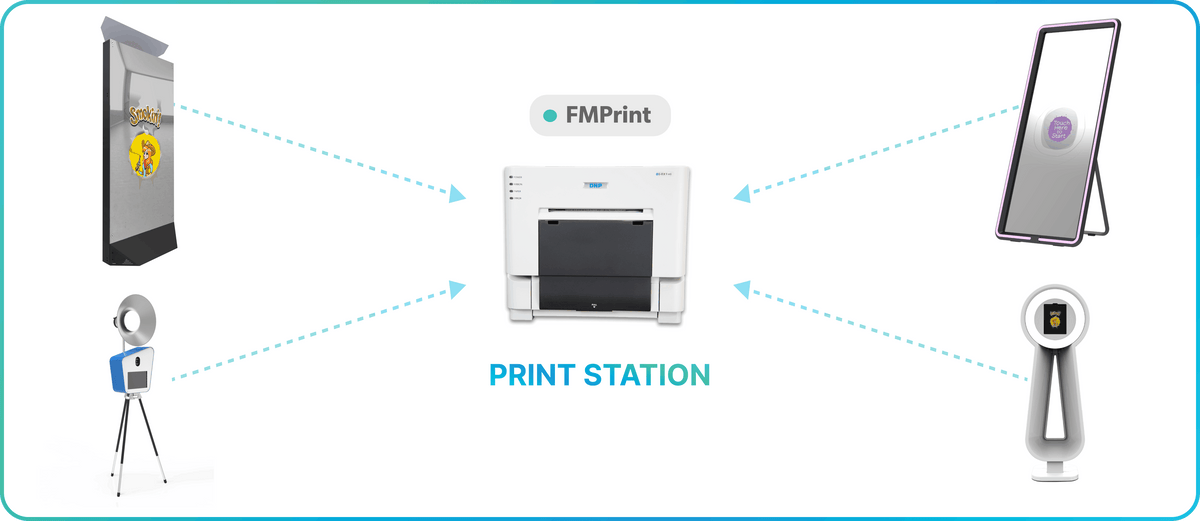
FMPrint is licensed per printer, and you can unlimited license to your Cloud account for FREE.
For each event, you decide:
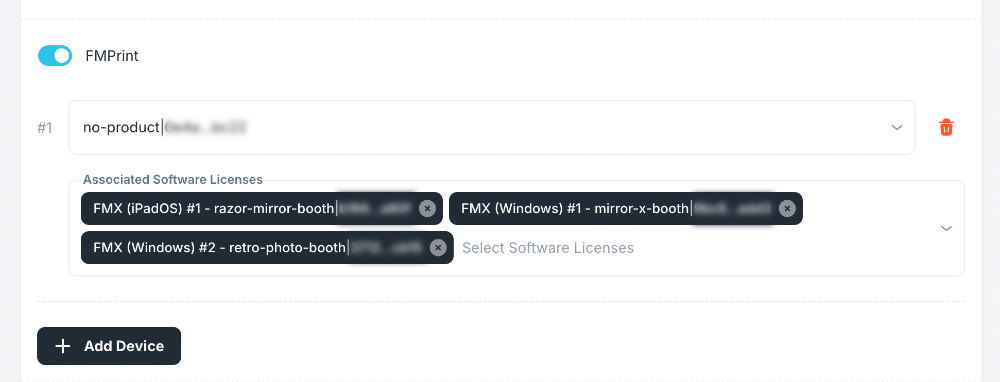
- Which FMPrint license is active
- Which FMX booths are allowed to print to that printer
⚡️ Faster and More Reliable Than Expected
When we first explored Cloud printing, many of us had the same thought:
“Wouldn’t internet printing be slower?”
In reality, it turned out to be the opposite.
Because the system no longer depends on unstable local Wi-Fi connections between booths and printers, the workflow is often more stable and easier to manage, even at busy events.
With a normal internet connection, prints are sent to the Cloud and picked up by the print station almost instantly.
Designed for Modern Event Layouts
Removing the physical connection between booth and printer makes event setups much easier.
Booths and printers no longer need to be near each other or connected to the same network.
Operators can now:
- Create dedicated print pickup areas
- Keep high‑traffic zones clear
- Place booths anywhere in the venue
This creates cleaner setups and better guest flow, especially at corporate events, trade shows, and brand activations.
☁️ Built Into the FMX Ecosystem
FMPrint is fully integrated into Foto Master Cloud.
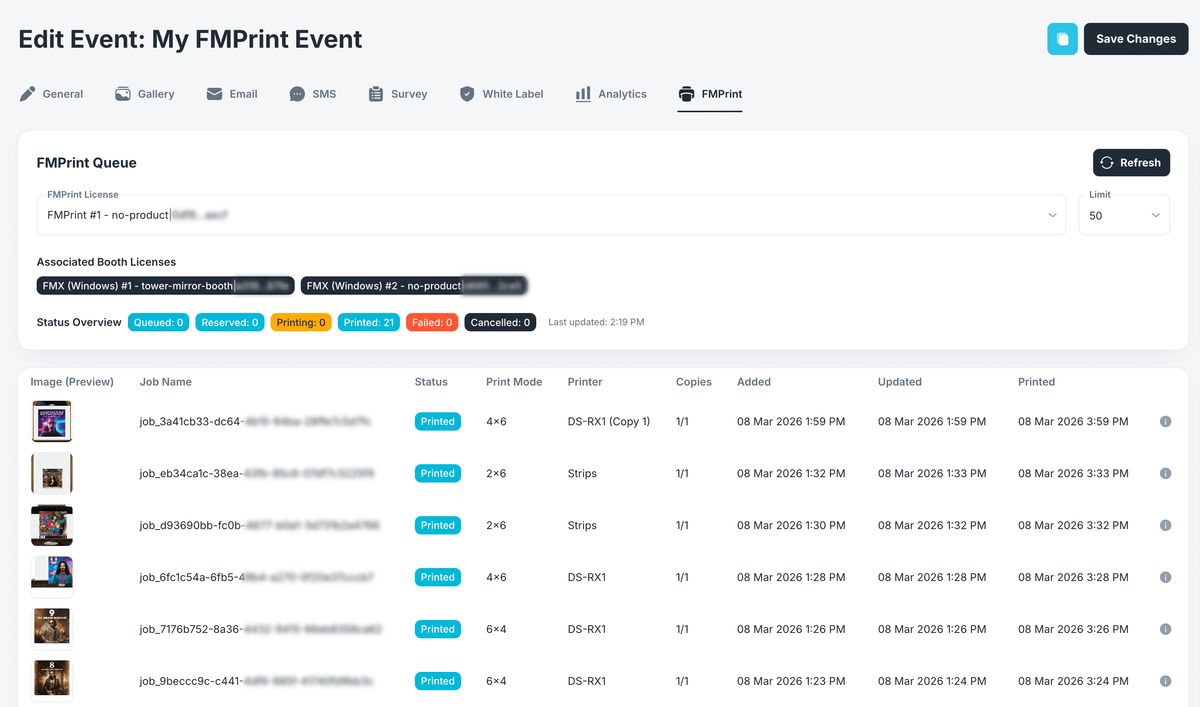
From the event dashboard, you can:
✅ Select which booth licenses are allowed to print
✅ View print jobs and statuses (Queued, Printing, Completed) in real time
✅ Manage multiple printers within the same event
From the FMPrint app on the print station laptop, you can also monitor the printer queue and job details live:
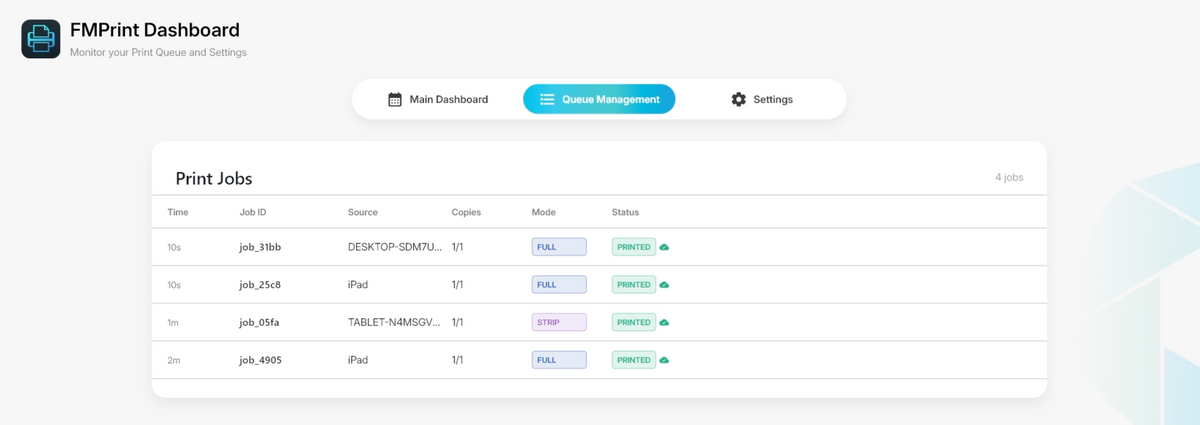
You always know what is printing, what is waiting, and what needs attention.
🚀 Get Started for FREE
FMPrint will be released tomorrow to all Foto Master customers.
Getting started takes only a few minutes:
1. Create an FMPrint license in Foto Master Cloud.
2. Install FMPrint on a laptop connected to your printer.
3. Enable the printer in your event settings.
❓ Do I need a new laptop if I have a Windows booth?
No. You can run FMPrint on your existing booth computer.
A separate laptop is only needed for iPad setups or if you want a dedicated print station.
❓ Do I still need an internet connection?
Yes. Both the booth and the print station need a stable internet connection to sync to the Cloud. However, they don't have to be on the same network.
❓ What if the internet slows down or disconnects?
Print jobs stay safe in the Cloud queue and print as soon as the connection is back.
❓ Do I need multiple printers if I run multiple booths?
No. Multiple booths can connect to the same printer.
A Simpler Way to Print
FMPrint removes the extra hardware and network setups that made iPad printing difficult.
By moving printing to the Cloud, booths and printers no longer need to be connected to the same network.
The result is a more reliable setup and greater flexibility for events.
FMPrint is available now for FMX for iPad and FMX for Windows.
Try it at your next event! 🖨️💫