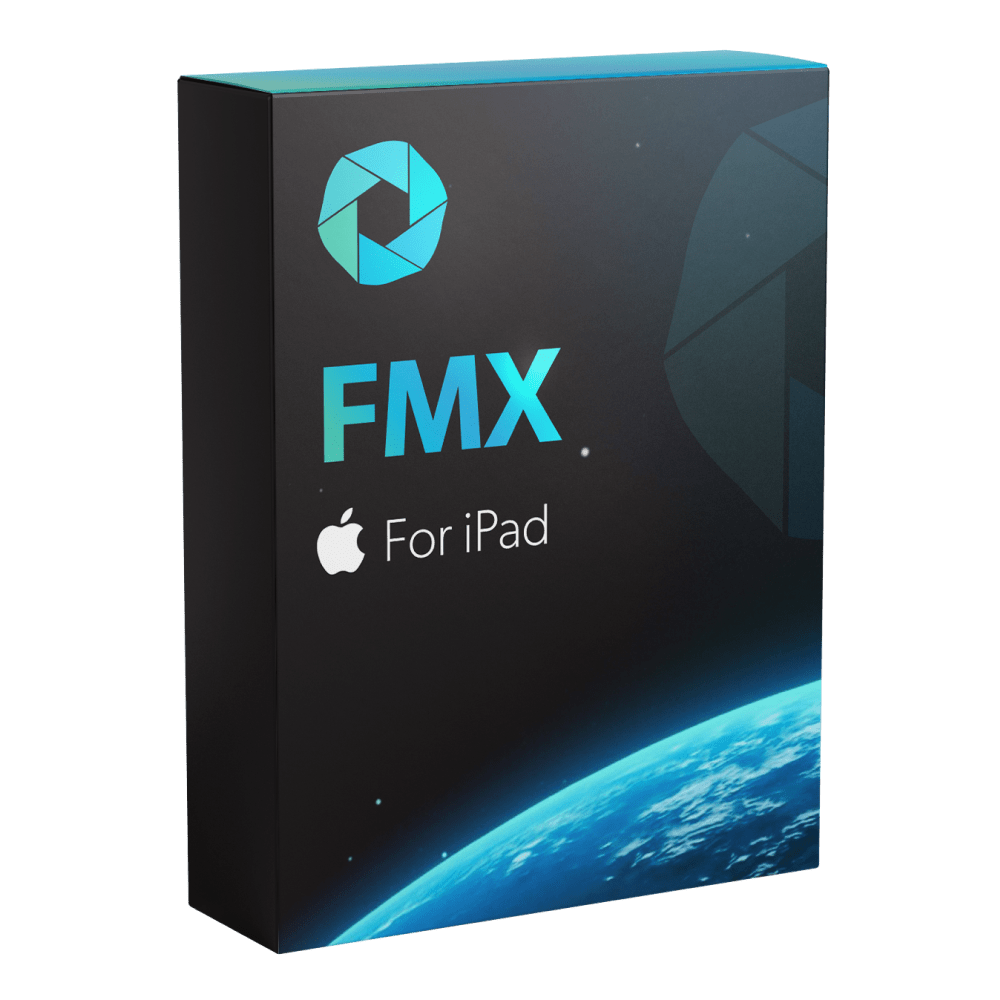
DSLR Support Has Arrived in FMX for iPad
For years, operators had to make a choice.
If they wanted the simplicity and portability of FMX for iPad, they used the iPad camera.
If they wanted DSLR-quality photos, they needed a Windows computer running FMX for Windows.
That meant more equipment, more cables, and a larger setup.
Starting today, you no longer need a Windows PC to run DSLR-quality photo booth experiences.
FMX for iPad now supports compatible Canon cameras, allowing operators to combine professional image quality with the simplicity of an iPad-based workflow.

✨ Why This Matters for Your Business
FMX for iPad has become a favorite for operators who want a lightweight, reliable setup.
It’s quick to deploy, easy to transport, and works beautifully with Foto Master Cloud.
But there were situations where operators wanted more control over image quality.
Corporate events. Luxury weddings. Brand activations.
These are the types of events where DSLR cameras are often preferred for their image quality, lens options, and low-light performance.
Until now, accessing those benefits meant switching to FMX for Windows.
Now you can keep the simplicity of FMX for iPad while capturing with a DSLR.
Already own a compatible Canon camera?
You now have a professional DSLR photo booth setup at zero additional software cost. Simply connect your camera and continue working with the FMX for iPad workflow you already know.
Offering DSLR experiences for the first time?
You no longer need to invest in a dedicated Windows booth computer. Your iPad can now become the center of a professional DSLR-based photo booth experience.
Already running an iPad + DSLR setup on another platform?
You can now switch to FMX for iPad without changing a single piece of hardware. Keep
your current setup, and gain access to Foto Master Cloud, AI experiences, and the full FMX feature set.
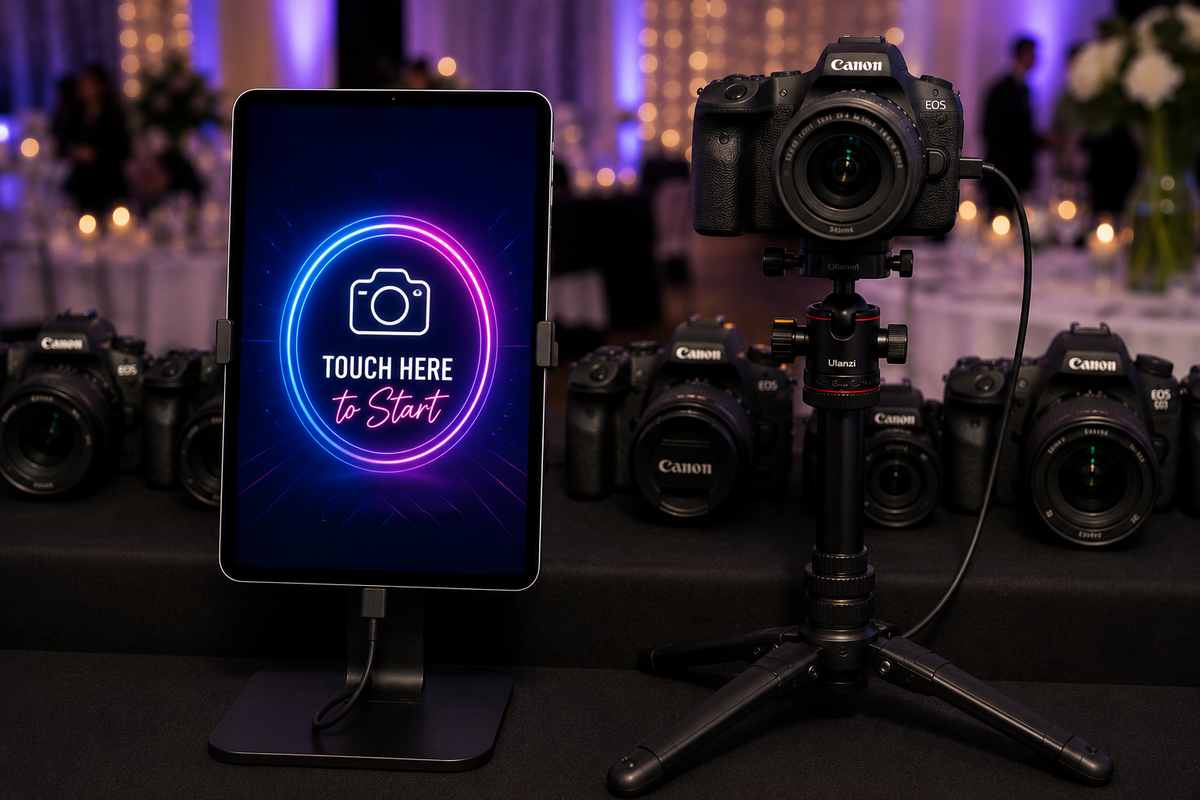
⚙️ Keep the Workflow You Already Know
Nothing changes about the way you work.
You still use FMX for iPad.
You still build experiences in Foto Master Cloud.
You still Select → Sync → Play.
The only difference is what sits behind the lens.
📷 Connect Your Camera and Start Shooting
Once connected, FMX for iPad detects the camera and lets you use it as the capture source for your event.
You can even control important camera settings directly from inside the app, including:
✔️ ISO
✔️ Shutter Speed
✔️ Aperture
✔️ White Balance
A built-in Live View preview makes setup even easier, allowing you to adjust your shot before guests step in front of the camera.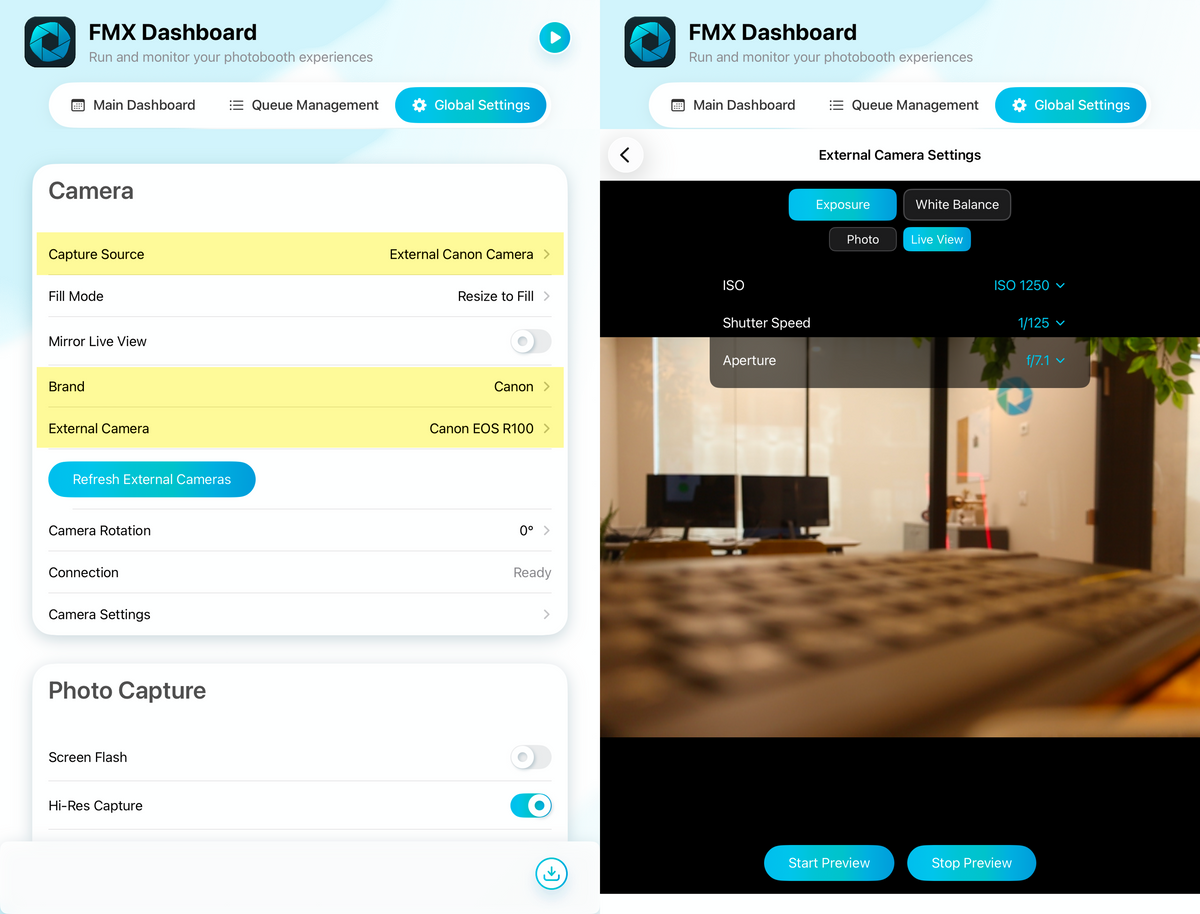
We’re continuing to expand compatibility and add support for additional camera models in future updates.
🚀 Available Today
Simply update to the latest version and connect a supported Canon camera to get started.
More flexibility. Better image quality. The same FMX for iPad experience you already know.