Introducing The New Foto Master Knowledge Base
We're excited to introduce the all-new Foto Master Knowledge Base: a fully redesigned hub with everything you need to get the most out of your Foto Master setup, all in one place.
From onboarding to advanced configuration, from troubleshooting mid-event to exploring features you've never tried, it's all there, organized by product and easy to find.
Cloud, software, hardware, AI features, and more. If it's Foto Master, it's covered. One search away, any time.
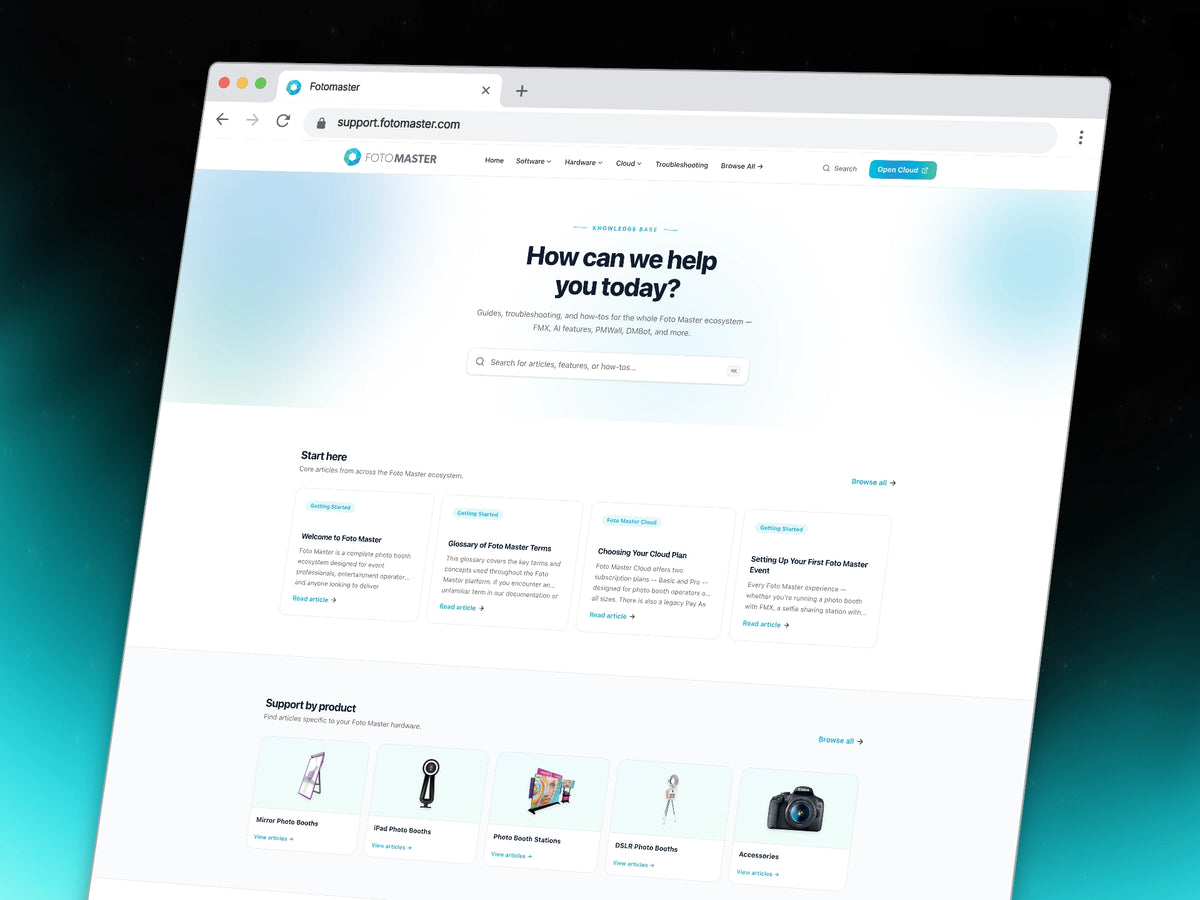
🎯 Everything you need, organized in one place
Whether you're setting up a booth for the first time, tracking down a print error mid-event, or just trying to figure out how a feature works, the Knowledge base got you covered.
Find content across:
- Step-by-step setup and onboarding guides for your booth
- Full software documentation for FMX and other Software
- Cloud & AI features tutorials
- Troubleshooting articles for the most common issues
- Account, licensing, and billing help
Each category has its own dedicated section, with articles organized by topic so you always land in the right place.
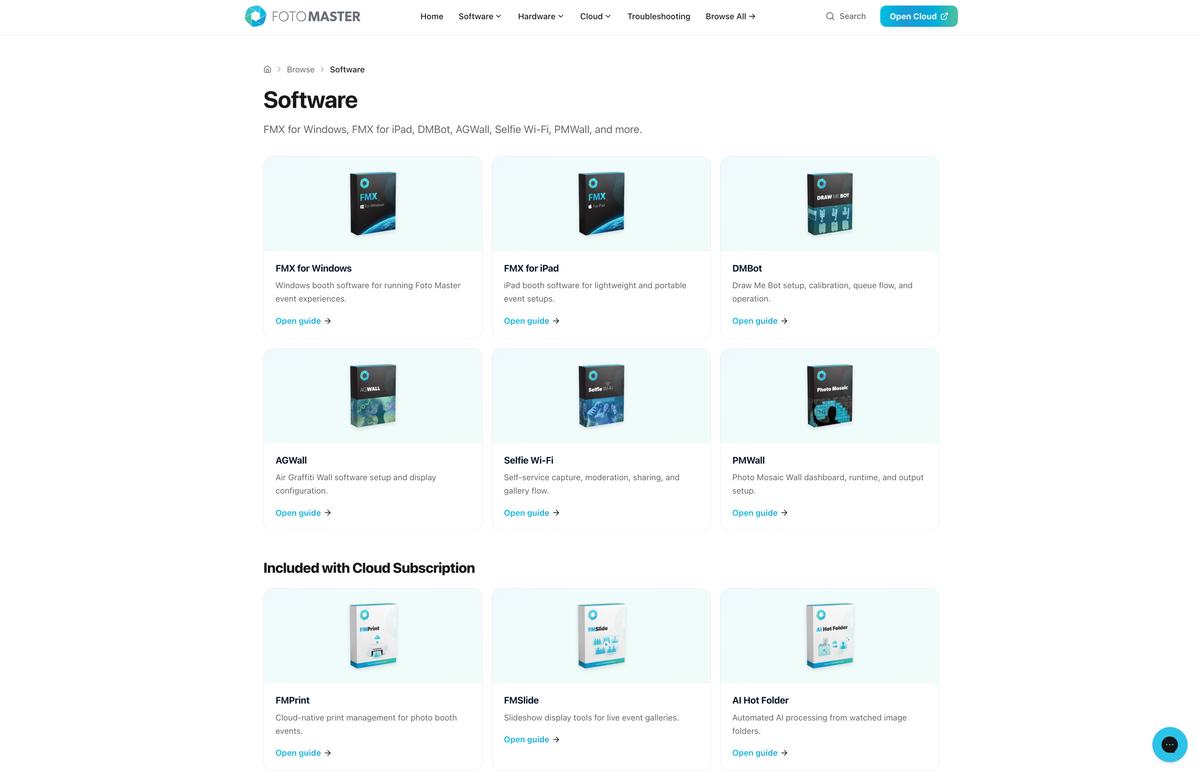
🔍 Find answers fast
Search any keyword, a symptom, or just a topic, and you'll get relevant articles instantly.
You can also browse by product or software if you want to explore everything related to a specific piece of hardware or software - great for getting familiar with a new setup or walking through onboarding.
The Troubleshooting & FAQ section is a good starting point if something's gone wrong. It surfaces the most common issues with direct links to the fix.

✨ A Cleaner, Faster Experience
Beyond the content itself, we focused heavily on usability.
The new KB is faster, cleaner, mobile-friendly, and easier to navigate across the entire site.
Product hubs, guided onboarding flows, categorized troubleshooting, and integrated search all work together to reduce friction and help you find what you need faster.

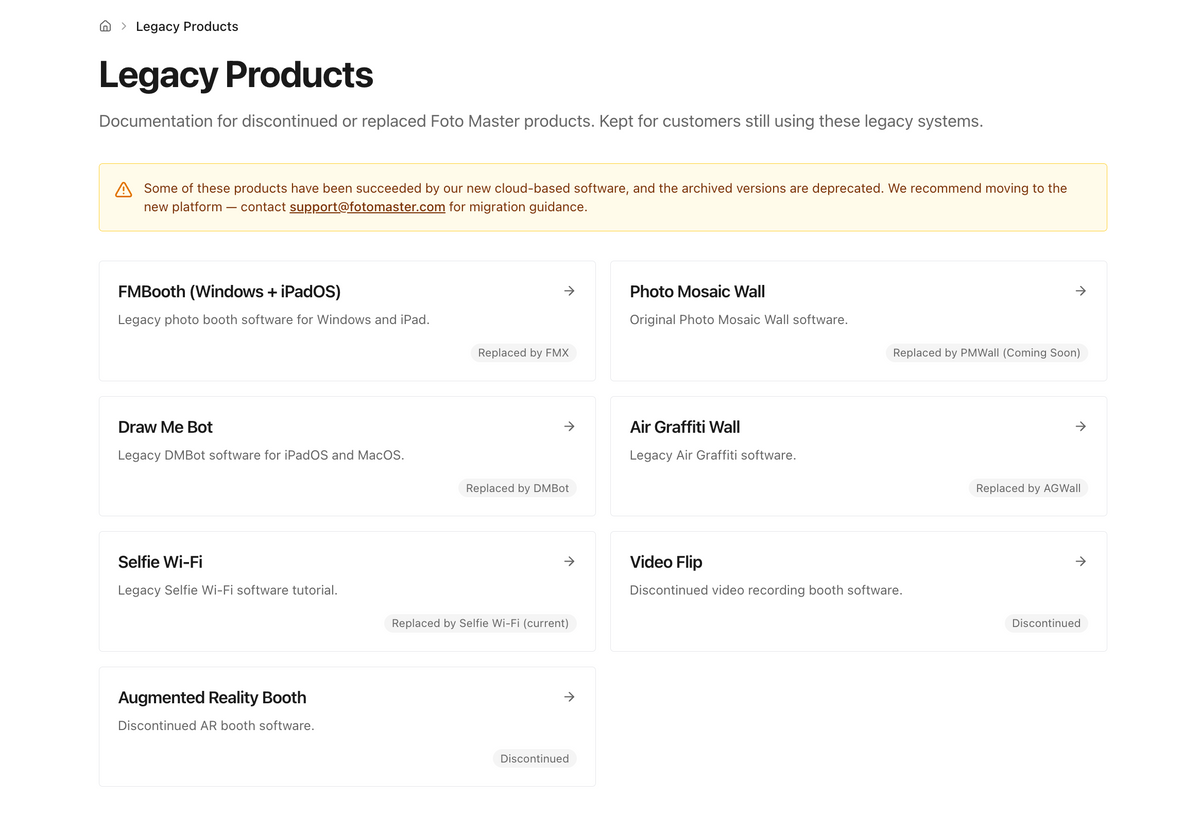
🗂️ Archived & Legacy Documentation
Still running an older version or a discontinued product?
We created a dedicated Archived section so long-time Foto Master owners can still access previous documentation, setup guides, troubleshooting articles, and legacy resources whenever they need them.
Even if a product or software version is no longer current, the information remains available and organized in one place.
📈 Growing Every Day
This is only the beginning.
We're continuously adding new tutorials, troubleshooting articles, FMX documentation, AI workflow guides, onboarding walkthroughs, and feature updates across the Foto Master ecosystem.
The goal is simple: help Foto Master users spend less time searching, and more time running great events.
🖥️ Ready to Explore?
The new Foto Master Knowledge Base is now live.
Everything you need is one search away:
Visit the new Knowledge Base →
Still need help? Our 24/7 support team is available via live chat on every page, any time.